nw-staging
 Monin Modi
this is the requirement doc I'll extract the actual colors from your screenshot rather than guessing.Here's the full color palette extracted directly from your screenshot's pixels — ready to copy into a prompt for an AI design tool: Backgrounds Color Hex Use Sage green #EAF0E2 Header/top background White #FFFFFF Card backgrounds Cream/peach #FCEFDE "Start Journaling" card Light blue #EFF8FB "New Habit Suggestions" card, mascot tab bg Light gray #D5D5D5 Progress bar track (unfilled) Primary Accent (Orange) Color Hex Use Primary orange #F0983C CTA links, arrows, active nav, underline Orange (icons) #EC6F31 Flame/streak icon Deep orange #E64925 Badge icon edge Light orange #EF9252 Secondary CTA buttons Status / Other Accents Color Hex Use Success green #5AC539 Progress bar fill Teal #75B9C5 Card bottom border accent Gold #ECA554 NP (points) coin icon Gradient text (used on "New Habit Suggestions Available") Start: #3F68CE → End: #4798B3 Badge icon (Total Badges) Dark maroon: #963F18 Gold star: #F6C744 Text Color Hex Use Primary text #17191D Headlines, numbers Secondary text #4B4B4B Labels, body copy Mascot (brain character) Pink body: #F2AABD Red-orange glasses: #CA5840 Just paste this whole block into your AI design prompt — it'll have everything it needs to match the app's look. use this color pallets fro design

Comments (0)
Sign in to leave a comment
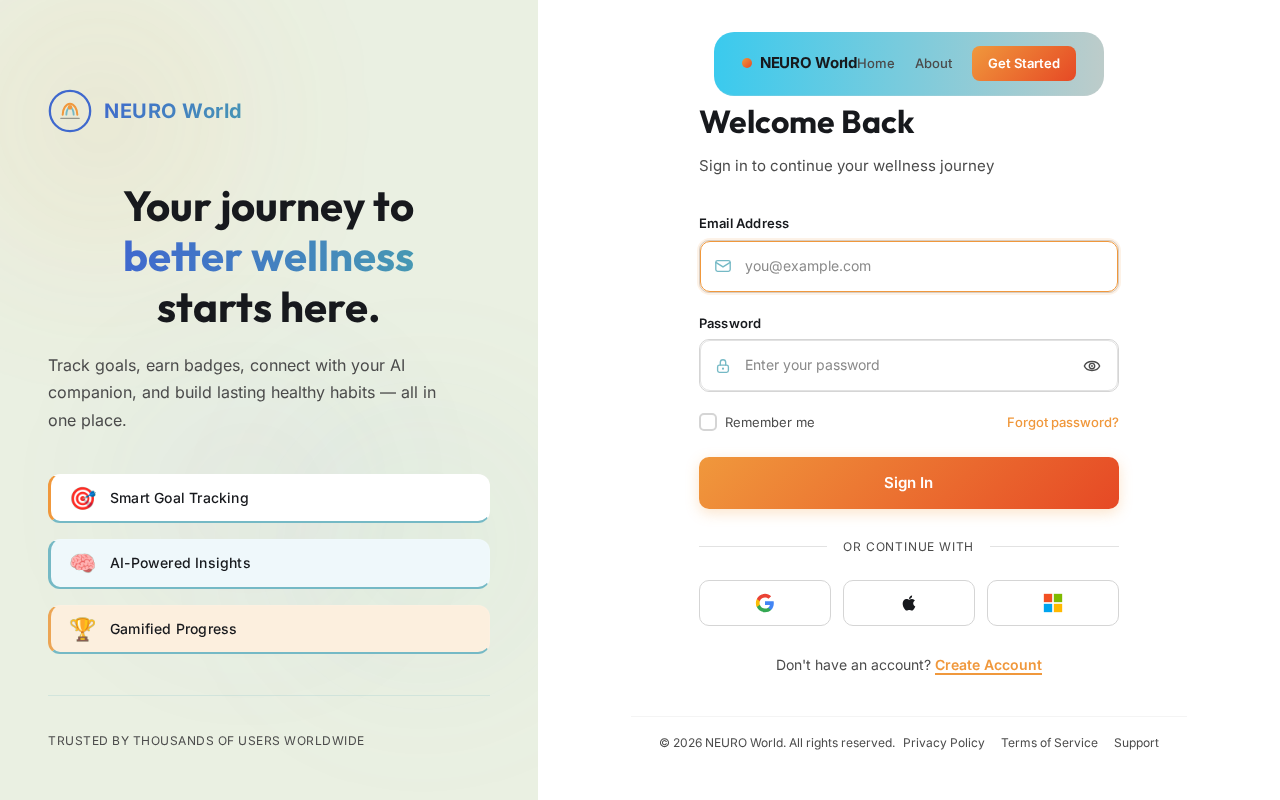
Your journey to
better wellness
starts here.
Track goals, earn badges, connect with your AI companion, and build lasting healthy habits — all in one place.
Welcome Back
Sign in to continue your wellness journey
Don't have an account? Create Account
No comments yet. Be the first!