wild-studies
by Hassen Morad
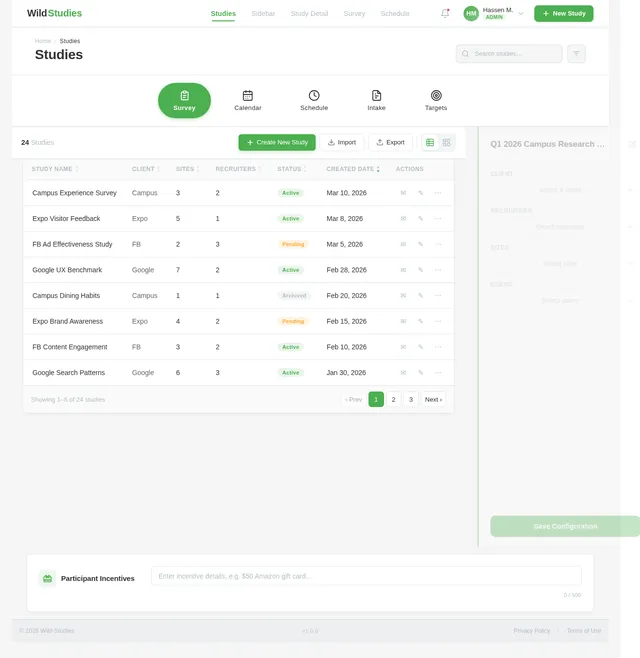
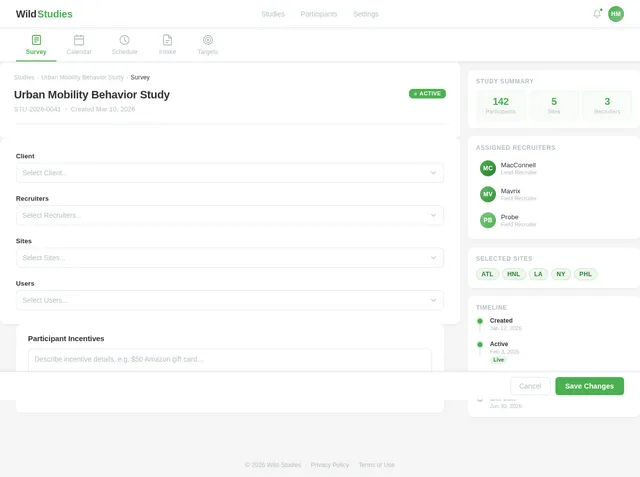
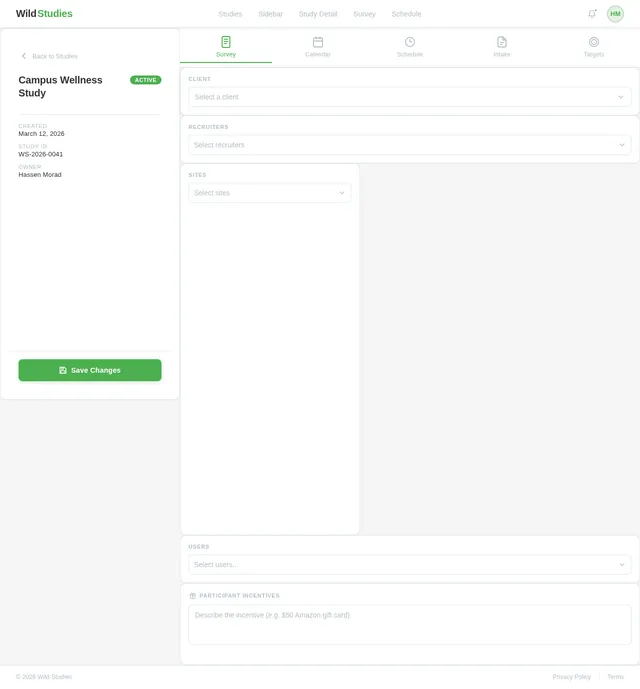
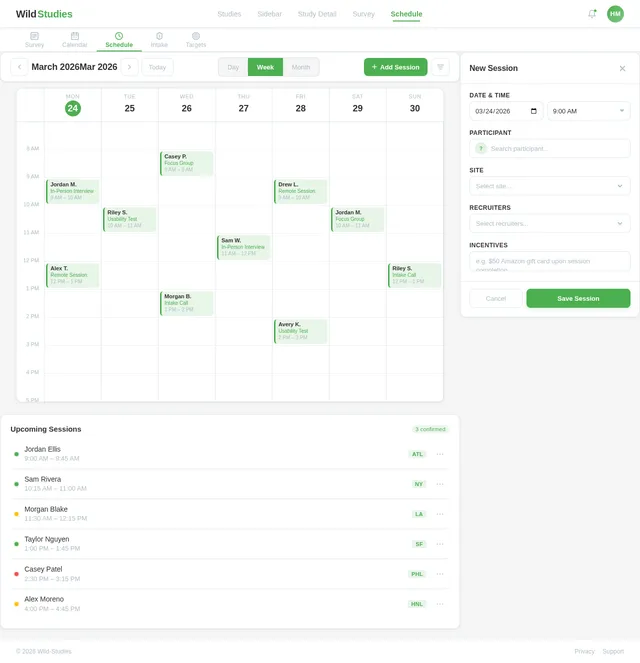
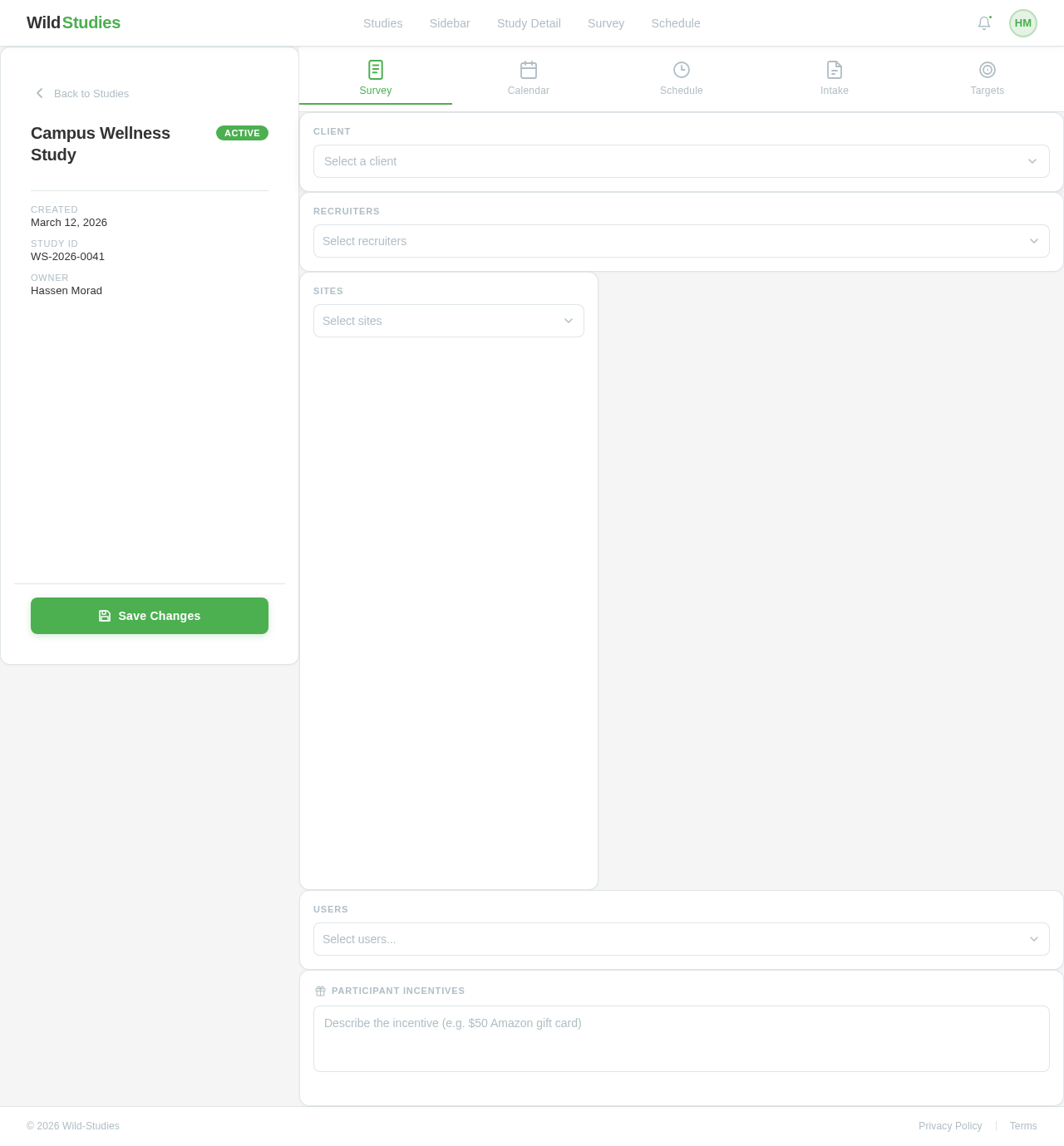
Hassen MoradHere's a screenshot of the Studies page in my web app. It lists 4 studies with start and end dates and has a sidebar/drawer open, which displays dropdown options when the user clicks the + icon to create a new study. I want you to create a new screen with the same minimalist styling that displays screen elements when a user selects a specific existing study from this page. The top of the page should contain a horizontal menu with appropriate icons for: Survey, Calendar, Schedule, Intake, Targets. The main content of the page should be minimalist selection options for: Client, Recruiters, Sites, Users. Also add an area to specify participant incentive(s).
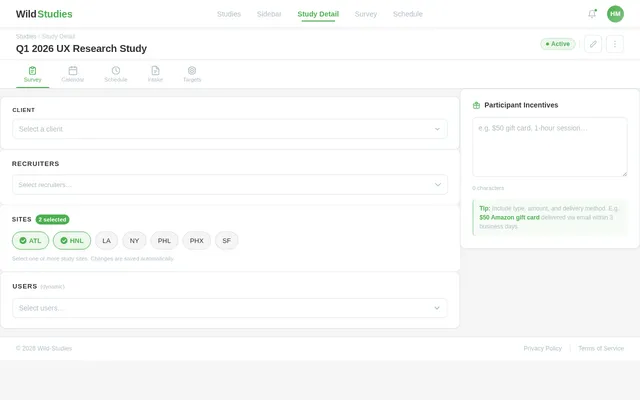
Studies
Comments (0)
Sign in to leave a comment
HM
Back to Studies
Campus Wellness Study
ActiveSelect a client
Select Client
Campus
Expo
FB
Google
Select recruiters
Sites
Select sites
Select Sites
ATL
HNL
LA
NY
PHL
PHX
SF
Users
Select users...
Participant Incentives
✓Saved
No comments yet. Be the first!