video-generation-ai
 satya v
You are a senior Full-Stack Engineer, AI Engineer, and Motion Designer. Build a production-ready web application using: - Next.js 15 - TypeScript - TailwindCSS - Remotion - OpenAI API (or equivalent LLM) - Unsplash/Pexels APIs (for stock visuals) - ElevenLabs/Google TTS (for narration) - FFmpeg - Shadcn UI APPLICATION GOAL Create an AI-powered video generation platform that generates engaging 30-40 second videos from user-provided text. WORKFLOW 1. User enters: - Topic or text prompt - Video style - Language - Voice type - Video format (9:16, 16:9, 1:1) 2. AI analyses the input and creates: - Video title - Story script - Scene breakdown - Voiceover script - Captions - Visual prompts 3. Split content into 6-10 scenes. 4. For each scene: - Generate image prompts - Fetch relevant stock images/videos - Create motion effects - Generate captions 5. Generate narration using TTS. 6. Using Remotion: - Create cinematic animations - Zoom effects - Pan effects - Ken Burns effect - Text animations - Scene transitions - Background music 7. Export final MP4 video. VIDEO REQUIREMENTS Duration: - 30-40 seconds Structure: - Hook (0-5 sec) - Main Content (5-30 sec) - Summary/CTA (30-40 sec) Each scene should contain: { id, duration, narration, caption, visualPrompt, transition, image/videoAsset } REMOTION REQUIREMENTS Create: 1. VideoComposition.tsx 2. SceneRenderer.tsx 3. CaptionRenderer.tsx 4. TransitionManager.tsx 5. ImageAnimator.tsx 6. AudioManager.tsx 7. RenderService.ts Use: - AbsoluteFill - Sequence - spring() - interpolate() - Audio - Img - Video - useCurrentFrame() - useVideoConfig() ANIMATION STYLES - Modern social media style - Instagram Reel style - TikTok style - Dynamic subtitles - Smooth transitions - Attention-grabbing opening CAPTIONS Generate: - Word-level captions - Highlight active words - Auto line breaks - Subtitle synchronization API DESIGN POST /api/generate-video Request: { "prompt": "Benefits of drinking water" } Response: { "title": "...", "script": "...", "scenes": [...], "audioUrl": "...", "videoUrl": "...", "duration": 35 } DATABASE Store: - Projects - Scripts - Generated assets - Render history - User settings PERFORMANCE - Queue-based rendering - Progress tracking - Error handling - Asset caching - Parallel asset downloads UI PAGES 1. Dashboard 2. Create Video 3. Projects 4. Render History 5. Settings CREATE COMPLETE SOURCE CODE INCLUDING: - Folder structure - Components - API routes - Remotion compositions - Database schema - Type definitions - Environment variables - FFmpeg integration - Docker setup - Deployment guide Output clean, scalable, production-ready code following modern software architecture principles. The platform should specialise in creating viral social-media videos for: - Sports - Cricket - Football - Tennis - NBA - Current Events - Finance - Motivation - Technology AI should automatically: 1. Research the topic. 2. Generate an engaging hook. 3. Create a 30-40 second storytelling script. 4. Select matching visuals. 5. Add dynamic subtitles. 6. Add background music. 7. Generate a vertical 1080x1920 video. 8. Optimise for Instagram Reels, YouTube Shorts and TikTok. Video quality should look similar to: - MagnatesMedia - Goalcast - ESPN social clips - Modern AI short-form content creators.


Comments (0)
Sign in to leave a comment
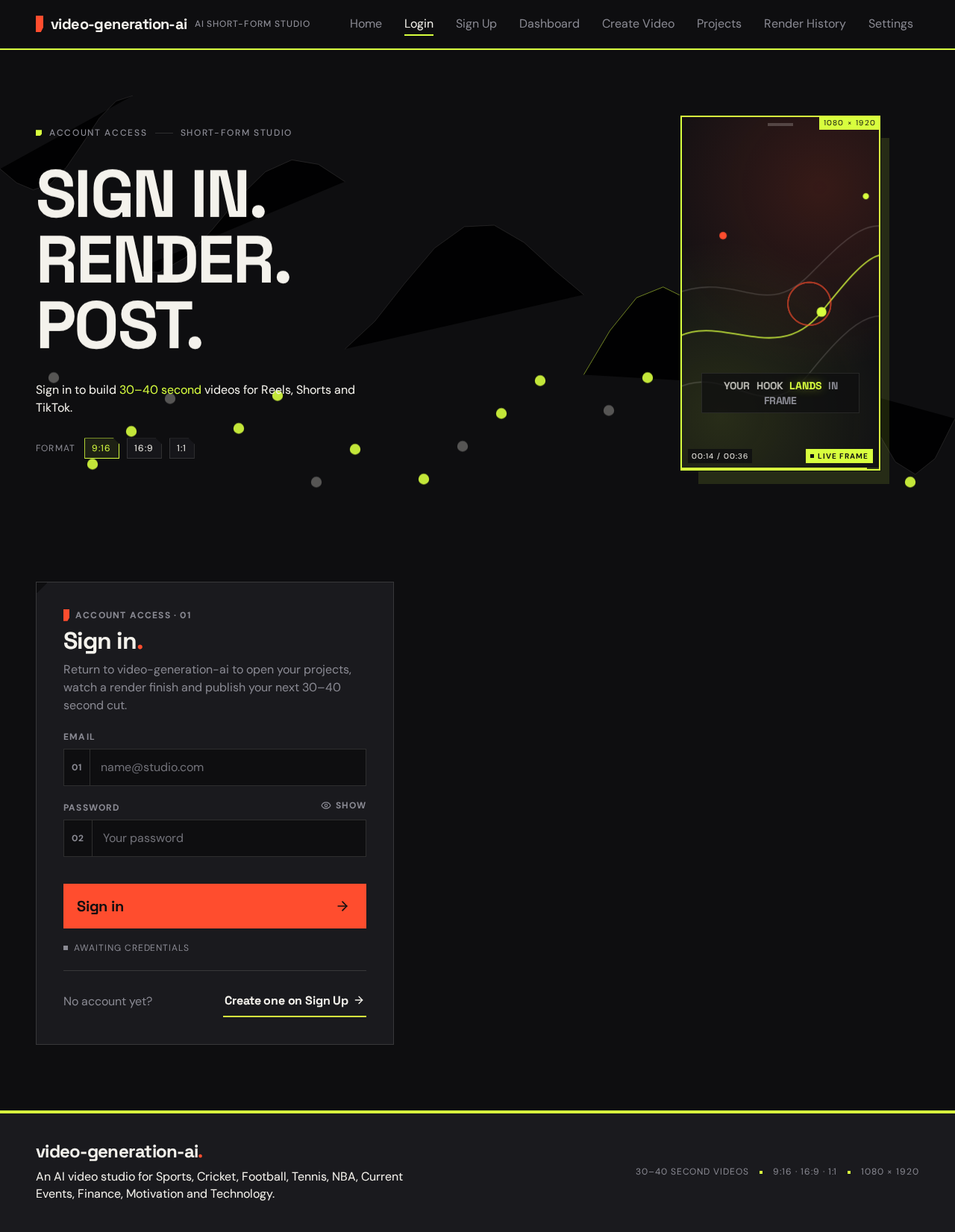
Account accessShort-form studio
SIGN IN.RENDER.POST.
Sign in to build 30–40 second videos for Reels, Shorts and TikTok.
Format9:1616:91:1
Account access · 01
Sign in.
Return to video-generation-ai to open your projects, watch a render finish and publish your next 30–40 second cut.
Awaiting credentials
No account yet?Create one on Sign Up
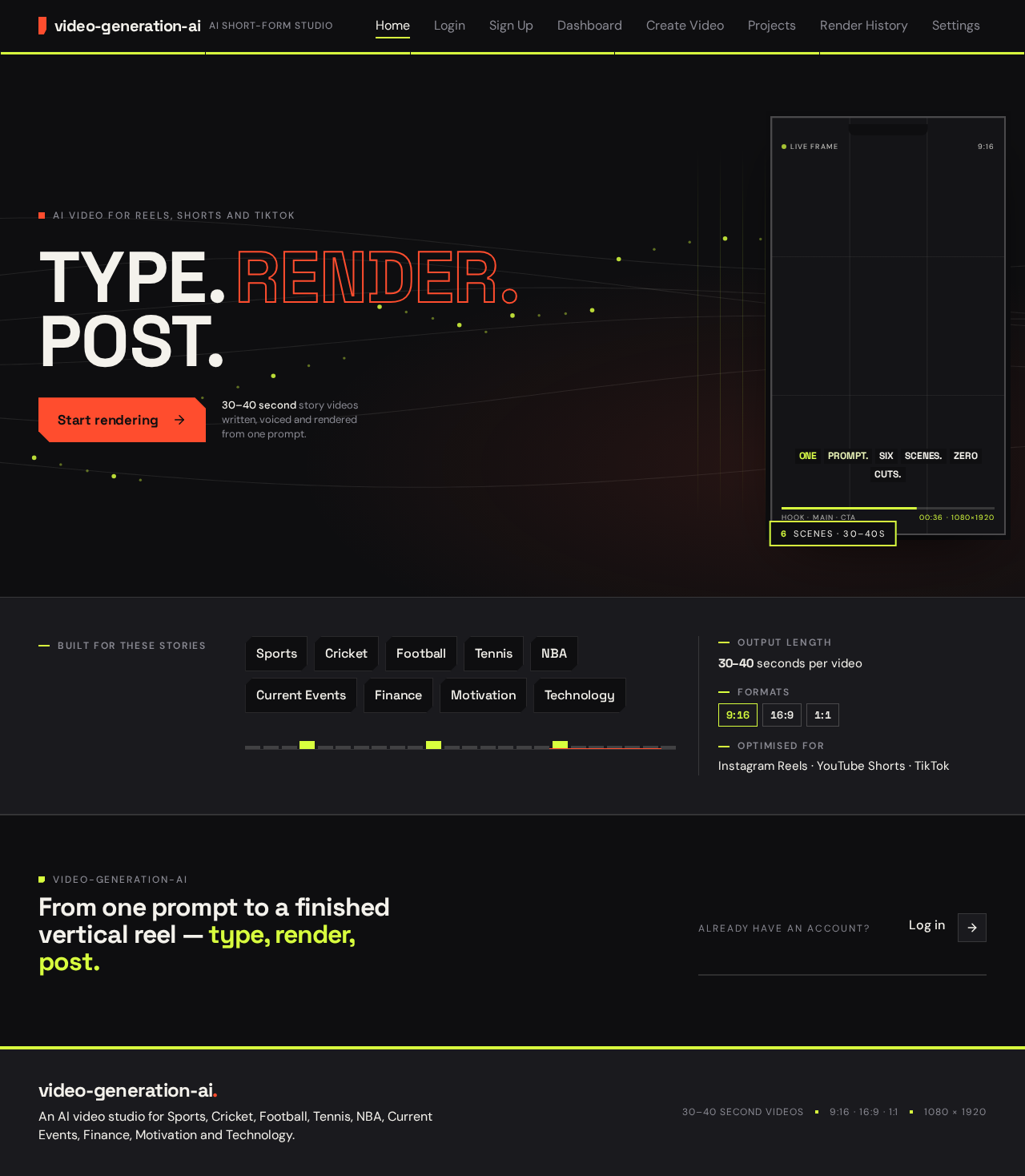
AI video for Reels, Shorts and TikTok
30–40 second story videos written, voiced and rendered from one prompt.
Built for these stories
From one prompt to a finished vertical reel — type, render, post.
No comments yet. Be the first!