video-generation-ai
 satya v
You are a senior Full-Stack Engineer, AI Engineer, and Motion Designer. Build a production-ready web application using: - Next.js 15 - TypeScript - TailwindCSS - Remotion - OpenAI API (or equivalent LLM) - Unsplash/Pexels APIs (for stock visuals) - ElevenLabs/Google TTS (for narration) - FFmpeg - Shadcn UI APPLICATION GOAL Create an AI-powered video generation platform that generates engaging 30-40 second videos from user-provided text. WORKFLOW 1. User enters: - Topic or text prompt - Video style - Language - Voice type - Video format (9:16, 16:9, 1:1) 2. AI analyses the input and creates: - Video title - Story script - Scene breakdown - Voiceover script - Captions - Visual prompts 3. Split content into 6-10 scenes. 4. For each scene: - Generate image prompts - Fetch relevant stock images/videos - Create motion effects - Generate captions 5. Generate narration using TTS. 6. Using Remotion: - Create cinematic animations - Zoom effects - Pan effects - Ken Burns effect - Text animations - Scene transitions - Background music 7. Export final MP4 video. VIDEO REQUIREMENTS Duration: - 30-40 seconds Structure: - Hook (0-5 sec) - Main Content (5-30 sec) - Summary/CTA (30-40 sec) Each scene should contain: { id, duration, narration, caption, visualPrompt, transition, image/videoAsset } REMOTION REQUIREMENTS Create: 1. VideoComposition.tsx 2. SceneRenderer.tsx 3. CaptionRenderer.tsx 4. TransitionManager.tsx 5. ImageAnimator.tsx 6. AudioManager.tsx 7. RenderService.ts Use: - AbsoluteFill - Sequence - spring() - interpolate() - Audio - Img - Video - useCurrentFrame() - useVideoConfig() ANIMATION STYLES - Modern social media style - Instagram Reel style - TikTok style - Dynamic subtitles - Smooth transitions - Attention-grabbing opening CAPTIONS Generate: - Word-level captions - Highlight active words - Auto line breaks - Subtitle synchronization API DESIGN POST /api/generate-video Request: { "prompt": "Benefits of drinking water" } Response: { "title": "...", "script": "...", "scenes": [...], "audioUrl": "...", "videoUrl": "...", "duration": 35 } DATABASE Store: - Projects - Scripts - Generated assets - Render history - User settings PERFORMANCE - Queue-based rendering - Progress tracking - Error handling - Asset caching - Parallel asset downloads UI PAGES 1. Dashboard 2. Create Video 3. Projects 4. Render History 5. Settings CREATE COMPLETE SOURCE CODE INCLUDING: - Folder structure - Components - API routes - Remotion compositions - Database schema - Type definitions - Environment variables - FFmpeg integration - Docker setup - Deployment guide Output clean, scalable, production-ready code following modern software architecture principles. The platform should specialise in creating viral social-media videos for: - Sports - Cricket - Football - Tennis - NBA - Current Events - Finance - Motivation - Technology AI should automatically: 1. Research the topic. 2. Generate an engaging hook. 3. Create a 30-40 second storytelling script. 4. Select matching visuals. 5. Add dynamic subtitles. 6. Add background music. 7. Generate a vertical 1080x1920 video. 8. Optimise for Instagram Reels, YouTube Shorts and TikTok. Video quality should look similar to: - MagnatesMedia - Goalcast - ESPN social clips - Modern AI short-form content creators.


Comments (0)
Sign in to leave a comment
Architecture
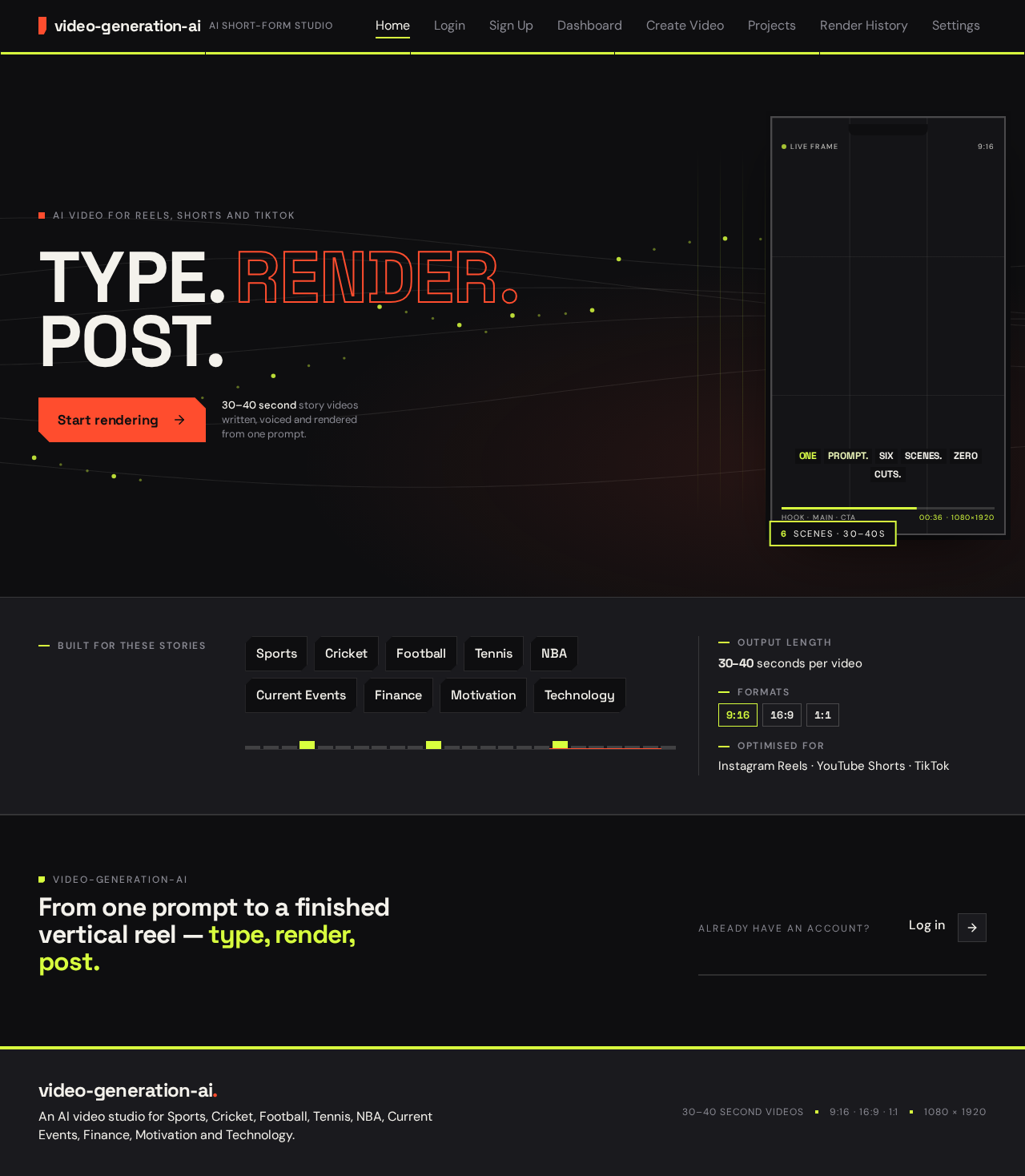
AI video for Reels, Shorts and TikTok
30–40 second story videos written, voiced and rendered from one prompt.
Built for these stories
From one prompt to a finished vertical reel — type, render, post.
AI video for Reels, Shorts and TikTok
30–40 second story videos written, voiced and rendered from one prompt.
Built for these stories
From one prompt to a finished vertical reel — type, render, post.
No comments yet. Be the first!