todo-application
by Diya Trivedi
Diya Trivedicreate a simple single page project of the todo application

Comments (0)
Sign in to leave a comment
Architecture
No Services Diagrams Yet
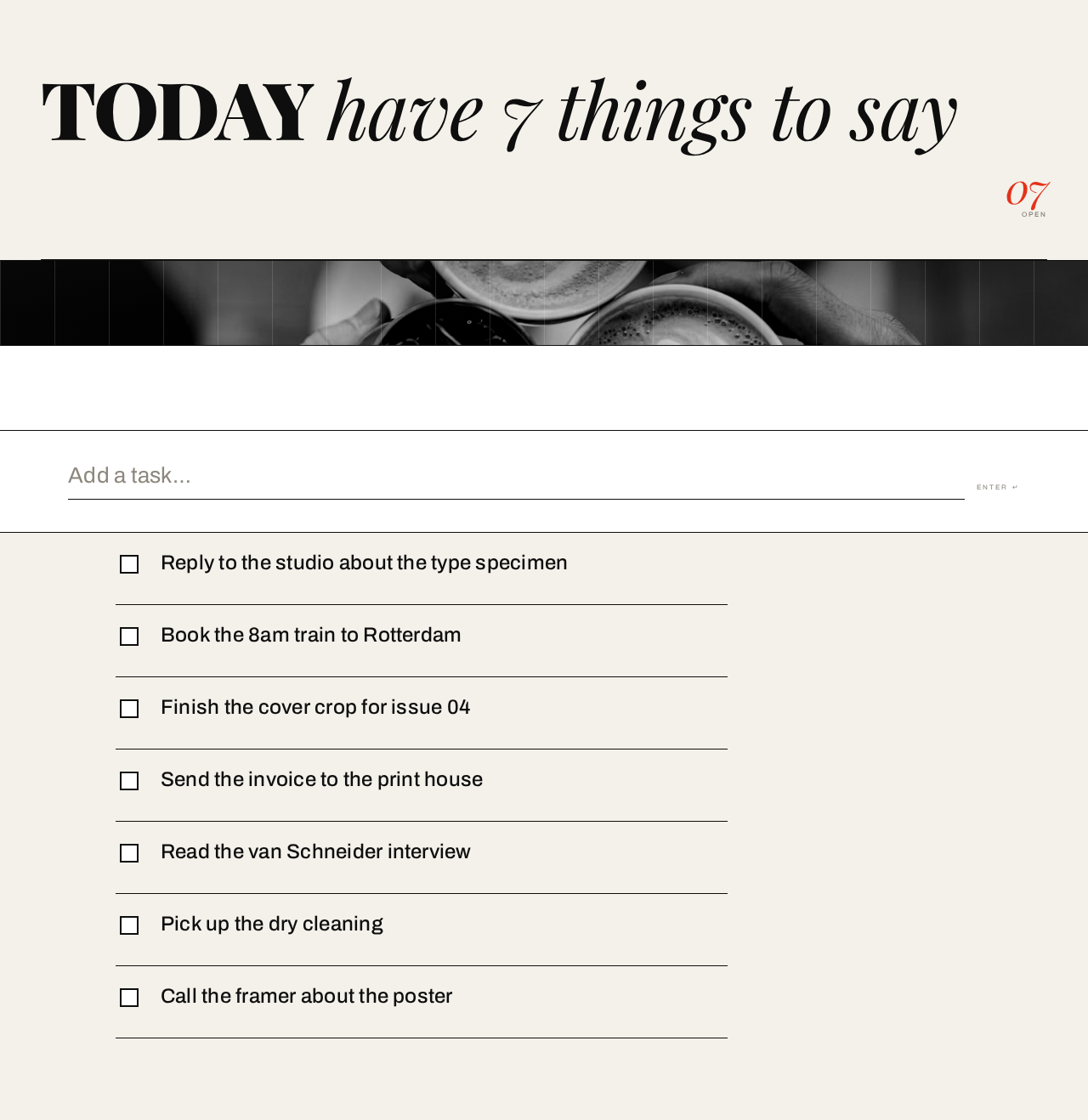
7 open tasks on your list.

- Reply to the studio about the type specimen
- Book the 8am train to Rotterdam
- Finish the cover crop for issue 04
- Send the invoice to the print house
- Read the van Schneider interview
- Pick up the dry cleaning
- Call the framer about the poster
7 open tasks on your list.
- Reply to the studio about the type specimen
- Book the 8am train to Rotterdam
- Finish the cover crop for issue 04
- Send the invoice to the print house
- Read the van Schneider interview
- Pick up the dry cleaning
- Call the framer about the poster
No comments yet. Be the first!