spensense
 Deepak Rai
Build a mobile app: I want to build an expense tracker app named as SpenSense this app will track my daily expenses on what i am spending like groceries travelling week ends trip and electricity and furniture and all the other things and also i want to keep a category of savings i will set a budget for savings so that amounnt i ll not be spending until its an emergency and i need the app to be well looked the complete theme should be green and white the first look of the screen should have the name of my app and the logo and down there will be proceed to login button or bar then the login user interface then its upto u

Comments (0)
Sign in to leave a comment
System Requirements
System Requirements Document for spensense
1. Introduction
SpenSense is a mobile expense-tracker app for a single everyday user who wants to see, plainly and daily, what they are spending money on. It records daily expenses across the spending kinds the user named — groceries, travelling, weekend trips, electricity, furniture, and other things — and it holds one separate category of savings, where the user sets a budget for savings that is not to be spent unless it is an emergency.
The product is deliberately warm and legible rather than a cold banking dashboard: the entire theme is green and white, and the first thing the user sees is the SpenSense name and logo with a proceed to login button or bar directly beneath, followed by the login user interface. Everything after that entry is shaped by the accepted expense-tracking and savings-protection behavior described in this document.
The audience is exactly one active human role, Expense Tracker (SpenSense user), who both records spending and guards the reserved savings amount. The product intent is a calm daily money-awareness habit: log what was spent, keep the reserved savings visibly untouchable, and treat an emergency as the only reason that reserve moves.
The user explicitly left the remaining screens and structure to the builder. That freedom is exercised in this document only as information architecture, component composition, and presentation over the accepted capabilities — never as new product capability.
2. System Overview
SpenSense is a mobile app released as a first-party custom UI owned by the application, with an application-owned identity and its own backend integration for durable expense and savings records.
Current delivery (all current horizon):
- An anonymous first impression (Landing) that shows the SpenSense name and logo with a proceed-to-login button or bar.
- A login user interface (Login) that the user reaches from that bar, and that handles both first-use self-service enrollment and returning verification.
- A post-login home (Dashboard) that surfaces the day's spending and the protected savings reserve and routes into the working destinations.
- A browse owner for recorded daily expenses and their categories (Expenses).
- A focused create owner for recording a daily expense (Add Expense).
- An owner for setting the savings budget and viewing how much of it remains protected (Savings).
- A green-and-white visual world applied across every screen.
Actors:
- Expense Tracker (SpenSense user) — the single active human persona; initiates every accepted capability, records expenses, sets the savings budget, and is the only materially affected participant.
No other human participants, counterparties, or beneficiaries exist in the accepted scope. No provider-owned or external-destination surface is accepted for any current capability.
Narrow exclusions carried from the accepted source and scope:
- No per-category budgets other than the savings budget (no grocery, travel, electricity, or furniture budget caps).
- No editing or deletion of already-recorded expenses.
- No password-reset/account-recovery subsystem.
- No multi-currency handling, no shared or household accounts, no recurring or scheduled expenses, no exports or reports beyond what the six pages below show.
- No dark theme: the accepted theme is green and white.
2a. Product Interpretation and Delivery Boundary
SpenSense is delivered as a mobile app. All six surfaces are first-party custom pages owned by the application; nothing in the accepted requirement thread hands a capability to an external provider or an outbound-only destination.
Access ownership. The user's expenses and the reserved savings amount are durable, private, personal records that must stay bound to the correct person across sessions. That makes an application-owned identity indispensable, and it is treated as required_inference. The consequence is a clean two-step front door:
- Landing and Login are reachable anonymously — no session required. A protected destination never owns the interaction that establishes access to itself, so the first-use enrollment and returning-verification work lives on the anonymous-reachable Login page, and Landing owns the anonymous first impression.
- Dashboard, Expenses, Add Expense, and Savings are protected: their daily spending state, recorded-expense history, and protected savings amount remain unavailable until identity is established.
- Identity here establishes continuity and ownership only. It does not create roles, permissions, tiers, or differentiated visibility over anyone else's data, because no shared product state or differentiated control is accepted anywhere in the source.
Current vs. future. Every capability in this document is current-horizon and accepted by the user's requirement thread. No future-horizon feature was requested, so no future section is asserted. The user's "then it's up to you" is a builder freedom over structure and appearance, not authority to add capabilities; this document therefore keeps the capability surface at exactly what the user asked for and spends that freedom on layout, rhythm, and motion.
There is no content_source reference for this project, so no Source Content Inventory is included.
2c. Page Content and Component Coverage
The page set below is the accepted page contract, in order and with the stated access: Landing (no session), Login (no session), Dashboard (session required), *
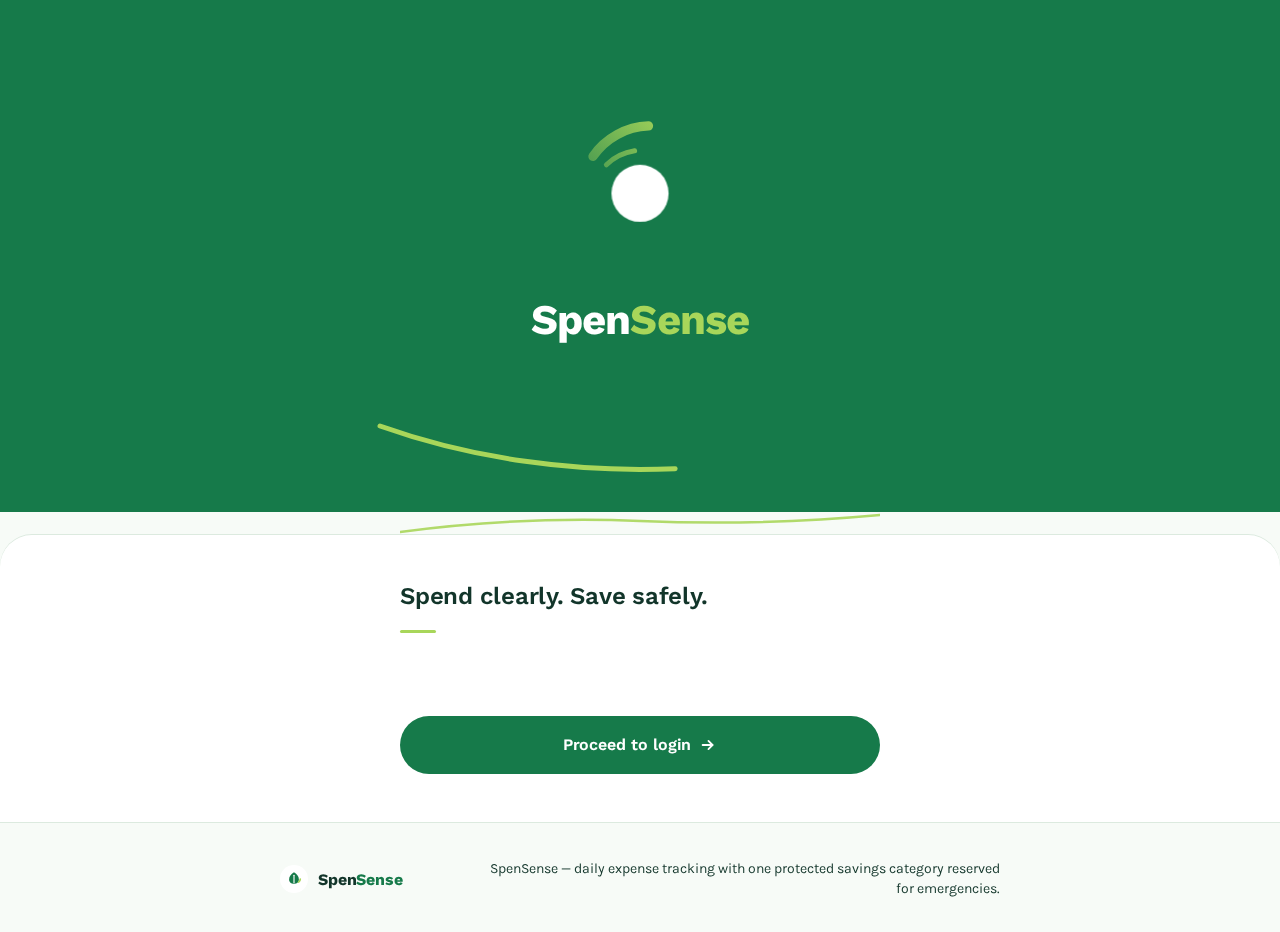
SpenSense
Spend clearly. Save safely.
SpenSense
Spend clearly. Save safely.
No comments yet. Be the first!