
spensense

byDeepak Rai

Build a mobile app: I want to build an expense tracker app named as SpenSense this app will track my daily expenses on what i am spending like groceries travelling week ends trip and electricity and furniture and all the other things and also i want to keep a category of savings i will set a budget for savings so that amounnt i ll not be spending until its an emergency and i need the app to be well looked the complete theme should be green and white the first look of the screen should have the name of my app and the logo and down there will be proceed to login button or bar then the login user interface then its upto u

Landing
Landing

Comments (0)

No comments yet. Be the first!

Architecture

No Services Diagrams Yet

Architecture diagrams will be automatically generated when the Project Manager creates tasks for your project.

Preview dataChanges stay in this preview.
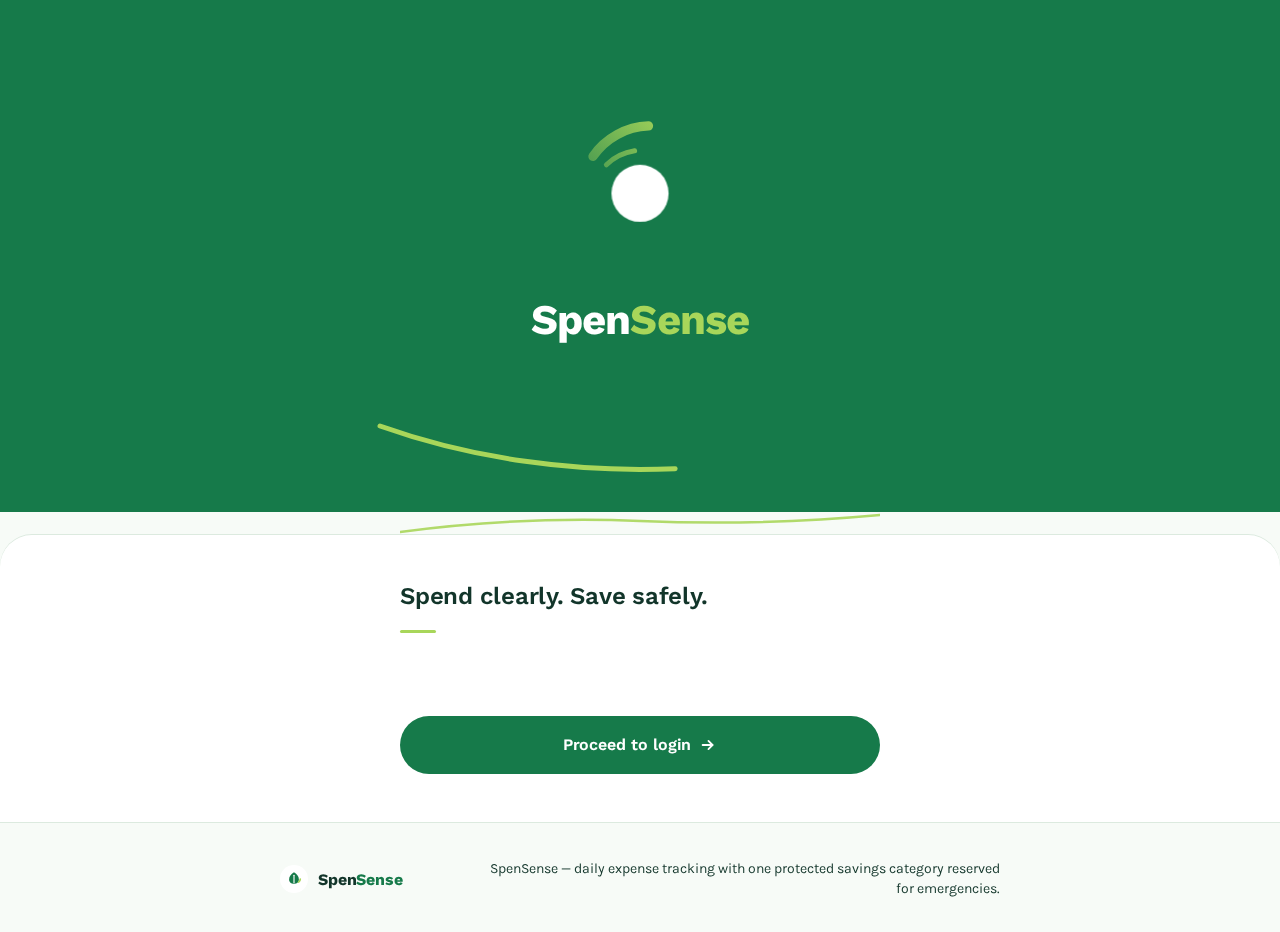
Landing design preview
Landing: View name and logo
Landing: Proceed to login
Login: Self-enroll for first use
Login: Return and verify identity
Dashboard: 1. View today's spending
Dashboard: 2. View protected savings reserve
Expenses: 3. Browse recorded expenses
Expenses: 4. Review spending by category
Add Expense: 5. Open expense-entry sheet
Add Expense: 6. Record amount and assign category
Add Expense: 7. Confirm expense recorded
Savings: 8. Set savings budget
Savings: 9. View protected reserve amount
Savings: 10. Hold reserve for emergency only
Savings: 11. Release reserve for emergency
Dashboard: 12. View updated totals
Preview dataChanges stay in this preview.
Landing design preview
Landing: View name and logo
Landing: Proceed to login
Login: Self-enroll for first use
Login: Return and verify identity
Dashboard: 1. View today's spending
Dashboard: 2. View protected savings reserve
Expenses: 3. Browse recorded expenses
Expenses: 4. Review spending by category
Add Expense: 5. Open expense-entry sheet
Add Expense: 6. Record amount and assign category
Add Expense: 7. Confirm expense recorded
Savings: 8. Set savings budget
Savings: 9. View protected reserve amount
Savings: 10. Hold reserve for emergency only
Savings: 11. Release reserve for emergency
Dashboard: 12. View updated totals