sky-inventory

bySarvesh kirodiwal

For managing inventory

LandingLoginSign Up
Landing

Comments (0)

No comments yet. Be the first!

Live
Sign Up design preview
Landing: Read product explanation
Sign Up: Start inventory
Sign Up: 1. Submit enrollment
Sign Up: 2. Correct invalid input
Inventory: View empty inventory state
New Item: Open new item form
New Item: 1. Enter details and quantity
New Item: 2. Save item
New Item: 3. Correct invalid input
Inventory: 4. Review new row
Login: Switch to login
Login: 1. Submit credentials
Login: 2. Retry credentials
Inventory: 5. Review stock levels
Inventory: 6. Retry failed fetch
Item Details: 7. Open item to review
Item Details: 8. Revise details or quantity
Item Details: 9. Save changes
Item Details: 10. Retry failed save
Inventory: 11. Confirm updated row
New Item: 12. Add another item
New Item: Cancel without saving
Inventory: Continue reviewing list
Live
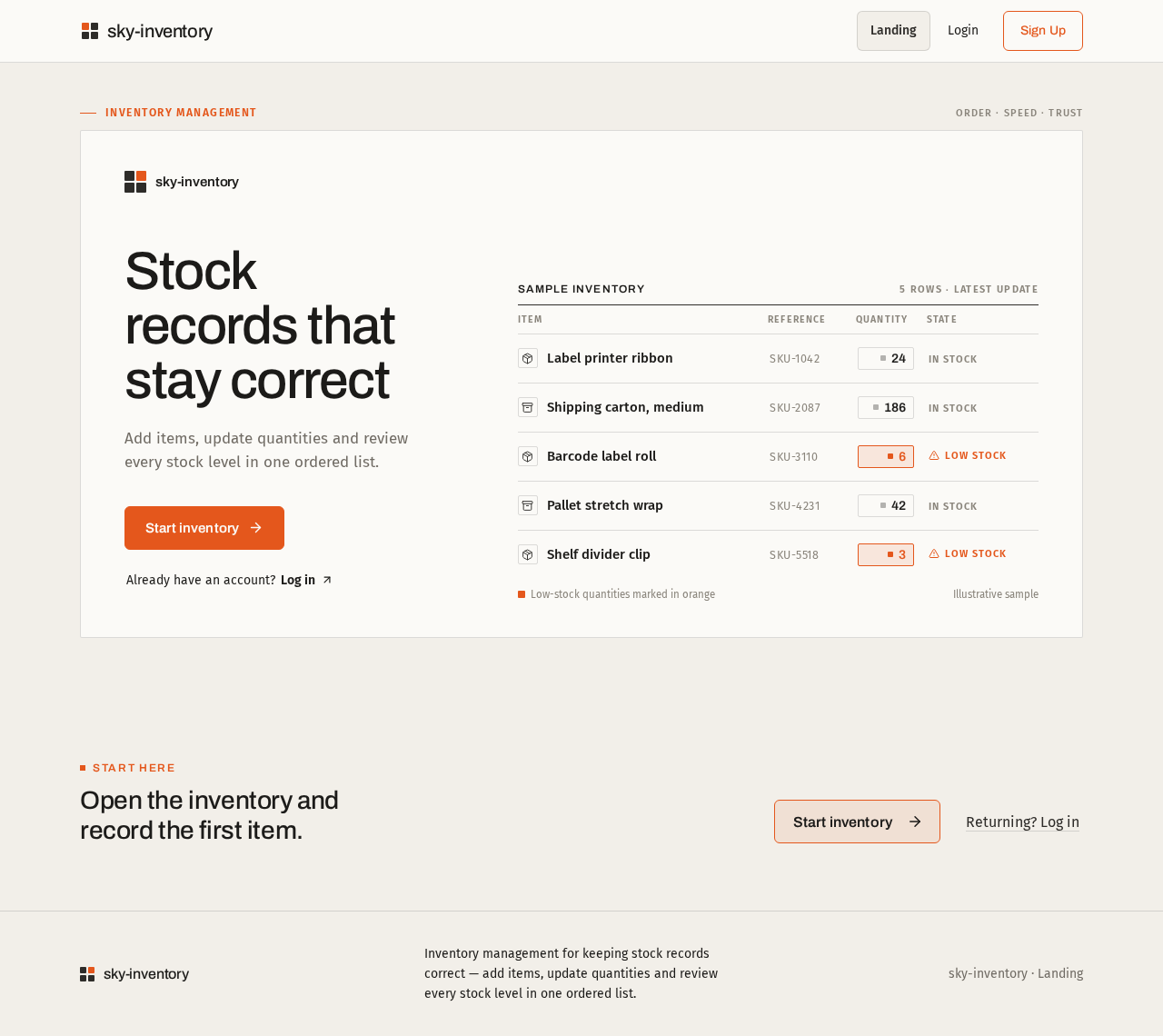
Landing design preview
Landing: Read product explanation
Sign Up: Start inventory
Sign Up: 1. Submit enrollment
Sign Up: 2. Correct invalid input
Inventory: View empty inventory state
New Item: Open new item form
New Item: 1. Enter details and quantity
New Item: 2. Save item
New Item: 3. Correct invalid input
Inventory: 4. Review new row
Login: Switch to login
Login: 1. Submit credentials
Login: 2. Retry credentials
Inventory: 5. Review stock levels
Inventory: 6. Retry failed fetch
Item Details: 7. Open item to review
Item Details: 8. Revise details or quantity
Item Details: 9. Save changes
Item Details: 10. Retry failed save
Inventory: 11. Confirm updated row
New Item: 12. Add another item
New Item: Cancel without saving
Inventory: Continue reviewing list