sky-inventory
by Sarvesh kirodiwal
For managing inventory


Comments (0)
Sign in to leave a comment
Architecture
No Services Diagrams Yet
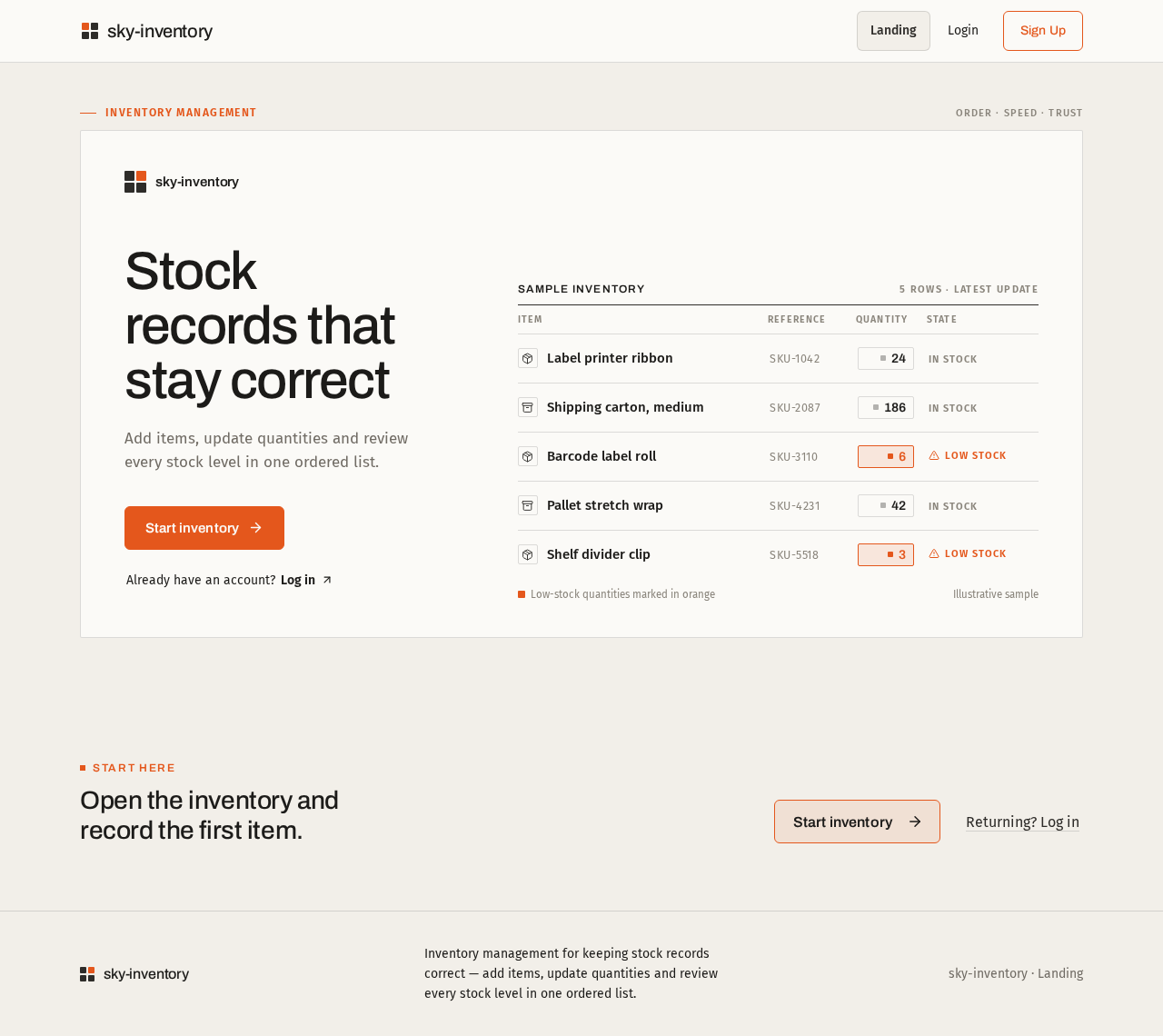
Inventory management
sky-inventory
Stock records that stay correct
Add items, update quantities and review every stock level in one ordered list.
Sample inventory5 rows · latest update
| Item | Reference | Quantity | State |
|---|---|---|---|
| Label printer ribbon | SKU-1042 | 0 | In stock |
| Shipping carton, medium | SKU-2087 | 0 | In stock |
| Barcode label roll | SKU-3110 | 0 | Low stock |
| Pallet stretch wrap | SKU-4231 | 0 | In stock |
| Shelf divider clip | SKU-5518 | 0 | Low stock |
Low-stock quantities marked in orangeIllustrative sample
Start here
Open the inventory and record the first item.
Inventory management
sky-inventory
Stock records that stay correct
Add items, update quantities and review every stock level in one ordered list.
Sample inventory5 rows · latest update
| Item | Reference | Quantity | State |
|---|---|---|---|
| Label printer ribbon | SKU-1042 | 0 | In stock |
| Shipping carton, medium | SKU-2087 | 0 | In stock |
| Barcode label roll | SKU-3110 | 0 | Low stock |
| Pallet stretch wrap | SKU-4231 | 0 | In stock |
| Shelf divider clip | SKU-5518 | 0 | Low stock |
Low-stock quantities marked in orangeIllustrative sample
Start here
No comments yet. Be the first!