omega-3d
by Abhay kumar Yadav
Abhay kumar Yadavcreate a 3d website using javascript dental link

Comments (0)
Sign in to leave a comment
Preview dataChanges stay in this preview.
omega-3d
The dental arch, in the round — and yours to turn.
CameraInteractive — drag to orbit
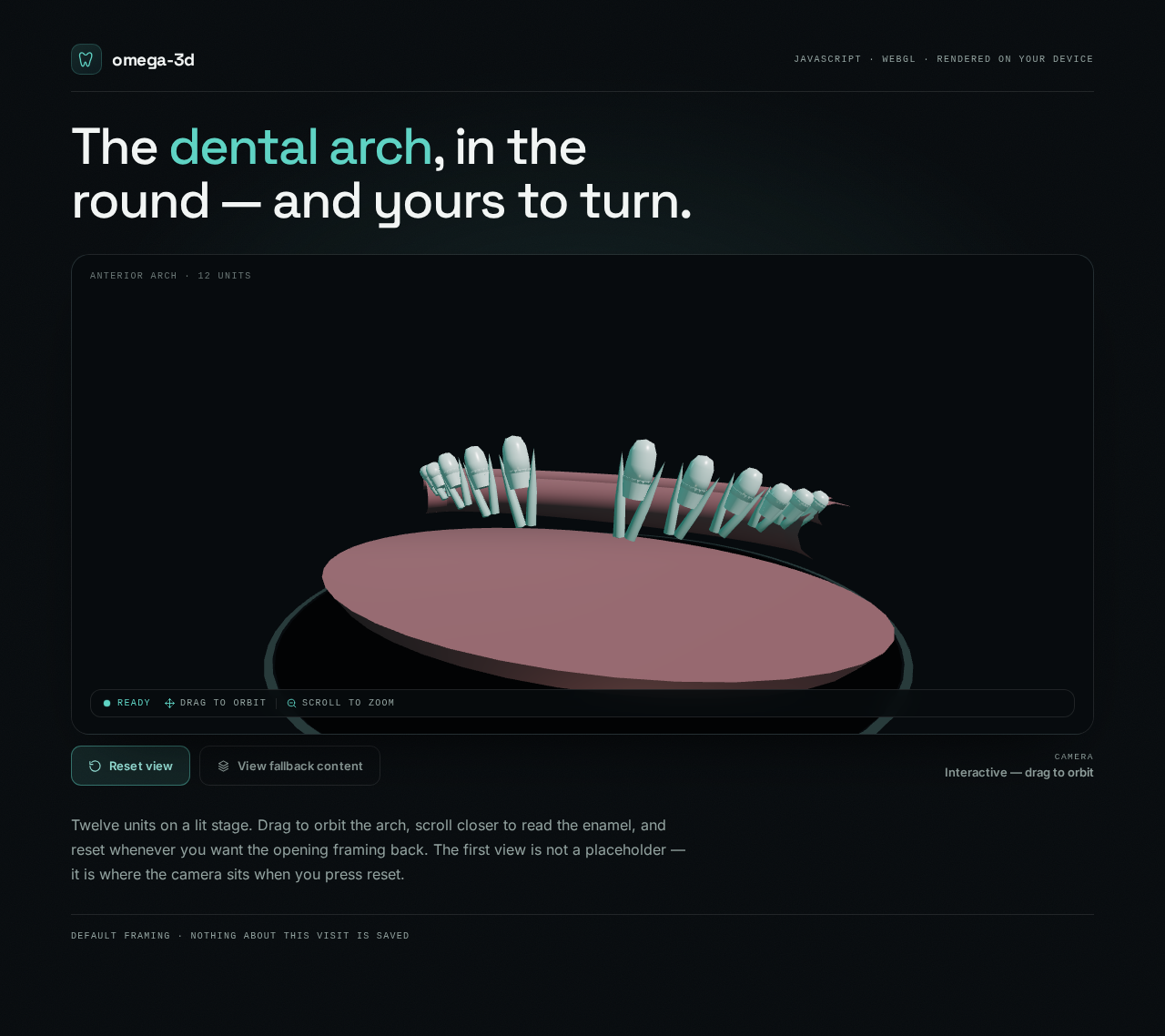
Twelve units on a lit stage. Drag to orbit the arch, scroll closer to read the enamel, and reset whenever you want the opening framing back. The first view is not a placeholder — it is where the camera sits when you press reset.
Preview dataChanges stay in this preview.
omega-3d
The dental arch, in the round — and yours to turn.
CameraInteractive — drag to orbit
Twelve units on a lit stage. Drag to orbit the arch, scroll closer to read the enamel, and reset whenever you want the opening framing back. The first view is not a placeholder — it is where the camera sits when you press reset.
No comments yet. Be the first!