new-project-151a3516
 Waqas Elijah “Elijah” Kazim
Build a high-fidelity interactive screen for Pulse Budget. Pulse Budget is an AI property budgeting SaaS for managing agents, surveyors and FM/property teams. This screen is the Annual Budget Review Workspace. Do not build a generic finance dashboard. Build a calm, premium, iOS-style SaaS workspace for reviewing and defending a service charge/property budget. Core behaviour Use an Adaptive Progressive Workspace. The layout must not use static equal columns. When no line is selected: * left navigation is compact * budget outline is visible * budget table is wide * line workspace is closed/minimal When a category is selected: * budget outline shrinks * table expands and filters to that category When a line item is selected: * budget outline collapses into a narrow icon/context rail * budget table compresses into a narrow context strip * right-side line workspace expands and becomes dominant When Spend, Evidence, Comments, History, or Full Line Workspace is opened: * outline collapses further or disappears * table remains only as context * line workspace becomes the main working area * no horizontal overflow * all content must wrap/reflow inside its container Screen content Top bar: * Pulse Budget logo * Property: Highfield Residential * Budget year: 2025/26 * Version: Version 2 * Status: In Review * Search * Notification/help/profile icons Pipeline: Import → Reconcile → Analyse → Assumptions → Forecast → Review → Scenarios → Approval → Export Active stage: Reconcile Small status strip: * Proposed Budget: £6,839,450 * Total Gap: +£329,870 * Lines Needing Review: 27 * Missing Evidence: 6 * View review queue button Context table Selected line: 1.1.1 Electricity Compressed table columns: * Line Item * Gap * Manager Proposed * Status Rows: * 1.1.1 Electricity | +£18,750 | £135,450 | Needs review * 1.1.2 Gas | +£6,200 | £98,500 | Missing evidence * 1.1.3 Water & Sewage | +£1,500 | £122,300 | In progress * 1.1.4 Waste Services | -£1,100 | £86,900 | In progress * 1.2 Cleaning | +£5,200 | £620,300 | In progress * 1.3 Security | +£62,600 | £812,400 | Needs review Dominant line workspace Header: * 1.1.1 Electricity * Needs review * Imported from Utilities.xlsx * Tab: Running Costs * Row: 14 Line micro-pipeline: Identity → Spend Reconciliation → Gap Explanation → Assumption → Evidence → Discussion → Decision → Audit Active micro-stage: Spend Reconciliation Tabs: Review | Spend | Evidence | Comments | History Active tab: Spend Spend tab Show this clearly: Reconciliation Summary * Previous Budget: £120,000 * Spend to Date: £48,320 * Committed / Accrued: £12,500 * Forecast Year-End: £138,750 * Gap: +£18,750 / +15.6% * Gap Type: Contractual increase Spend Evidence table Columns: Date | Supplier | Document | Period | Amount | Status | Linked Rows: * 30 Apr 2025 | EDF Energy | Invoice 10482 | Apr 2025 | £12,430 | Posted | Yes * 31 Mar 2025 | EDF Energy | Invoice 10391 | Mar 2025 | £11,980 | Posted | Yes * 28 Feb 2025 | EDF Energy | Invoice 10277 | Feb 2025 | £13,110 | Posted | Yes * 31 Jan 2025 | EDF Energy | Statement | Jan 2025 | £10,800 | Posted | Yes * Pending | Broker renewal | Quote expected | 2025/26 | — | Missing | No Buttons: * Upload Document * Link Spend Document * Open Full Workspace * Continue to Gap Explanation AI Reconciliation Check Show a calm AI insight panel: “Spend to date is £48,320 across 4 linked documents. Forecast year-end of £138,750 appears to rely on current spend plus expected tariff uplift. Broker renewal quote is missing, so data quality is Low.” Also include this note: “Spend = actual invoices/statements and accruals. Evidence = contracts, quotes and future support for next-year assumption.” Important distinction Spend/Reconcile is for: * invoices * statements * ledger entries * actuals extracts * accruals * committed spend Evidence is separate and is for: * supplier contracts * broker renewal quotes * uplift letters * specifications * client instructions * future pricing evidence Visual style * high-resolution * premium iOS-style * calm white/off-white interface * thin dividers * subtle shadows * compact cards only * no huge KPI cards * no noisy dashboard * no modal-heavy workflow * smooth adaptive layout * meaningful colour only * blue for active/selected/AI * green for approved/healthy * amber for warning/needs review * red for missing/risk * grey for neutral/history The final UI should feel like: premium spreadsheet intelligence + line-level case file + AI reconciliation assistant + approval workflow.

Comments (0)
Sign in to leave a comment
Project Tasks
17 planning tasksGenerate system requirement document
Generate personas & user flows
Create flow for Managing Agent Budget Reviewer
Create flow for Surveyor / FM Property Team Analyst
Landing
Fix Landing review finding: frontend/src/pages/Landing.jsx renders the protected…
Fix Landing review finding: The rendered page is a marketing-style landing page rather…
Landing / Entry Statement
Landing / Review Workflow Track
Landing / Entry Controls
Landing / Footer
Footer
Login
Sign Up
Annual Budget Review Workspace
Architecture
Workspace task plan
Pulse Budget
Annual Budget Review Workspace
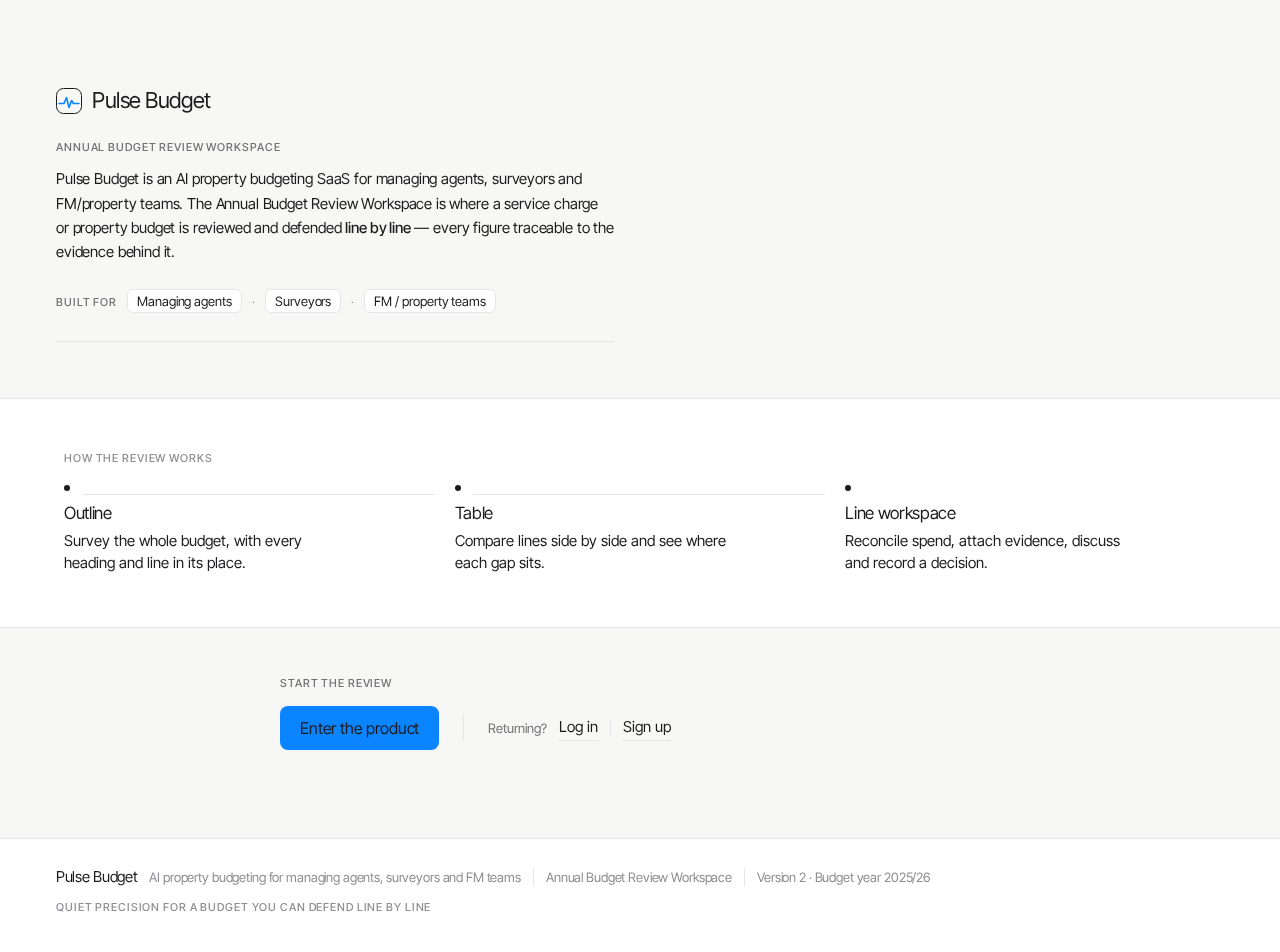
Pulse Budget is an AI property budgeting SaaS for managing agents, surveyors and FM/property teams. The Annual Budget Review Workspace is where a service charge or property budget is reviewed and defended line by line — every figure traceable to the evidence behind it.
How the review works
- Outline
Survey the whole budget, with every heading and line in its place.
- Table
Compare lines side by side and see where each gap sits.
- Line workspace
Reconcile spend, attach evidence, discuss and record a decision.
Start the review
Pulse Budget
Annual Budget Review Workspace
Pulse Budget is an AI property budgeting SaaS for managing agents, surveyors and FM/property teams. The Annual Budget Review Workspace is where a service charge or property budget is reviewed and defended line by line — every figure traceable to the evidence behind it.
How the review works
- Outline
Survey the whole budget, with every heading and line in its place.
- Table
Compare lines side by side and see where each gap sits.
- Line workspace
Reconcile spend, attach evidence, discuss and record a decision.
Start the review
No comments yet. Be the first!