new-project-151a3516
 Waqas Elijah “Elijah” Kazim
Build a high-fidelity interactive screen for Pulse Budget. Pulse Budget is an AI property budgeting SaaS for managing agents, surveyors and FM/property teams. This screen is the Annual Budget Review Workspace. Do not build a generic finance dashboard. Build a calm, premium, iOS-style SaaS workspace for reviewing and defending a service charge/property budget. Core behaviour Use an Adaptive Progressive Workspace. The layout must not use static equal columns. When no line is selected: * left navigation is compact * budget outline is visible * budget table is wide * line workspace is closed/minimal When a category is selected: * budget outline shrinks * table expands and filters to that category When a line item is selected: * budget outline collapses into a narrow icon/context rail * budget table compresses into a narrow context strip * right-side line workspace expands and becomes dominant When Spend, Evidence, Comments, History, or Full Line Workspace is opened: * outline collapses further or disappears * table remains only as context * line workspace becomes the main working area * no horizontal overflow * all content must wrap/reflow inside its container Screen content Top bar: * Pulse Budget logo * Property: Highfield Residential * Budget year: 2025/26 * Version: Version 2 * Status: In Review * Search * Notification/help/profile icons Pipeline: Import → Reconcile → Analyse → Assumptions → Forecast → Review → Scenarios → Approval → Export Active stage: Reconcile Small status strip: * Proposed Budget: £6,839,450 * Total Gap: +£329,870 * Lines Needing Review: 27 * Missing Evidence: 6 * View review queue button Context table Selected line: 1.1.1 Electricity Compressed table columns: * Line Item * Gap * Manager Proposed * Status Rows: * 1.1.1 Electricity | +£18,750 | £135,450 | Needs review * 1.1.2 Gas | +£6,200 | £98,500 | Missing evidence * 1.1.3 Water & Sewage | +£1,500 | £122,300 | In progress * 1.1.4 Waste Services | -£1,100 | £86,900 | In progress * 1.2 Cleaning | +£5,200 | £620,300 | In progress * 1.3 Security | +£62,600 | £812,400 | Needs review Dominant line workspace Header: * 1.1.1 Electricity * Needs review * Imported from Utilities.xlsx * Tab: Running Costs * Row: 14 Line micro-pipeline: Identity → Spend Reconciliation → Gap Explanation → Assumption → Evidence → Discussion → Decision → Audit Active micro-stage: Spend Reconciliation Tabs: Review | Spend | Evidence | Comments | History Active tab: Spend Spend tab Show this clearly: Reconciliation Summary * Previous Budget: £120,000 * Spend to Date: £48,320 * Committed / Accrued: £12,500 * Forecast Year-End: £138,750 * Gap: +£18,750 / +15.6% * Gap Type: Contractual increase Spend Evidence table Columns: Date | Supplier | Document | Period | Amount | Status | Linked Rows: * 30 Apr 2025 | EDF Energy | Invoice 10482 | Apr 2025 | £12,430 | Posted | Yes * 31 Mar 2025 | EDF Energy | Invoice 10391 | Mar 2025 | £11,980 | Posted | Yes * 28 Feb 2025 | EDF Energy | Invoice 10277 | Feb 2025 | £13,110 | Posted | Yes * 31 Jan 2025 | EDF Energy | Statement | Jan 2025 | £10,800 | Posted | Yes * Pending | Broker renewal | Quote expected | 2025/26 | — | Missing | No Buttons: * Upload Document * Link Spend Document * Open Full Workspace * Continue to Gap Explanation AI Reconciliation Check Show a calm AI insight panel: “Spend to date is £48,320 across 4 linked documents. Forecast year-end of £138,750 appears to rely on current spend plus expected tariff uplift. Broker renewal quote is missing, so data quality is Low.” Also include this note: “Spend = actual invoices/statements and accruals. Evidence = contracts, quotes and future support for next-year assumption.” Important distinction Spend/Reconcile is for: * invoices * statements * ledger entries * actuals extracts * accruals * committed spend Evidence is separate and is for: * supplier contracts * broker renewal quotes * uplift letters * specifications * client instructions * future pricing evidence Visual style * high-resolution * premium iOS-style * calm white/off-white interface * thin dividers * subtle shadows * compact cards only * no huge KPI cards * no noisy dashboard * no modal-heavy workflow * smooth adaptive layout * meaningful colour only * blue for active/selected/AI * green for approved/healthy * amber for warning/needs review * red for missing/risk * grey for neutral/history The final UI should feel like: premium spreadsheet intelligence + line-level case file + AI reconciliation assistant + approval workflow.

Comments (0)
Sign in to leave a comment
Architecture
No Services Diagrams Yet
Pulse Budget
Annual Budget Review Workspace
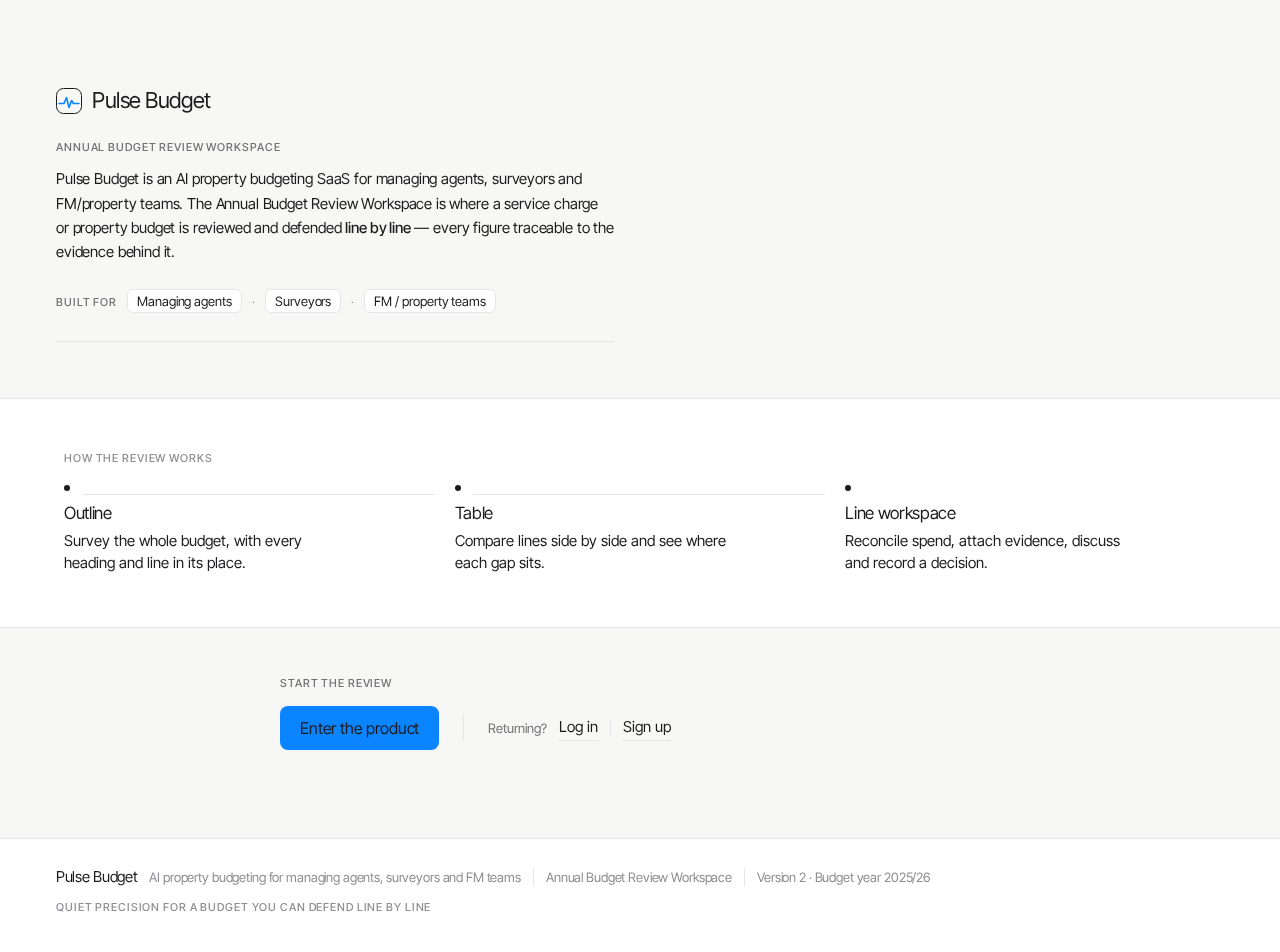
Pulse Budget is an AI property budgeting SaaS for managing agents, surveyors and FM/property teams. The Annual Budget Review Workspace is where a service charge or property budget is reviewed and defended line by line — every figure traceable to the evidence behind it.
How the review works
- Outline
Survey the whole budget, with every heading and line in its place.
- Table
Compare lines side by side and see where each gap sits.
- Line workspace
Reconcile spend, attach evidence, discuss and record a decision.
Start the review
Pulse Budget
Annual Budget Review Workspace
Pulse Budget is an AI property budgeting SaaS for managing agents, surveyors and FM/property teams. The Annual Budget Review Workspace is where a service charge or property budget is reviewed and defended line by line — every figure traceable to the evidence behind it.
How the review works
- Outline
Survey the whole budget, with every heading and line in its place.
- Table
Compare lines side by side and see where each gap sits.
- Line workspace
Reconcile spend, attach evidence, discuss and record a decision.
Start the review
No comments yet. Be the first!