


Automated E2E Testing Specifications
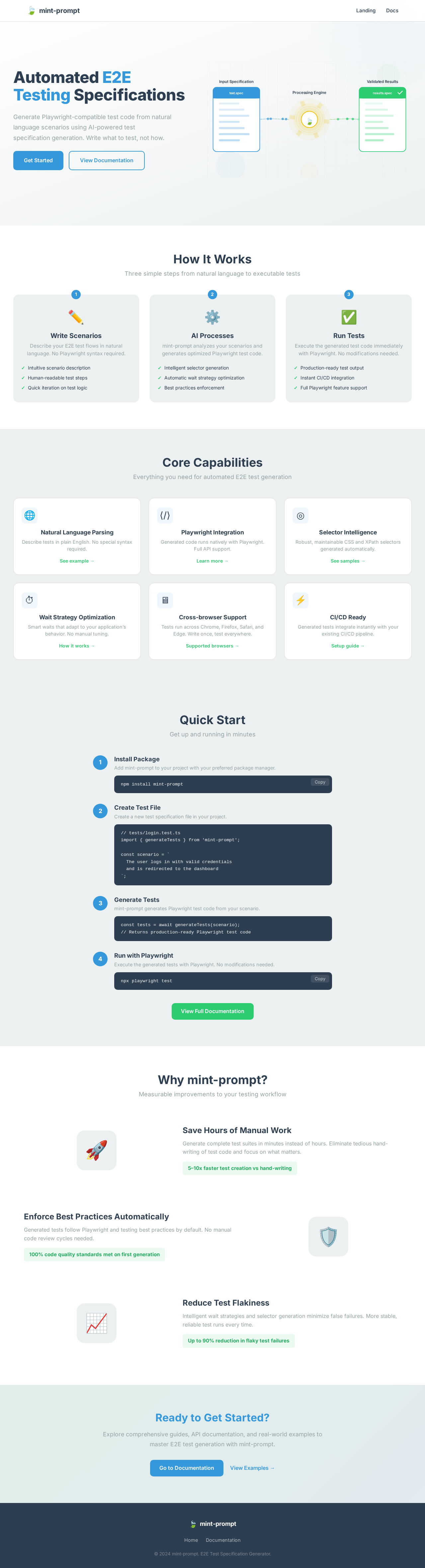
Generate Playwright-compatible test code from natural language scenarios using AI-powered test specification generation. Write what to test, not how.
How It Works
Three simple steps from natural language to executable tests
Write Scenarios
Describe your E2E test flows in natural language. No Playwright syntax required.
- Intuitive scenario description
- Human-readable test steps
- Quick iteration on test logic
AI Processes
mint-prompt analyzes your scenarios and generates optimized Playwright test code.
- Intelligent selector generation
- Automatic wait strategy optimization
- Best practices enforcement
Run Tests
Execute the generated test code immediately with Playwright. No modifications needed.
- Production-ready test output
- Instant CI/CD integration
- Full Playwright feature support
Core Capabilities
Everything you need for automated E2E test generation
Natural Language Parsing
Describe tests in plain English. No special syntax required.
See example →Playwright Integration
Generated code runs natively with Playwright. Full API support.
Learn more →Selector Intelligence
Robust, maintainable CSS and XPath selectors generated automatically.
See samples →Wait Strategy Optimization
Smart waits that adapt to your application’s behavior. No manual tuning.
How it works →Cross-browser Support
Tests run across Chrome, Firefox, Safari, and Edge. Write once, test everywhere.
Supported browsers →CI/CD Ready
Generated tests integrate instantly with your existing CI/CD pipeline.
Setup guide →Quick Start
Get up and running in minutes
Install Package
Add mint-prompt to your project with your preferred package manager.
npm install mint-promptCreate Test File
Create a new test specification file in your project.
// tests/login.test.ts
import { generateTests } from 'mint-prompt';

const scenario = `
  The user logs in with valid credentials
  and is redirected to the dashboard
`;Generate Tests
mint-prompt generates Playwright test code from your scenario.
const tests = await generateTests(scenario);
// Returns production-ready Playwright test codeRun with Playwright
Execute the generated tests with Playwright. No modifications needed.
npx playwright testWhy mint-prompt?
Measurable improvements to your testing workflow
Save Hours of Manual Work
Generate complete test suites in minutes instead of hours. Eliminate tedious hand-writing of test code and focus on what matters.
Enforce Best Practices Automatically
Generated tests follow Playwright and testing best practices by default. No manual code review cycles needed.
Reduce Test Flakiness
Intelligent wait strategies and selector generation minimize false failures. More stable, reliable test runs every time.
Ready to Get Started?
Explore comprehensive guides, API documentation, and real-world examples to master E2E test generation with mint-prompt.
No comments yet. Be the first!