jade-d

byChiedozie Tansley

Create d best calculator app in d world

Landing
Landing

Comments (0)

No comments yet. Be the first!

Architecture

No Services Diagrams Yet

Architecture diagrams will be automatically generated when the Project Manager creates tasks for your project.

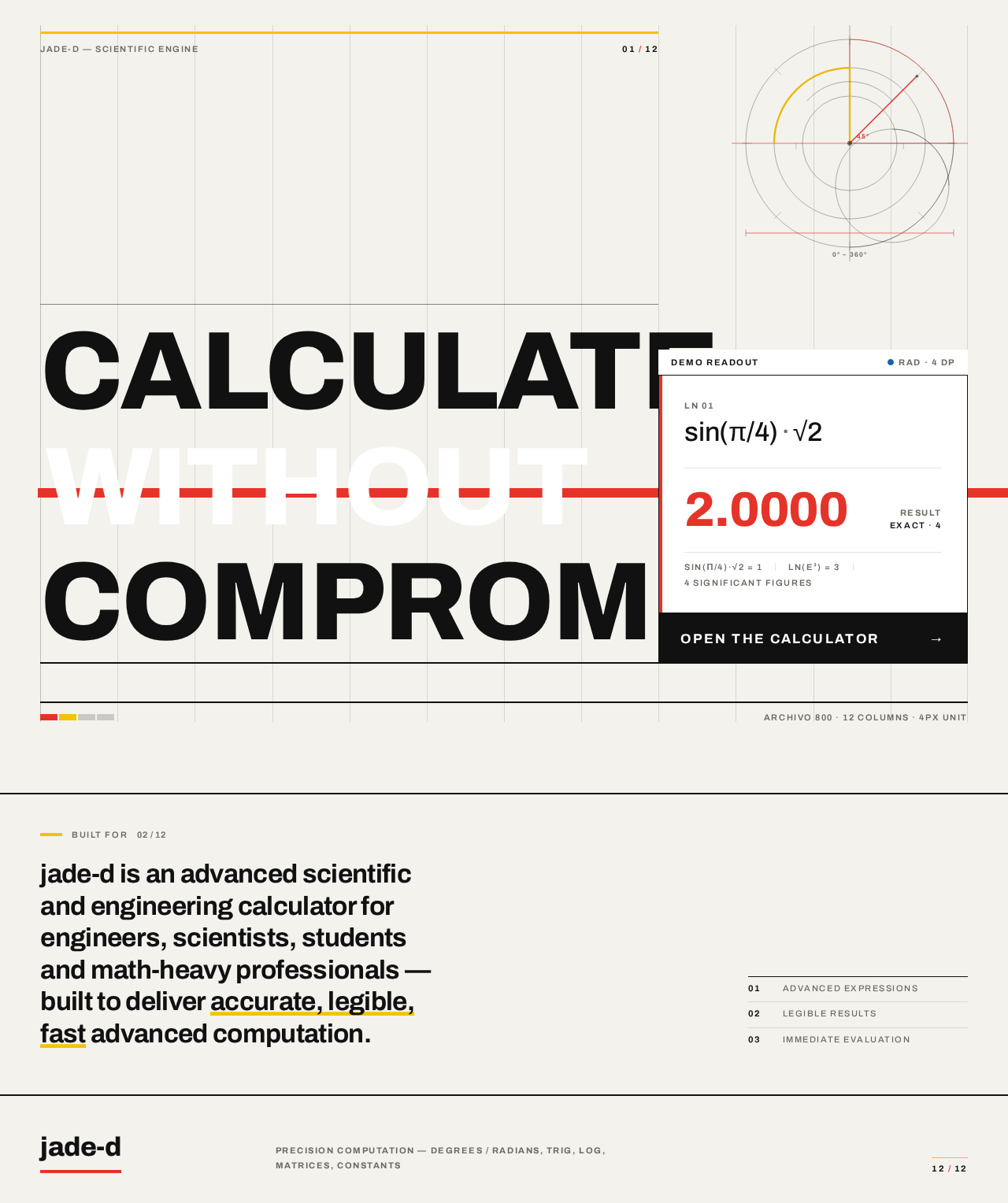
Landing design preview
Landing: Read positioning statement
Landing: View demo readout
Landing: Open the calculator
Calculator: 1. Enter digits and operators
Calculator: 2. Expand function drawer
Calculator: 3. Select advanced function
Calculator: 4. Toggle angle mode
Calculator: 5. Evaluate expression
Calculator: 6. Read result
Calculator: 7. Scroll expression tape
Calculator: 8. Store value in register
Calculator: 9. Recall stored register value
Calculator: 10. Recall empty register
Calculator: 11. Read error state
Calculator: 12. Edit offending entry
Calculator: Clear current entry
Calculator: Clear whole tape
Calculator: Begin next expression
Landing design preview
Landing: Read positioning statement
Landing: View demo readout
Landing: Open the calculator
Calculator: 1. Enter digits and operators
Calculator: 2. Expand function drawer
Calculator: 3. Select advanced function
Calculator: 4. Toggle angle mode
Calculator: 5. Evaluate expression
Calculator: 6. Read result
Calculator: 7. Scroll expression tape
Calculator: 8. Store value in register
Calculator: 9. Recall stored register value
Calculator: 10. Recall empty register
Calculator: 11. Read error state
Calculator: 12. Edit offending entry
Calculator: Clear current entry
Calculator: Clear whole tape
Calculator: Begin next expression