polar-application
 Monish Raj
i like to make an mobile application for travel

Comments (0)
Sign in to leave a comment
System Requirements
System Requirements Document (SRD)
TravelMate — polar-application
Prepared for: Monish Raj Country: IN Version: 1.0 Date: 2025
1. Introduction
This System Requirements Document (SRD) defines the complete functional and non-functional requirements for TravelMate, a mobile travel application developed under the project polar-application. TravelMate is designed to help travelers — particularly users in India and beyond — discover destinations, plan trips, and book travel services all within a single, unified mobile experience.
This document serves as the authoritative reference for design, development, testing, and deployment of the TravelMate application. It is intended for use by developers, designers, QA engineers, and project stakeholders.
2. System Overview
TravelMate is a cross-platform mobile application built to simplify the end-to-end travel experience. The app enables users to:
- Authenticate securely and manage personal travel profiles
- Search and explore destinations with rich visual content
- Browse popular tourist places with images and descriptions
- Plan detailed trip itineraries
- Book hotels and flights through integrated third-party services
- View interactive maps with nearby attractions
- Save and revisit favorite destinations
- Access travel tips and real-time weather information
The application targets individual travelers, travel enthusiasts, and trip planners primarily in the Indian market, with support for global destinations. It will be available on iOS and Android platforms via React Native.
3. Functional Requirements
3.1 User Authentication & Profile
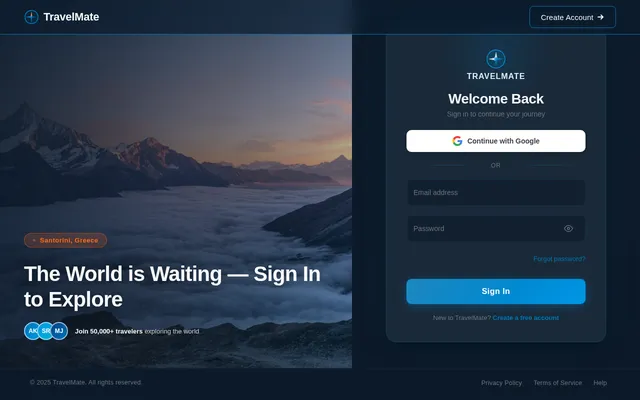
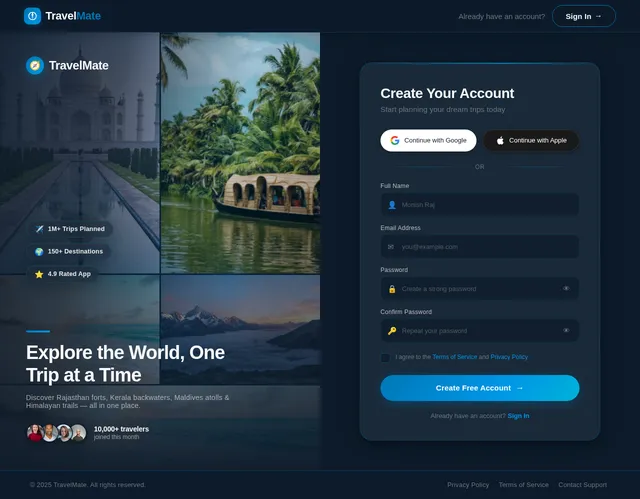
- As a User, I should be able to register a new account using email and password
- As a User, I should be able to log in securely using my credentials
- As a User, I should be able to log in using Google or social OAuth providers
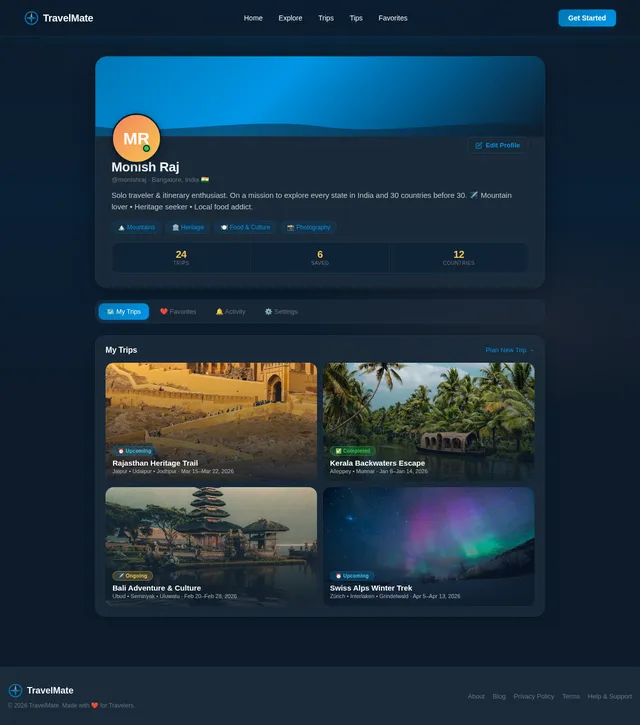
- As a User, I should be able to view and edit my personal profile (name, photo, preferences)
- As a User, I should be able to log out of my account
- As a User, I should be able to reset my password via email
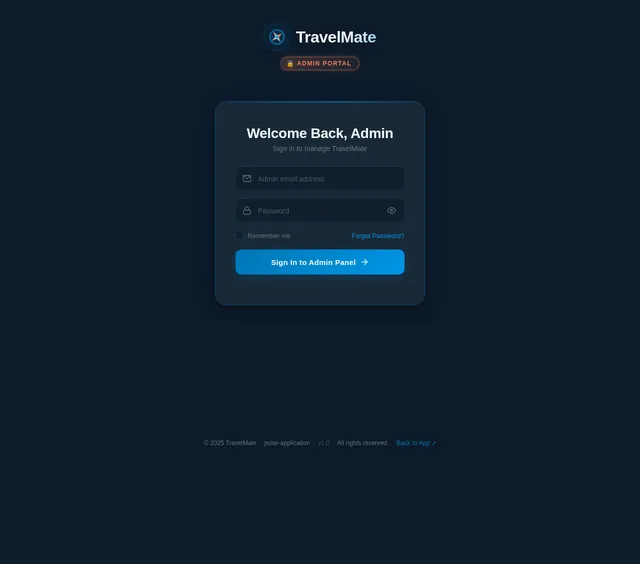
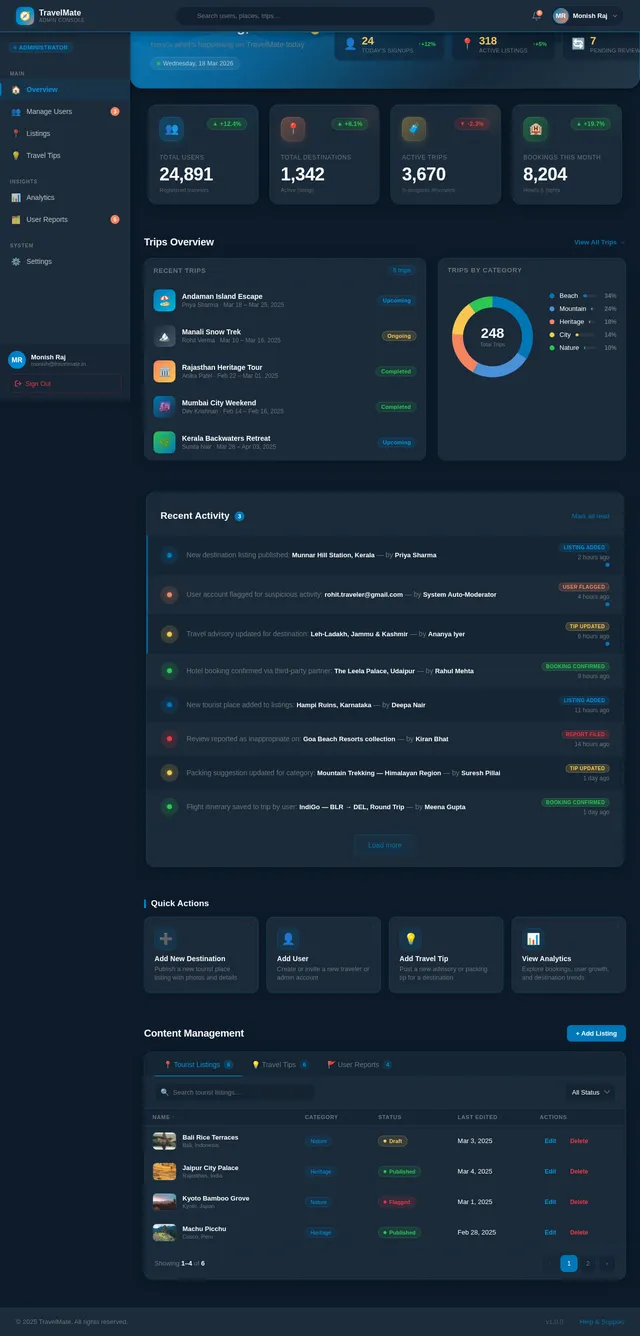
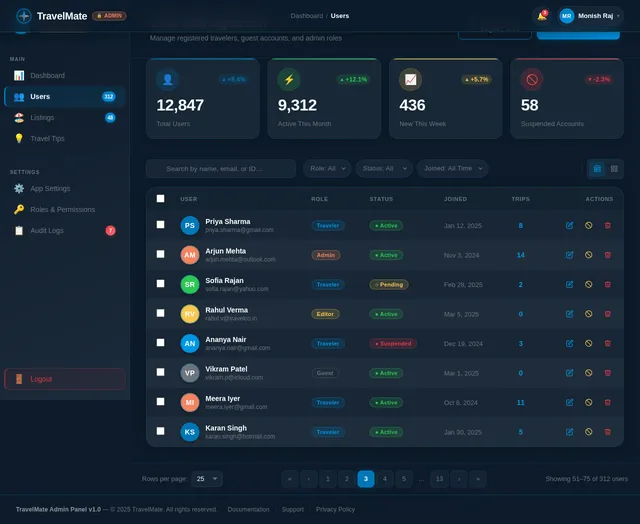
- As an Admin, I should be able to manage and moderate user accounts
3.2 Destination Search
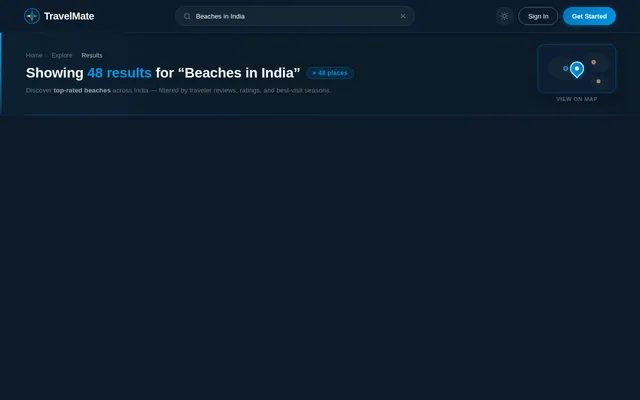
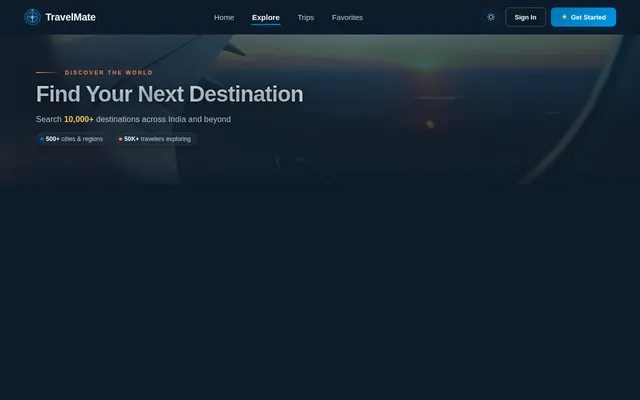
- As a User, I should be able to search for travel destinations by name, country, or category
- As a User, I should be able to filter search results by destination type (beach, mountain, city, heritage, etc.)
- As a User, I should be able to view search suggestions and autocomplete results as I type
- As a User, I should be able to see search results with thumbnail images and brief descriptions
3.3 Tourist Place Listings
- As a User, I should be able to browse a curated list of popular tourist places
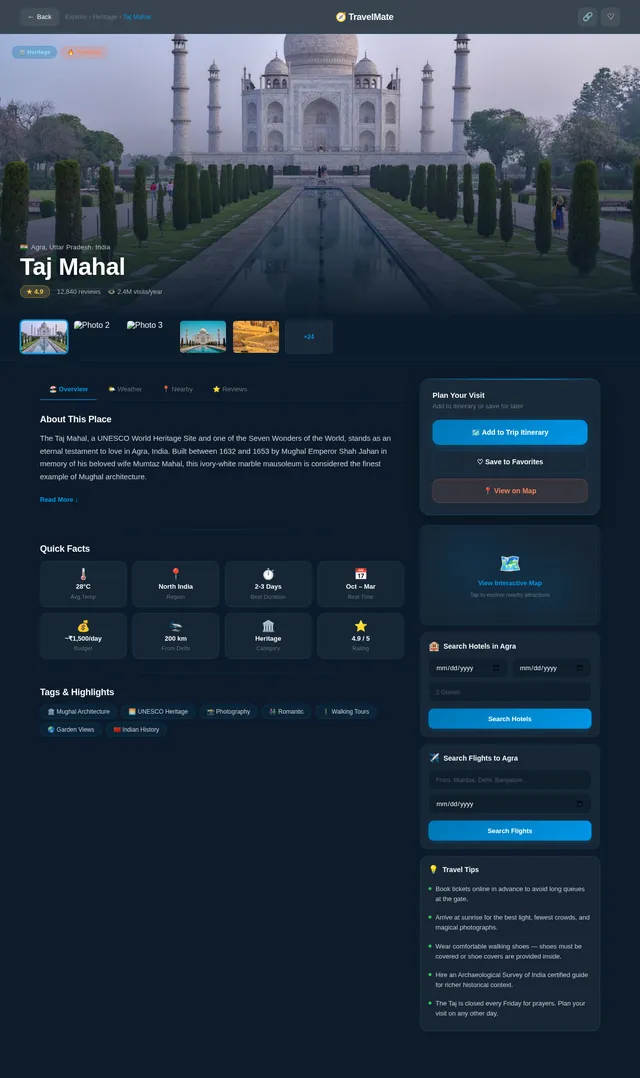
- As a User, I should be able to view detailed information about a tourist place including images, description, ratings, and reviews
- As a User, I should be able to filter tourist places by category, rating, and region
- As an Admin, I should be able to add, edit, and remove tourist place listings
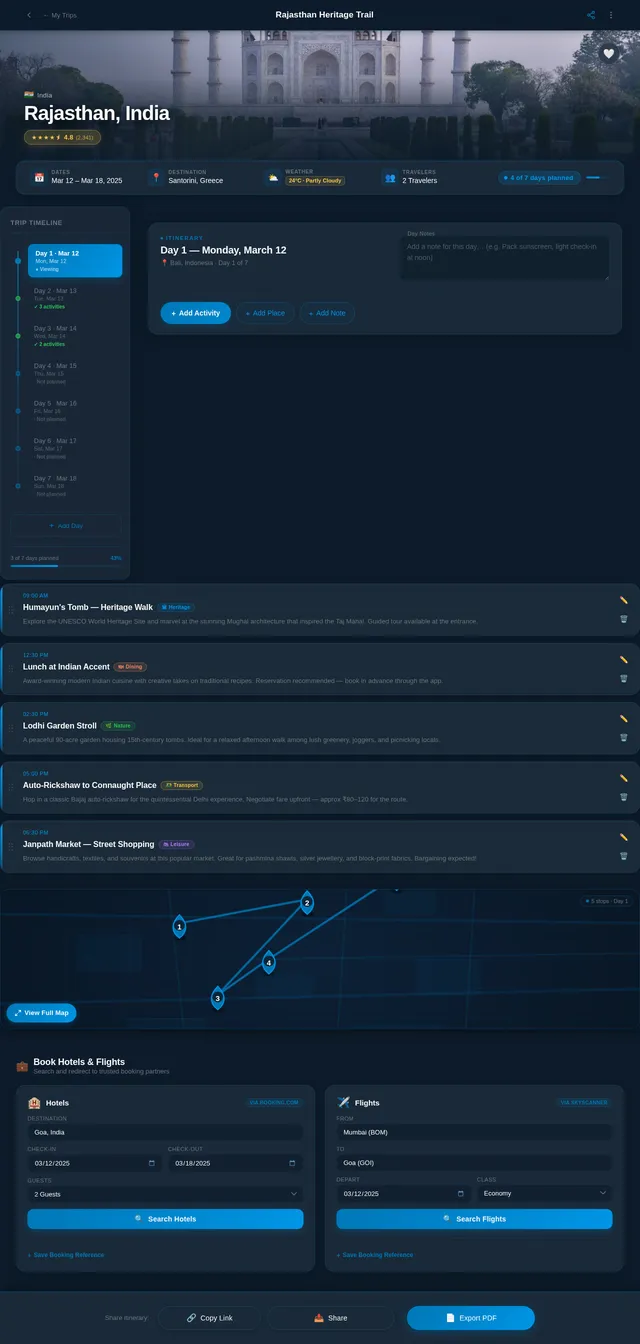
3.4 Trip & Itinerary Planning
- As a User, I should be able to create a new trip with a name, destination, start date, and end date
- As a User, I should be able to add activities, places, and notes to each day of my itinerary
- As a User, I should be able to edit and reorder items within my itinerary
- As a User, I should be able to delete a trip or individual itinerary items
- As a User, I should be able to view all my planned trips in a trip dashboard
- As a User, I should be able to share my itinerary with others via a link or export
3.5 Hotel & Flight Booking Integration
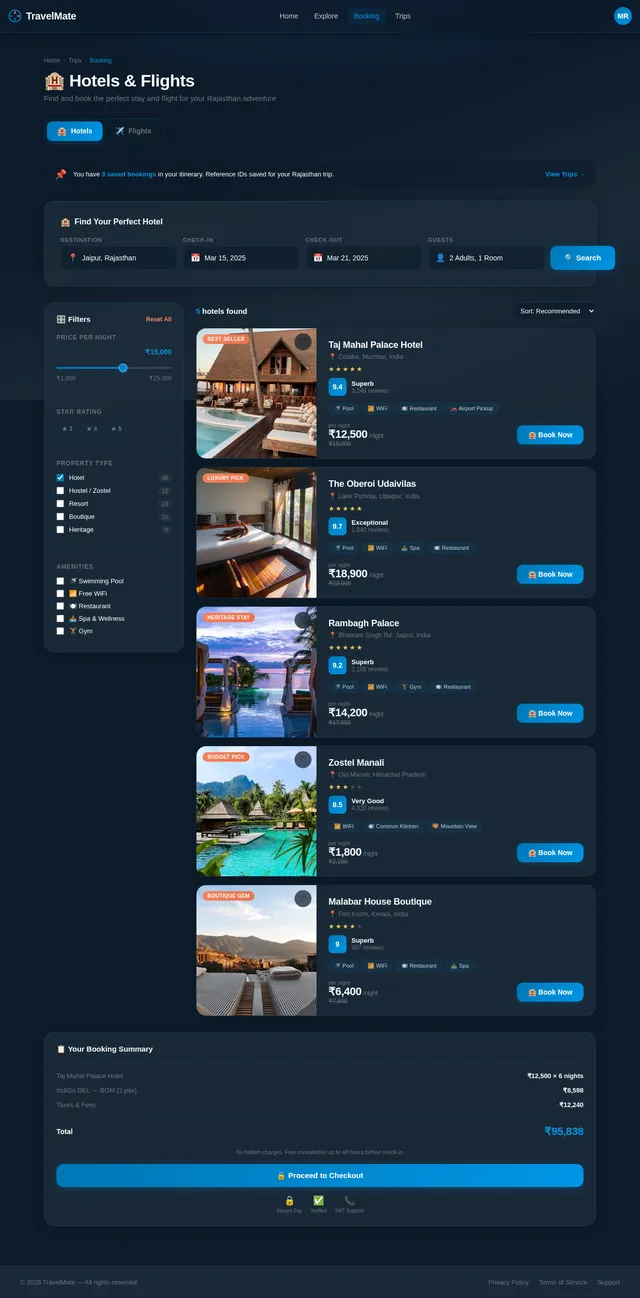
- As a User, I should be able to search for available hotels at a destination with check-in and check-out dates
- As a User, I should be able to search for available flights between origin and destination with travel dates
- As a User, I should be able to view hotel and flight listings with pricing, ratings, and details
- As a User, I should be able to be redirected to a third-party booking provider to complete the reservation
- As a User, I should be able to save booking references within my trip itinerary
3.6 Map View & Nearby Attractions
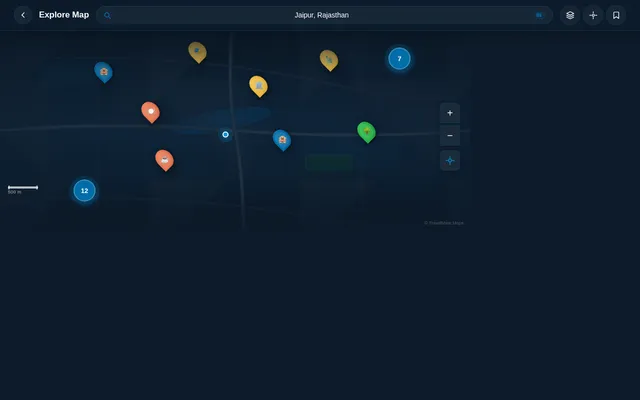
- As a User, I should be able to view an interactive map centered on my selected destination
- As a User, I should be able to see nearby attractions, hotels, and restaurants marked on the map
- As a User, I should be able to tap on a map marker to view a summary of that location
- As a User, I should be able to get directions to a selected attraction from my current location
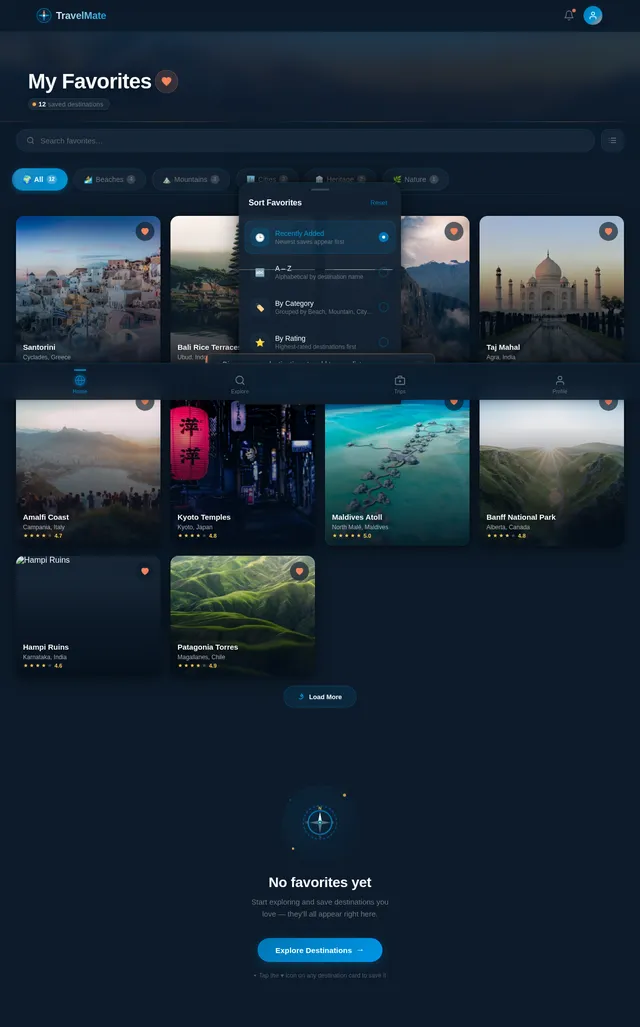
3.7 Favorites
- As a User, I should be able to save a destination or tourist place to my favorites list
- As a User, I should be able to view all my saved favorites in a dedicated section
- As a User, I should be able to remove a destination from my favorites
3.8 Travel Tips & Weather Information
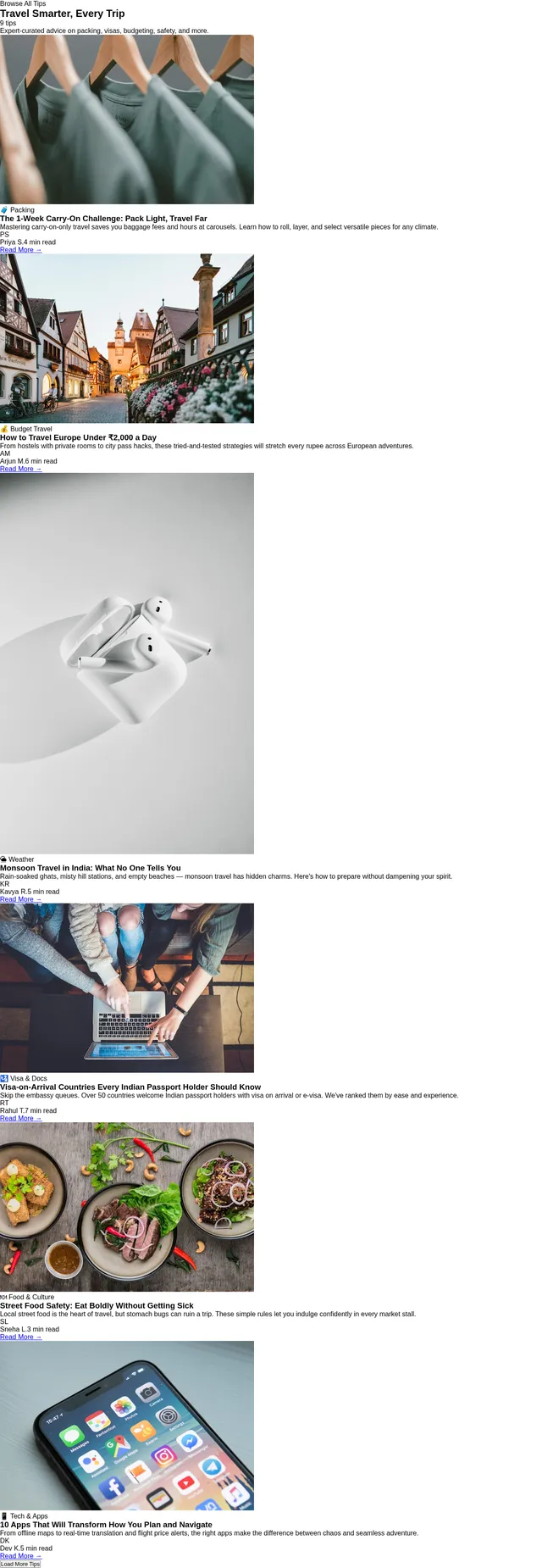
- As a User, I should be able to view travel tips and advisories for a selected destination
- As a User, I should be able to view current weather conditions and a 7-day forecast for a destination
- As a User, I should be able to receive weather-based packing suggestions
3.9 Navigation & UI
- As a User, I should be able to navigate the app using a bottom navigation bar with tabs: Home, Explore, Trips, Profile
- As a User, I should be able to toggle between Light Mode and Dark Mode
- As a User, I should be able to experience smooth transitions and animations between screens
4. User Personas
4.1 Registered User (Traveler)
The primary user of TravelMate. A travel enthusiast who wants to discover destinations, plan itineraries, and book travel services. They interact with all core features of the app including search, trip planning, booking, and maps.
4.2 Guest User
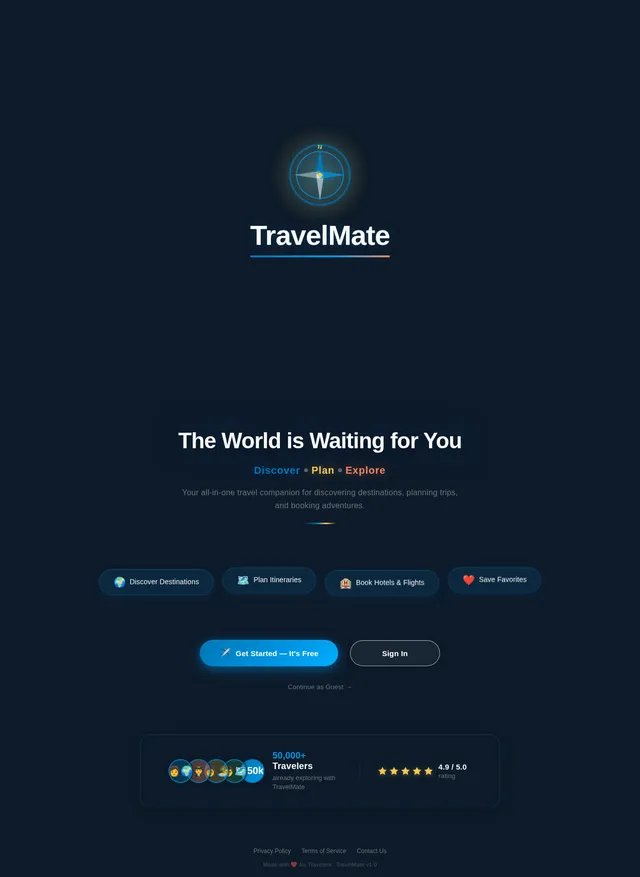
An unauthenticated visitor who can browse destinations, view tourist places, and explore the app in a limited capacity. They cannot save favorites, create trips, or access booking features without registering.
4.3 Admin
A backend administrator responsible for managing content on the platform — including tourist place listings, travel tips, and user accounts. The Admin accesses a web-based dashboard (not the mobile app).
4.4 Travel Content Editor
A content team member who can add and update destination descriptions, images, and travel tips. They operate through the admin panel with limited permissions compared to the full Admin.
5. Visuals, Colors & Theme
TravelMate uses a vibrant, modern travel aesthetic that evokes adventure, exploration, and wanderlust. The design language is clean and immersive, with rich photography as the visual backbone.
Color Palette
| Role | Color Name | Hex Code |
|---|---|---|
| Primary | Ocean Blue | #0077B6 |
| Secondary | Sunset Orange | #F4845F |
| Accent | Golden Sand | #F9C74F |
| Background (Light) | Soft White | #F8F9FA |
| Background (Dark) | Deep Navy | #0D1B2A |
| Surface (Dark) | Charcoal Slate | #1C2B3A |
| Text Primary | Ink Black | #1A1A2E |
| Text Secondary | Muted Grey | #6C757D |
| Success | Emerald Green | #2DC653 |
| Error | Coral Red | #E63946 |
Typography
- Primary Font:
Poppins— modern, rounded, highly legible - Secondary Font:
Lato— clean body text - Heading Style: Bold with slight letter-spacing for destination names
Design Principles
- Full-bleed destination photography as hero images
- Rounded card components with soft drop shadows
- Glassmorphism effects on overlays and modals
- Smooth bottom sheet interactions for detail views
- Consistent 8px spacing grid
6. Signature Design Concept
🌊 "The Living Horizon" — An Immersive Parallax Travel Portal
The Home Screen is not a screen — it is a window into the world.
When Monish opens TravelMate for the first time, he doesn't see
No comments yet. Be the first!