emerald-crm
 Hakan Oksuz
Build a CRM app. Pages: - Dashboard (KPI cards: total leads, active deals, revenue, pending tasks) - Leads (table with filters, detail drawer, convert to contact/deal) - Contacts (table, profile page with activity timeline) - Companies (table, profile page with linked contacts and deals) - Deals (kanban board with drag-drop between stages) - Tasks (table with due dates, assignees, status filters) - Reports (sales performance charts, conversion funnel) - Settings (team members, roles) Features: - Global search across all entities - Sidebar navigation - Auth (login/signup pages) - CRUD for all entities - Relationships: contacts belong to companies, deals link to contacts Tech: - React + TypeScript + Tailwind - Supabase for database and auth - Zustand for state management - Recharts for dashboard charts - react-beautiful-dnd for kanban

Comments (0)
Sign in to leave a comment
System Requirements
System Requirements Document (SRD) for emerald-crm
1. Introduction
The emerald-crm project is a comprehensive Customer Relationship Management (CRM) application designed to streamline business operations and enhance customer engagement. This document outlines the system requirements for emerald-crm, ensuring clarity and alignment with the project's goals. Developed for Hakan Oksuz in the United Kingdom, the system will adhere to locale-specific defaults such as GBP (£) for currency and GMT for timezone settings.
2. System Overview
The emerald-crm system will serve as a centralized platform for managing leads, contacts, companies, deals, tasks, and reports. It will feature a user-friendly interface with robust functionality, including global search, role-based access control, and seamless navigation. The system will be built using modern technologies like React, TypeScript, and Supabase to ensure scalability, performance, and ease of maintenance.
Key features include:
- A dashboard displaying key performance indicators (KPIs).
- Entity management with CRUD (Create, Read, Update, Delete) operations for leads, contacts, companies, deals, and tasks.
- A Kanban board for deal management.
- Advanced reporting tools for sales performance and conversion tracking.
- Role-based settings for team management.
3. Functional Requirements
- As a User, I should be able to view a dashboard with KPI cards for total leads, active deals, revenue, and pending tasks.
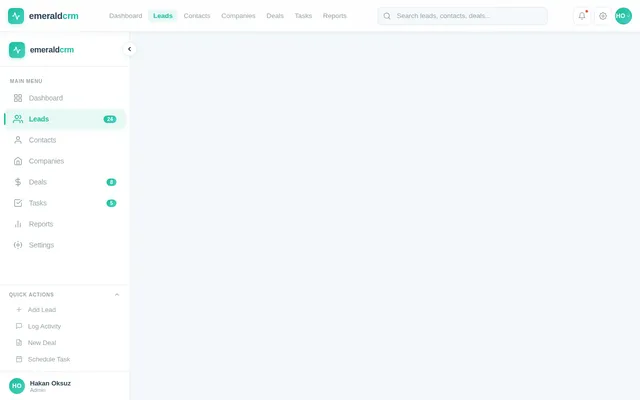
- As a User, I should be able to manage leads with a table view, filters, and a detail drawer, and convert leads to contacts or deals.
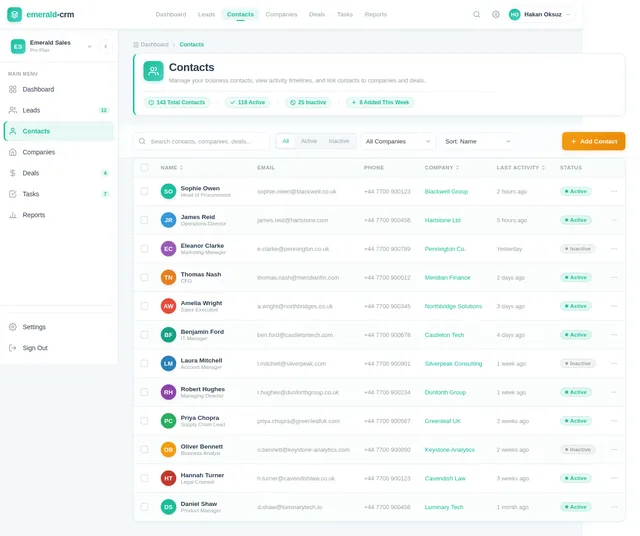
- As a User, I should be able to manage contacts with a table view and a profile page that includes an activity timeline.
- As a User, I should be able to manage companies with a table view and a profile page that links to associated contacts and deals.
- As a User, I should be able to manage deals using a Kanban board with drag-and-drop functionality between stages.
- As a User, I should be able to manage tasks with a table view that includes due dates, assignees, and status filters.
- As a User, I should be able to generate reports with sales performance charts and a conversion funnel.
- As a User, I should be able to perform a global search across all entities.
- As a User, I should be able to navigate the system using a sidebar navigation menu.
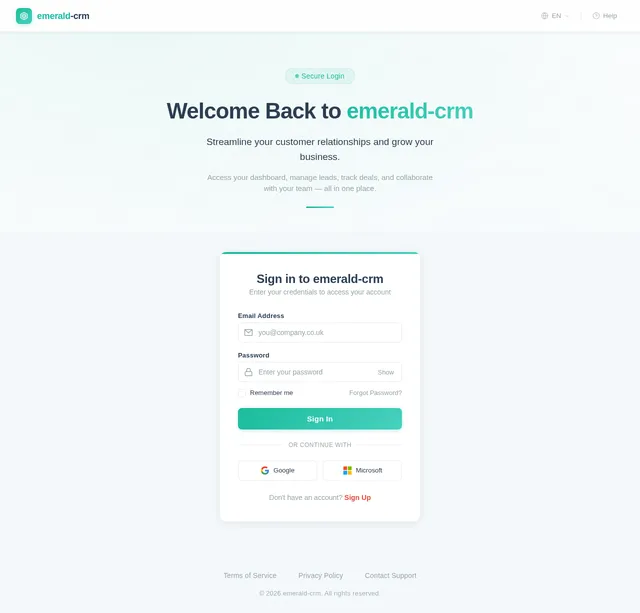
- As a User, I should be able to log in and sign up for the system.
- As an Admin, I should be able to manage team members and roles in the settings.
- As a User, I should be able to establish relationships between entities, such as linking contacts to companies and deals.
4. User Personas
Admin
- Role: Oversees the system, manages team members, and assigns roles.
- Responsibilities: Configures settings, manages user access, and monitors overall system usage.
User
- Role: Regular user of the CRM system.
- Responsibilities: Manages leads, contacts, companies, deals, tasks, and reports.
5. Visuals Colors and Theme
The emerald-crm will feature a sleek and professional color palette that reflects its modern and efficient design. The chosen colors aim to evoke trust, clarity, and focus.
- Background: #F4F8FB (light blue-gray)
- Surface: #FFFFFF (pure white)
- Text: #2C3E50 (dark slate gray)
- Accent: #1ABC9C (emerald green)
- Muted: #95A5A6 (soft gray)
6. Signature Design Concept
The emerald-crm homepage will feature an interactive dashboard with dynamic KPI cards. Each card will have a subtle hover effect that expands to reveal additional details or quick actions (e.g., "View Leads" or "Add Task"). The transitions will be smooth, with micro-interactions like progress bars animating in real-time as data updates.
The background will feature a subtle animated gradient inspired by emerald tones, shifting between shades of green and blue to create a calming yet professional atmosphere. The sidebar navigation will include a collapsible menu with icons that animate into view when expanded. The global search bar will have a type-ahead feature, displaying results in a dropdown with entity-specific icons for quick identification.
The landing page will also include a "Quick Start" guide section with animated tooltips guiding new users through the system's core features.
7. Non-Functional Requirements
- Performance: The system should load within 2 seconds for all pages under normal network conditions.
- Scalability: The system should support up to 10,000 active users simultaneously.
- Security: User data must be encrypted in transit and at rest. Authentication will use secure protocols (e.g., OAuth 2.0).
- Availability: The system should maintain 99.9% uptime.
- Localization: Default settings will use GBP (£) and GMT timezone.
8. Tech Stack
Frontend
- React (Web)
- TypeScript
- Tailwind CSS
Backend
- Python
- FastAPI
Database
- Supabase (PostgreSQL)
State Management
- Zustand
Charts and Visualizations
- Recharts
Drag-and-Drop
- react-beautiful-dnd
9. Assumptions and Constraints
- The system will primarily target small to medium-sized businesses in the UK.
- Role-based access will include predefined tiers (Admin and User) without custom role creation.
- The global search will be keyword-based without advanced filtering options.
10. Glossary
- CRM: Customer Relationship Management.
- KPI: Key Performance Indicator.
- CRUD: Create, Read, Update, Delete.
- Kanban Board: A visual workflow management tool.
- Global Search: A search feature that spans all entities in the system.
- Supabase: An open-source backend-as-a-service platform.
- Zustand: A state management library for React.
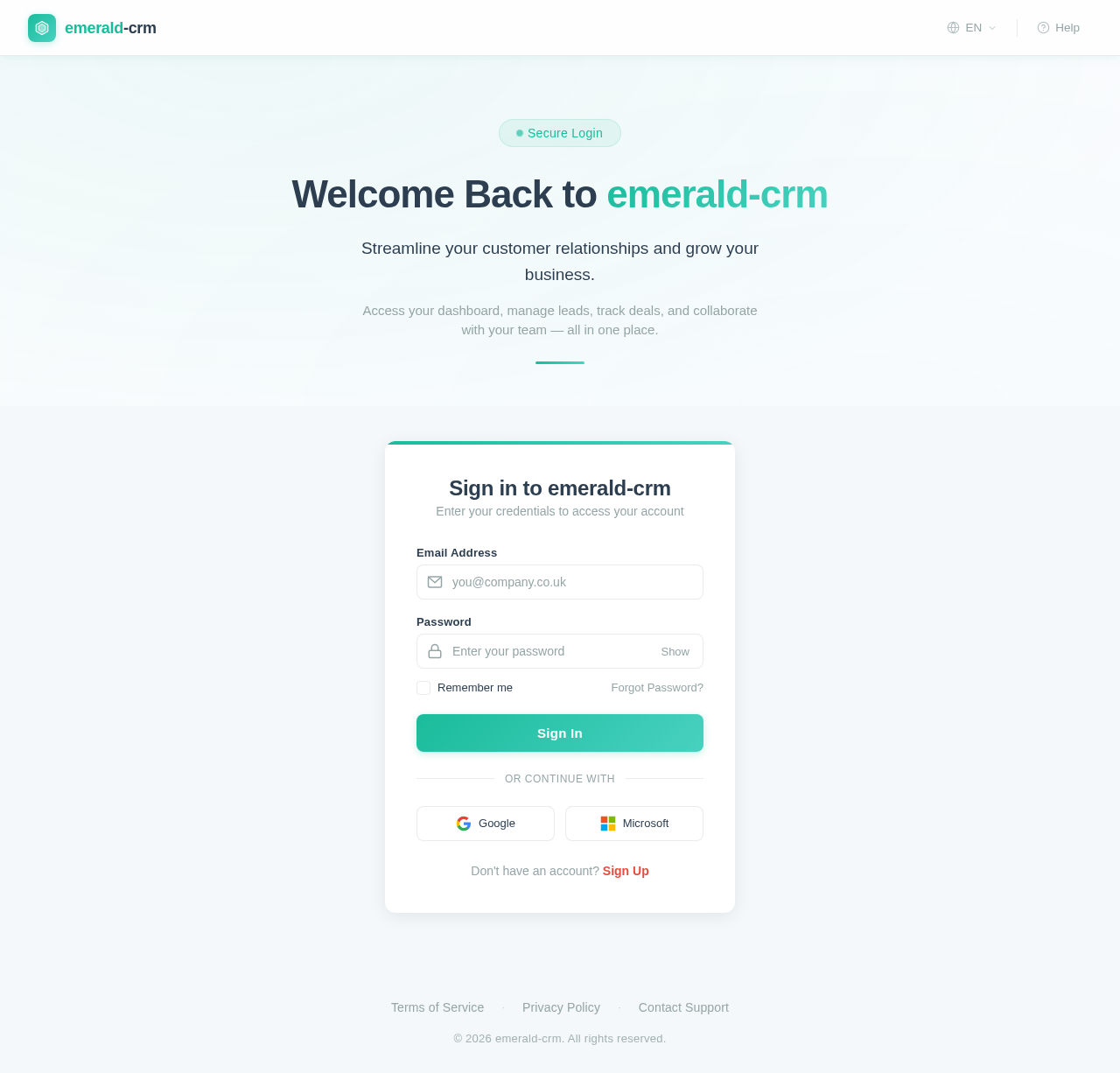
Welcome Back to emerald-crm
Streamline your customer relationships and grow your business.
Access your dashboard, manage leads, track deals, and collaborate with your team — all in one place.
Sign in to emerald-crm
Enter your credentials to access your account
Don't have an account? Sign Up
No comments yet. Be the first!