regal-website
You are an expert AI web developer and creative engineer tasked with building a website named “BrickCanvas”, a professional platform that transforms any digital painting, photograph, or artwork into a collector-quality LEGO® mosaic set. Goal: Build a responsive, visually elegant, and intuitive website that guides users through the complete process of turning 2D artworks into physical 3D LEGO mosaics. Core Features: 1. Image Upload and Processing: Users upload a digital artwork (JPEG, PNG, or TIFF). The system automatically analyzes color, depth, and contrast to generate a LEGO-compatible pixel mapping. 2. Smart Brick Mapping Engine: Convert the image into a LEGO color palette (based on LEGO’s current color catalog). Calculate mosaic dimensions, brick counts, and optimal layout for both aesthetic fidelity and buildability. 3. 3D Mosaic Visualization: Display a rotatable, interactive 3D preview (using WebGL or Three.js) that simulates the completed mosaic. 4. Instruction Book Generator: Automatically create step-by-step digital building instructions inspired by The LEGO® Builder’s Handbook – Become a Master Builder. • Include detailed layer-by-layer assembly steps. • Provide realistic part inventories per step, with part IDs. • Offer downloadable PDF instructions formatted in LEGO-style blueprints. 1. Order and Export Options: • Export digital build files in common LEGO design formats (e.g., BrickLink Studio `.io`, LDraw `.ldr`). • Generate a purchasable parts list with BrickLink or LEGO Pick-a-Brick API integration. • Option to order a custom collector’s kit (with packaging designed from the uploaded image). 1. User Dashboard: Let users save, share, and download their creations. Add social sharing for showcasing completed mosaics. Design Guidelines: • Aesthetic: Clean interface with LEGO-like playful minimalism. White background, vibrant accent colors. • Interaction Flow: Upload → Preview Mosaic → Customize Size/Colors → Generate Instructions → Export or Order Set. • Accessibility: Tooltips, visual previews, progress bar for instruction generation. • Include gamified touches such as “Master Builder Level” progress indicators. Backend & AI Components: • Use a diffusion-based color quantization model trained on LEGO color palettes. • Integrate OpenCV for image segmentation and dominant color extraction. • Utilize Three.js or Babylon.js for 3D rendering of the mosaic. • Use LangChain or similar orchestration frameworks for chaining individual AI tools (image analysis, build step generation, instruction formatting). Deliverables: • Fully functional website prototype runnable on a local server. • Auto-generated documentation describing installation, dependencies, and usage. • Sample input and output (e.g., “Starry Night” → 3D LEGO mosaic PDF instructions + 3D model preview). Tone and Presentation: Write in an inspiring and educational tone, encouraging users to “become a Master Builder.” Present instructions in a LEGO manual–style voice, friendly but technical, using visual callouts and color-coded layers. Objective: At the end, users should be able to: • Upload any artwork • Generate a collector-grade LEGO mosaic set • Follow real build steps to assemble it in the physical world • Order or share their personalized masterpiece Important: Ensure copyright compliance for uploaded artworks and include licensing acknowledgment guidelines



Comments (0)
Sign in to leave a comment
Project Tasks22
Implement Theme & Structure
As a user, I want the scaffold pages (home, login, signup, welcome, dashboard/overview, dashboard/ai-assistant, dashboard/settings) to visually match the mock-design pages exactly. Apply the Architectural Marble color palette (#F4F1EB background, #E6E0D8 surface, #3C3B37 text, #B28A5E and #7A9D5E accents, #D5CEC3 muted tones), elegant serif headings, clean sans-serif body, smooth fade-in/gentle-rise transitions, and structured vertical hierarchy. Remove any pages not needed by the user flows. This task is independent and must be completed first.
Build Login Page
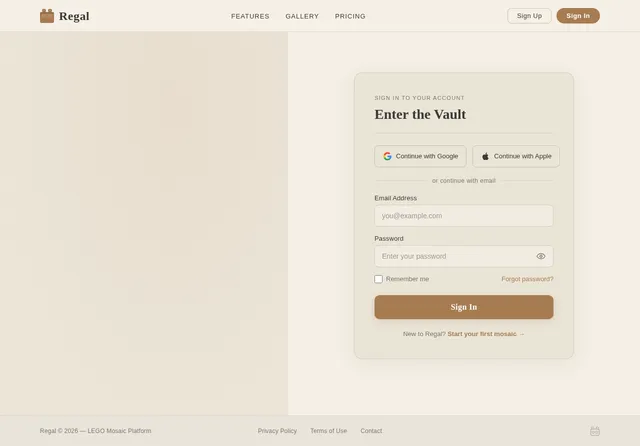
As a user, I want to sign in to my account via the Login page so I can access my dashboard and creations. The page should follow the established theme and link back to the Landing page and forward to the Dashboard. Implement form validation and error states.
Build Signup Page
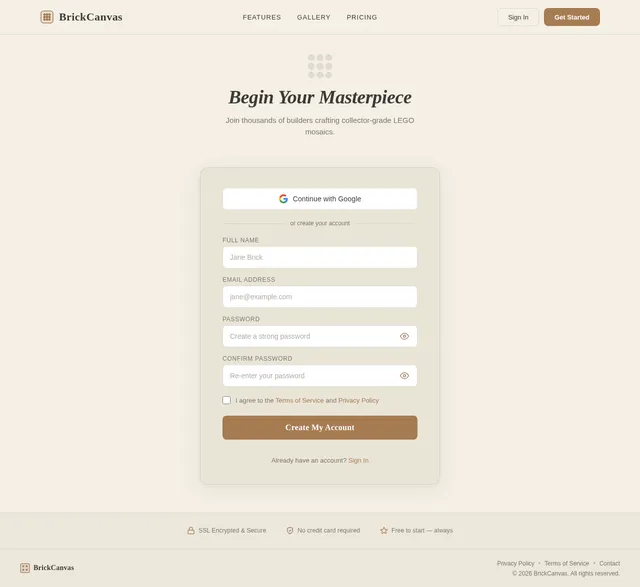
As a user, I want to create a new account via the Signup page so I can start building LEGO mosaics. The page should follow the established theme and link from the Landing page, then forward to the Dashboard upon successful registration. Implement form validation and error states.
Build Landing Page
As a user, I want to experience the 'Mosaic Vault' landing page based on the existing JSX design (Landing v2). Implement the animated vault door opening, rotating gallery of LEGO mosaic masterpieces, hover 3D preview effects, dynamic warm marble background, Master Builder Level gamification bar, and 'Start Your Masterpiece' CTA button. This is the entry point for all three user personas (Enthusiast Builder, Aspiring LEGO Designer, Collector) and links to Login and Signup pages.
Build Dashboard Page
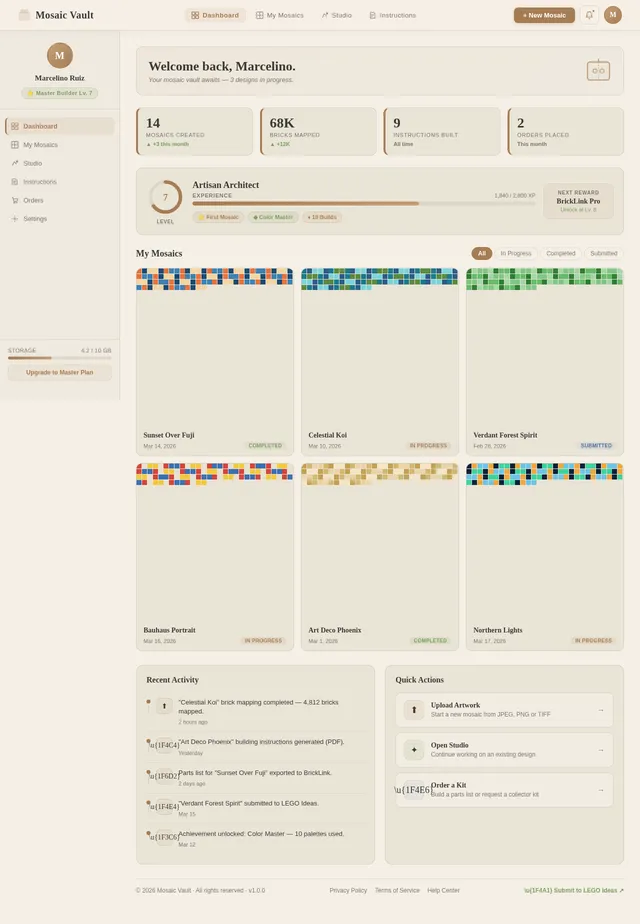
As a user, I want a personal Dashboard where I can view my saved creations and portfolio, track my Master Builder Level progress, and navigate to upload new artwork, view existing mosaics, or save completed designs. This page is the hub for Enthusiast Builder, Aspiring LEGO Designer, and Collector personas post-login, linking to the Upload page and individual creation pages.
Build Upload Page
As a user, I want to upload my digital artwork (JPEG, PNG, or TIFF) via the Upload page so the system can process it into a LEGO mosaic. The page should include drag-and-drop upload, file format validation, upload progress indicator, and copyright/licensing acknowledgment. Links from Dashboard and proceeds to the Studio preview page upon successful upload.
Implement Dashboard Creations API
As a user, I want backend APIs to save, retrieve, share, and delete my LEGO mosaic creations from my personal dashboard, including metadata like creation date, mosaic size, and Master Builder Level progress.
Build Studio Preview Page
As a user, I want to preview my uploaded artwork as an interactive 3D LEGO mosaic in the Studio page so I can visualize the final result. Implement a Three.js rotatable 3D mosaic viewer, loading/progress indicator, and options to proceed to customization or re-run the preview. Links from Upload and leads to Customize Mosaic. Used by all three personas.
Implement Image Upload API
As a user, I want to use a backend API to upload my artwork so the system can process it into a LEGO mosaic. Implement a FastAPI endpoint accepting JPEG, PNG, and TIFF uploads, store files securely, and trigger the image processing pipeline. Returns a job ID for status polling.
Build Order Parts List Page
As a user, I want to view and manage a purchasable parts list on the Order page so I can acquire the exact bricks needed to build my mosaic. Display brick counts, LEGO color-mapped parts, and integration with BrickLink or LEGO Pick-a-Brick. Links from Studio Preview and leads to Customize Kit. Used primarily by the Collector persona.
Build Studio Customize Page
As a user, I want to customize my LEGO mosaic in the Studio page by adjusting the size, color palette, and brick layout so I can fine-tune the design before exporting or ordering. Includes controls for mosaic dimensions, LEGO color palette selection, and selective re-run capability for specific outputs. Links from Studio Preview and leads to Instructions or Export/Order pages.
Implement Brick Mapping Engine API
As a user, I want the backend to use OpenCV and a LEGO color palette to convert my uploaded image into a brick-mapped mosaic layout, calculating dimensions, brick counts, and optimal arrangement for aesthetic fidelity. Returns brick map data consumed by the 3D Studio preview.
Build Order Customize Kit Page
As a user, I want to customize my collector's kit on the Order Customize page so that my physical LEGO set includes personalized packaging designed from my uploaded artwork. Allows configuration of packaging design and kit options. Links from Order Parts List and leads to Order Confirm Purchase.
Build Instructions Page
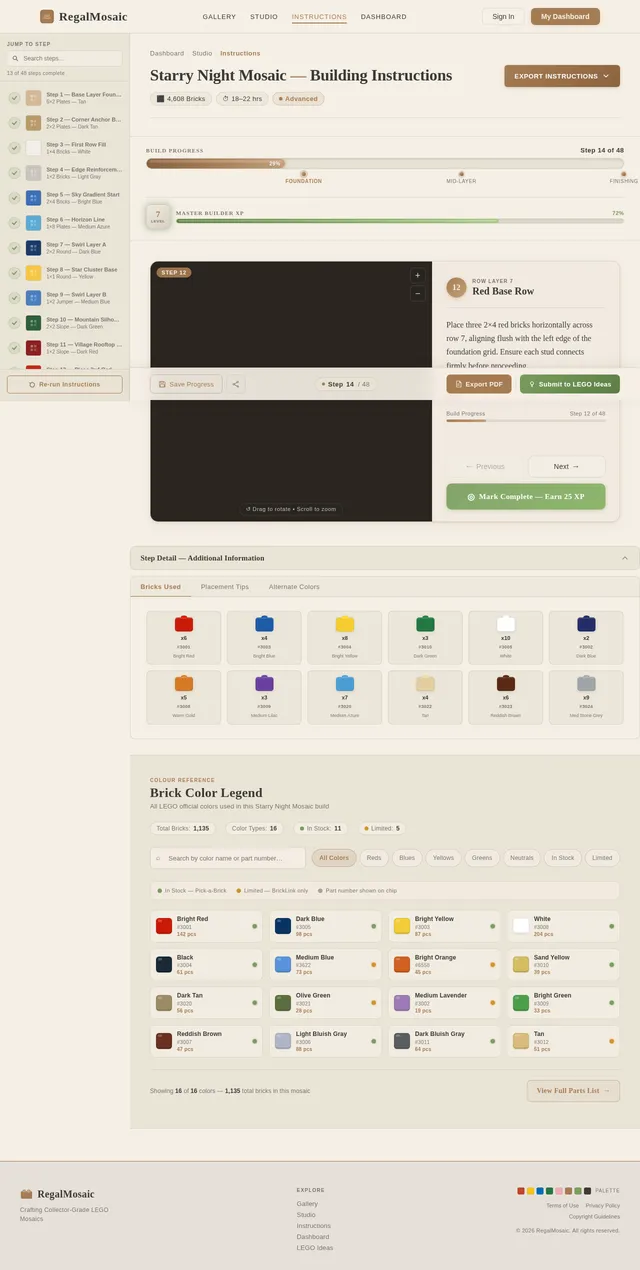
As a user, I want to generate and view step-by-step LEGO-style building instructions on the Instructions page so I can physically assemble my mosaic. Display layer-by-layer assembly steps, part inventories with IDs, and a downloadable PDF formatted in LEGO-style blueprints. Links from Studio Customize and leads to Dashboard Save Creation. Used primarily by the Enthusiast Builder persona.
Implement 3D Mosaic Preview API
As a user, I want a backend API to provide the processed mosaic data (brick positions, colors, dimensions) so the frontend Three.js renderer can display an interactive 3D preview. Endpoint returns structured JSON compatible with the Studio Preview page.
Build Export Page
As a user, I want to export my LEGO mosaic design from the Export page in digital build file formats (.io or .ldr) so I can use them in LEGO design tools. Provide download options for BrickLink Studio and LDraw formats. Links from Studio Customize and leads to Submit to LEGO Ideas. Used primarily by the Aspiring LEGO Designer persona.
Build Order Confirm Page
As a user, I want to review and confirm my order on the Order Confirm page so I can complete the purchase of my custom LEGO collector's kit. Display order summary, total cost (free for now), and confirmation action. Links from Customize Kit and completes the Collector user flow.
Implement Mosaic Customization API
As a user, I want to use a backend API to apply customizations (size, color palette adjustments) to my mosaic and receive an updated brick map, supporting the selective re-run capability without re-uploading artwork.
Build Submit to LEGO Page
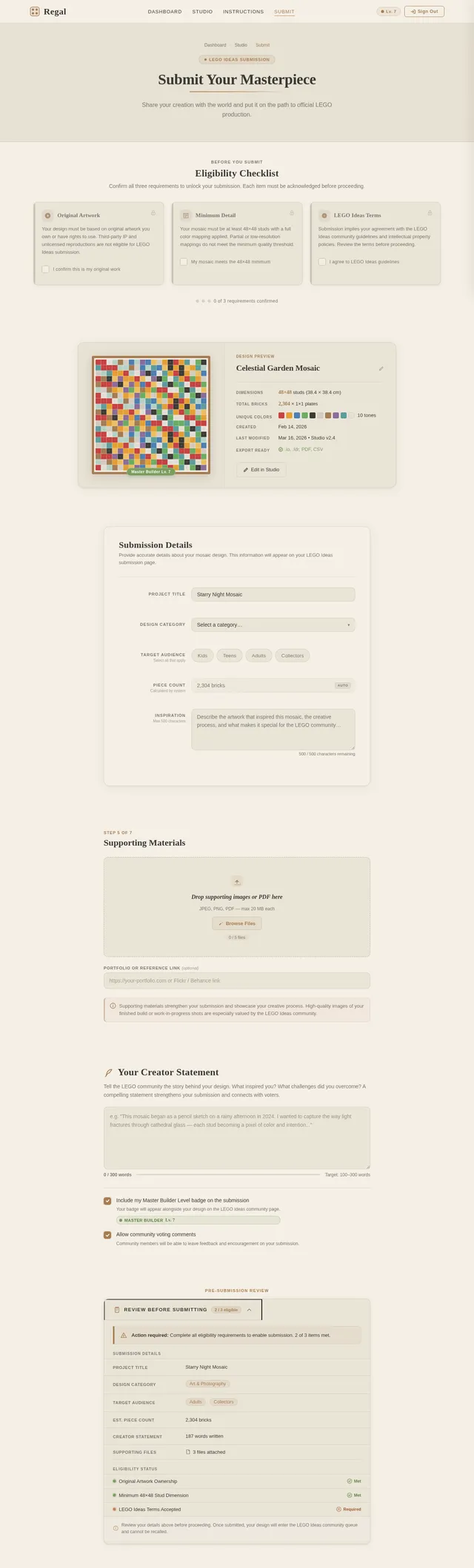
As a user, I want to submit my mosaic design to LEGO Ideas from the Submit page so it can gain recognition and potentially be officially produced. Include a submission form, design summary preview, and confirmation state. Links from Export page. Used primarily by the Aspiring LEGO Designer persona.
Implement Parts List API
As a user, I want a backend API that integrates with BrickLink and LEGO Pick-a-Brick APIs to generate a purchasable parts list from my mosaic brick map, including brick IDs, quantities, and pricing information (free access for all users).
Implement Export Build Files API
As a user, I want a backend API to export my mosaic design as digital build files in BrickLink Studio (.io) and LDraw (.ldr) formats so I can use them in external LEGO design applications.
Implement Instructions Generator API
As a user, I want a backend API using LangChain orchestration to automatically generate step-by-step LEGO-style building instructions from my brick map, including layer-by-layer assembly steps, part inventories per step with part IDs, and a PDF export in LEGO-style blueprint format.
No comments yet. Be the first!