deep-medicine
by Aynishet Alemu
scan a lable and detail information from medicine box, bottle, paper, and fill the filled to register the medicine

Comments (0)
Sign in to leave a comment
Project Tasks
19 planning tasks#1
Generate system requirement document
1m 13s0.05 cr used
Done#2
Generate personas & user flows
0m 6s0.05 cr used
Done#5
Architecture
0.05 cr needed
Backlog#6
Workspace task plan
0.05 cr needed
Backlog#7
Create flow for Medicine registrant
0m 5sCredits in parent
Done#8
Landing
3m 2sCredits in subtasks
Done#9
Sign Up
Credits in subtasks
Backlog#10
Login
Credits in subtasks
Backlog#11
Scan Label
Credits in subtasks
Backlog#12
Register Medicine
Credits in subtasks
Backlog#13
My Medicines
Credits in subtasks
Backlog#14
Landing / Instrument Rail
0m 26s0.85 cr used
Done#15
Landing / Hero Stage
0m 36s0.85 cr used
Done#16
Landing / Source Readouts
0m 26s0.85 cr used
Done#17
Landing / Returning Recovery
0m 23s0.85 cr used
Done#18
Landing / Footer
0m 0s0.85 cr used
Done#19
Footer
0m 21sCredits in parent
Done#20
Fix Landing: Mobile fixed navigation overlaps the hero bezel and clips the final navigation label…
0m 36sCredits unavailable
Error#21
Fix Landing review finding: Mobile fixed navigation overlaps the hero bezel and clips…
0m 34s0 cr used
Error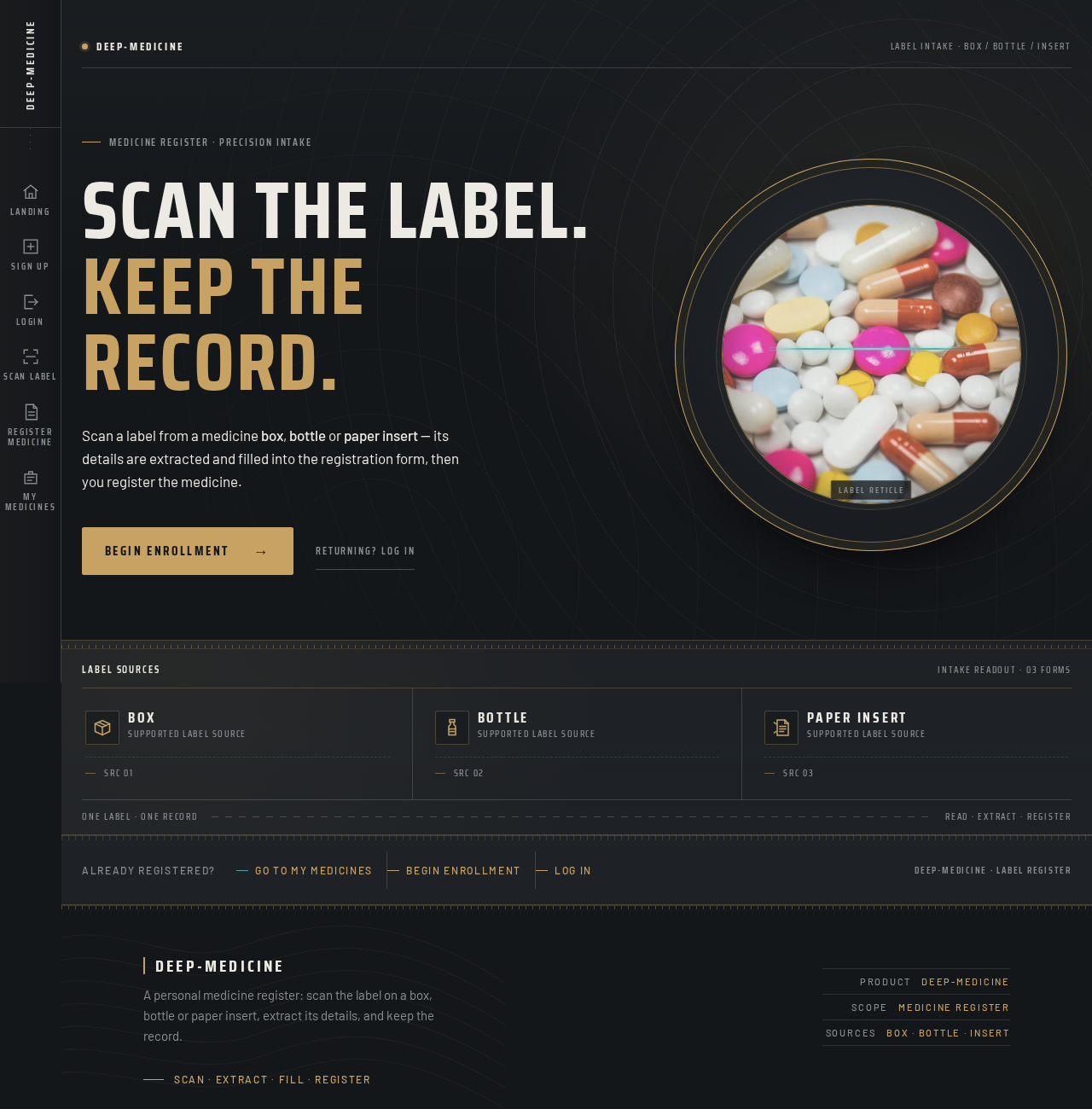
deep-medicineLabel intake · Box / Bottle / Insert
Scan the label.Keep the record.
Scan a label from a medicine box, bottle or paper insert — its details are extracted and filled into the registration form, then you register the medicine.
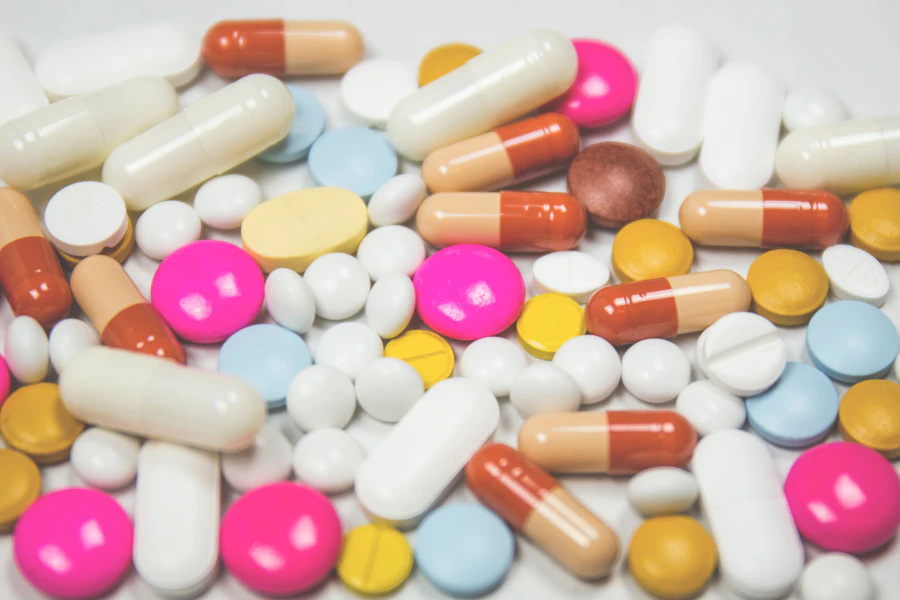
Label sources
BoxSupported label source
BottleSupported label source
Paper insertSupported label source
deep-medicineLabel intake · Box / Bottle / Insert
Scan the label.Keep the record.
Scan a label from a medicine box, bottle or paper insert — its details are extracted and filled into the registration form, then you register the medicine.
Label sources
BoxSupported label source
BottleSupported label source
Paper insertSupported label source
No comments yet. Be the first!