deep-medicine

byAynishet Alemu

scan a lable and detail information from medicine box, bottle, paper, and fill the filled to register the medicine

Landing
Landing

Comments (0)

No comments yet. Be the first!

Live
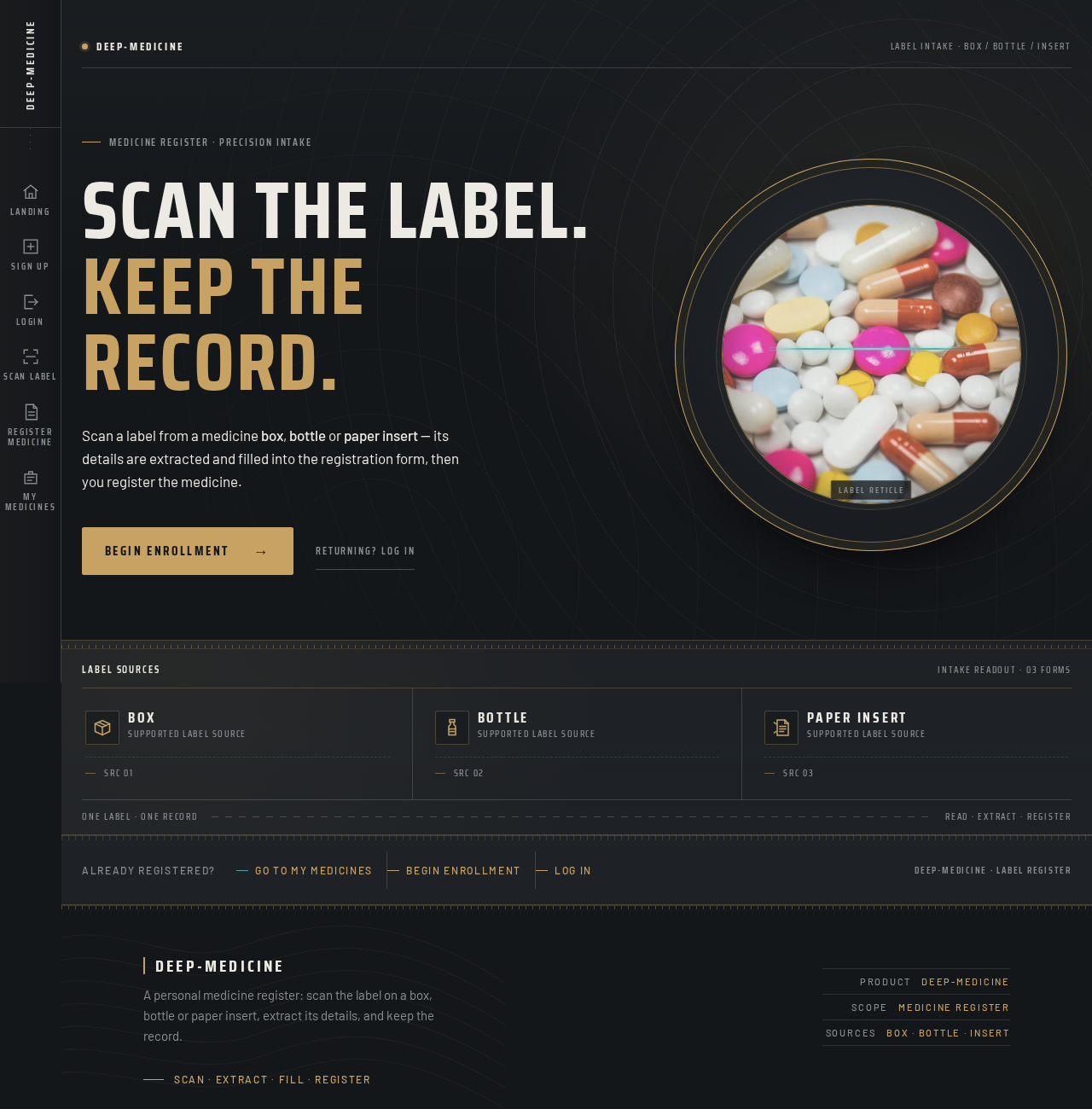
Landing design preview
Landing: Review scan purpose
Sign Up: Begin enrollment
Sign Up: 1. Submit credentials
Sign Up: 2. Correct inline error
Login: Switch to login
Scan Label: 1. Select label source
Scan Label: 2. Capture label image
Scan Label: 3. Retake poor capture
Scan Label: 4. Continue with held scan
Register Medicine: 5. Await extraction completion
Register Medicine: 6. Review locked fields
Register Medicine: 7. Resolve needs-you fields
Register Medicine: 8. Re-run extraction
Register Medicine: 9. Enter values manually
Register Medicine: 10. Submit registration form
Register Medicine: 11. Retry preserved submission
My Medicines: 12. Review new entry
My Medicines: 13. Open registered medicine
My Medicines: 14. Start another scan
Landing: Choose returning login
Login: 1. Submit credentials
Login: 2. Retry after failed verification
My Medicines: Retry list load
My Medicines: Start new scan
Live
Landing design preview
Landing: Review scan purpose
Sign Up: Begin enrollment
Sign Up: 1. Submit credentials
Sign Up: 2. Correct inline error
Login: Switch to login
Scan Label: 1. Select label source
Scan Label: 2. Capture label image
Scan Label: 3. Retake poor capture
Scan Label: 4. Continue with held scan
Register Medicine: 5. Await extraction completion
Register Medicine: 6. Review locked fields
Register Medicine: 7. Resolve needs-you fields
Register Medicine: 8. Re-run extraction
Register Medicine: 9. Enter values manually
Register Medicine: 10. Submit registration form
Register Medicine: 11. Retry preserved submission
My Medicines: 12. Review new entry
My Medicines: 13. Open registered medicine
My Medicines: 14. Start another scan
Landing: Choose returning login
Login: 1. Submit credentials
Login: 2. Retry after failed verification
My Medicines: Retry list load
My Medicines: Start new scan