pure-system
 Jatin Yadav
You are an expert Solution Architect and Senior Full Stack + AI Engineer. Design and generate a complete end-to-end production-ready system for an AI-powered furniture quotation generator. The system should: Accept product image and/or description Extract features using Computer Vision + NLP Perform similarity search on historical dataset (Excel with images, descriptions, pricing) Use RAG (Retrieval-Augmented Generation) with LLM to generate pricing Output a structured quotation (JSON + downloadable PDF) Provide: System architecture (frontend, backend, AI layer) Tech stack (React, FastAPI/Node, Vector DB, etc.) Database schema (PostgreSQL + vector DB) AI pipeline (image embeddings, text embeddings, RAG flow) API design (endpoints with request/response) Folder structure (production-ready) Sample code for: Image processing Embedding generation Vector search RAG pipeline Quotation generation Deployment setup (Docker + cloud) Keep it modular, scalable, and production-ready with best practices.
Comments (0)
Sign in to leave a comment
Project Tasks19
Implement Theme and Structure
As a user, I want the application to visually match the mock-design pages exactly. Implement the global theme (colors: #F4F7FA background, #FFFFFF surface, #2C2C38 text, #4A90E2 accent, #D9E2EC muted), typography (thin weight 300 headings, weight 400 body, clean modern sans-serif), layout (low density, generous spacing, maximum negative space), and motion (ultra subtle opacity fade, gentle drift). Apply the Floating Blueprint Interface design concept across all pages. Remove any pages not present in the user flows or design. This task must be completed independently before any other page implementation tasks.
Build Login Page
As a user, I want to sign in to the pure-system platform so I can access upload and quotation features. Implement the Login page with the established theme (blueprint aesthetic, muted steel blue accent, minimal layout). Include email/password fields, sign-in CTA, and link to the signup page. For Admin: Login → Dashboard. For User: Login → Upload. Ensure the page aligns with the color palette and motion design from the SRD.
Build Landing Page
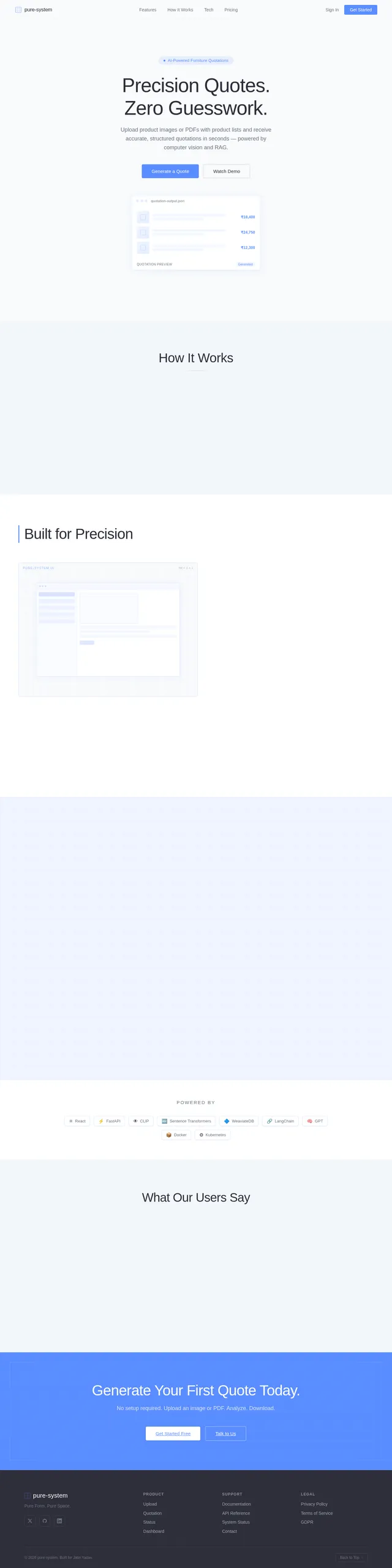
As a user, I want to view an overview of the pure-system platform on the landing page so I can understand its purpose and navigate to login. Implement the Landing page based on the existing JSX design (Landing v3). The page should feature the Floating Blueprint Interface with an animated grid background, dynamic product cards, a central upload zone resembling a drafting table, and a glowing CTA button leading to the login page. Follows the user flow: Landing → Login.
Build Upload Page
As a user, I want to upload a product image or PDF containing product lists and descriptions so the system can generate a quotation for me. Implement the Upload page featuring a drag-and-drop upload zone styled as a drafting table (blueprint aesthetic). Users can upload images or PDFs only — no manual description input. Animate the upload zone like a blueprint being drawn on file drop. Show upload progress and confirmation. On successful upload, navigate to the Status page. User flow: Login → Upload → Status.
Build Admin Dashboard Page
As an admin, I want to view system metrics on the dashboard so I can monitor platform health and navigate to dataset and logs management. Implement the Admin Dashboard page showing key metrics (e.g., total uploads, quotations generated, system health). Include navigation to Dataset and Logs pages. Styled with the blueprint theme and minimal layout. Admin flow: Login → Dashboard → Dataset / Logs.
Build Dataset Management Page
As an admin, I want to upload and manage the historical dataset (images, descriptions, pricing) so the AI pipeline has accurate data for quotation generation. Implement the Dataset page with two views: Upload Records (drag-and-drop Excel/image upload) and Manage Entries (table view to review, edit, delete records). Admin flow: Dashboard → Dataset: Upload Records → Dataset: Manage Entries.
Implement File Upload API
As a user, I want to use the backend API to upload product images or PDFs so they can be stored and queued for AI processing. Implement a FastAPI POST /upload endpoint accepting multipart file uploads (images and PDFs). Validate file types, store files in S3/cloud storage, create a quotation job record in MySQL, and return a task_id for status tracking. Supports the Upload page frontend.
Build Logs Monitoring Page
As an admin, I want to monitor system performance and review error logs so I can ensure the platform operates smoothly. Implement the Logs page with two views: Monitor System (real-time performance metrics, request counts, latency) and Review Errors (filterable error log list with timestamps and stack traces). Admin flow: Dashboard → Logs: Monitor System → Logs: Review Errors.
Build Status Page
As a user, I want to track the progress of my quotation generation request so I know when results are ready. Implement the Status page showing real-time status updates for submitted files (e.g., processing, extracting features, generating quotation). Include a selectable list of uploaded files with the ability to trigger a re-run for specific files (animated like a blueprint being redrawn). Once complete, navigate to the Quotation page. User flow: Upload → Status → Quotation.
Build Image Embedding Pipeline
As a user, I want the AI system to extract visual features from uploaded product images using CLIP so accurate similarity searches can be performed. Implement the CLIP-based image embedding pipeline: preprocess uploaded images, generate embeddings using openai/clip-vit-base-patch32, and store embeddings in WeaviateDB with metadata (product_id, image_url). Integrate with the upload processing workflow.
Build Quotation Page
As a user, I want to view the generated quotation in JSON format and download it as a PDF so I can use it for business purposes. Implement the Quotation page displaying the structured quotation output with pricing in INR. Include a JSON viewer component and a prominent PDF download button styled as a glowing CTA element. User flow: Status → Quotation: View JSON → Quotation: Download PDF.
Build Text Embedding Pipeline
As a user, I want the AI system to extract text features from uploaded PDFs and product descriptions using NLP so accurate similarity searches can be performed. Implement PDF text extraction (e.g., PyMuPDF/pdfplumber), generate text embeddings using Sentence Transformers (all-MiniLM-L6-v2), and store embeddings in WeaviateDB alongside image embeddings. Integrate with the upload processing workflow.
Implement System Logs & Metrics API
As an admin, I want to use the backend API to access system performance metrics and error logs so I can monitor platform health. Implement FastAPI endpoints: GET /admin/metrics (return request counts, latency percentiles, error rates) and GET /admin/logs (return paginated error logs with timestamps, severity, stack traces, and filtering support). Supports the Logs Monitoring page.
Implement Job Status API
As a user, I want to use the backend API to check the status of my quotation generation request so I can track progress in real time. Implement FastAPI GET /status/{task_id} endpoint returning current job status (queued, processing, completed, failed). Also implement POST /rerun/{task_id} to selectively re-run processing for a specific uploaded file. Supports the Status page frontend.
Implement Dataset Management API
As an admin, I want to use the backend API to upload and manage the historical dataset so the AI pipeline has up-to-date pricing data. Implement FastAPI endpoints: POST /admin/dataset/upload (accept Excel + images, parse and store records in MySQL, generate and store embeddings in WeaviateDB), GET /admin/dataset (list all records with pagination), PUT /admin/dataset/{id} (update record), DELETE /admin/dataset/{id} (remove record and its embeddings). Supports the Dataset Management page.
Implement Vector Similarity Search
As a user, I want the AI system to find similar historical furniture records using vector search so pricing generation is grounded in real data. Implement WeaviateDB similarity search: query top-k similar records using combined image and text embeddings, retrieve matching historical records (images, descriptions, pricing) from WeaviateDB, and return ranked results for RAG input. Integrate with the RAG pipeline.
Build RAG Quotation Pipeline
As a user, I want the AI system to generate accurate furniture pricing using RAG so the quotation reflects real market data. Implement the RAG pipeline using LangChain for orchestration and LiteLLM for LLM routing: take top-k similar records from vector search as context, construct a pricing generation prompt, call GPT via LiteLLM, parse and structure the response into a quotation JSON object with INR pricing. Integrate with the quotation generation workflow.
Implement Quotation & PDF API
As a user, I want to use the backend API to retrieve the generated quotation in JSON format and download it as a PDF so I can use it for business purposes. Implement FastAPI GET /quotation/{task_id} returning structured quotation JSON with INR pricing, and GET /quotation/{task_id}/pdf generating and streaming a downloadable PDF using ReportLab. Supports the Quotation page frontend.
Integrate Frontend with Backend APIs
As a user, I want the frontend pages to seamlessly communicate with backend APIs so the complete upload-to-quotation workflow functions end-to-end. Wire all frontend pages to their respective backend endpoints: Upload page → POST /upload, Status page → GET /status/{task_id} & POST /rerun/{task_id}, Quotation page → GET /quotation/{task_id} & PDF download. Implement axios/fetch service layer with error handling, loading states, and INR formatting. Admin pages → dataset and logs APIs.
No comments yet. Be the first!