winter-single
by Diya Trivedi
Diya Trivedistart a project to build simple single page design of caluclator

Comments (0)
Sign in to leave a comment
Project Tasks
13 planning tasks#1
Generate system requirement document
0m 36s0.05 cr used
Done#2
Generate personas & user flows
0m 3s0.05 cr used
Done#7
Create flow for Calculator User
0m 3sCredits in parent
Done#8
Calculator
2m 48sCredits in subtasks
Done#14
Fix Calculator review findings: The keypad is a broken 4×5 layout: the decimal key is… (+2 more)
0m 48s0.1 cr used
Done#9
Calculator / Title Block
0m 12s0.85 cr used
Done#10
Calculator / Surface
0m 29s0.85 cr used
Done#11
Fix Calculator: The keypad is a broken 4×5 layout: the decimal key is misplaced on its own row instead…
1m 18sCredits unavailable
Done#12
Fix Calculator: The keypad is not the required 4×5 grid: places only three keys in the final row, while…
1m 18sCredits unavailable
Done#13
Fix Calculator: The required operator is missing from the rendered keypad: the operator rows contain…
1m 18sCredits unavailable
Done#4
Design remaining pages
Not recorded0.05 cr needed
Done#5
Architecture
0.05 cr needed
Backlog#6
Workspace task plan
0.05 cr needed
Backlog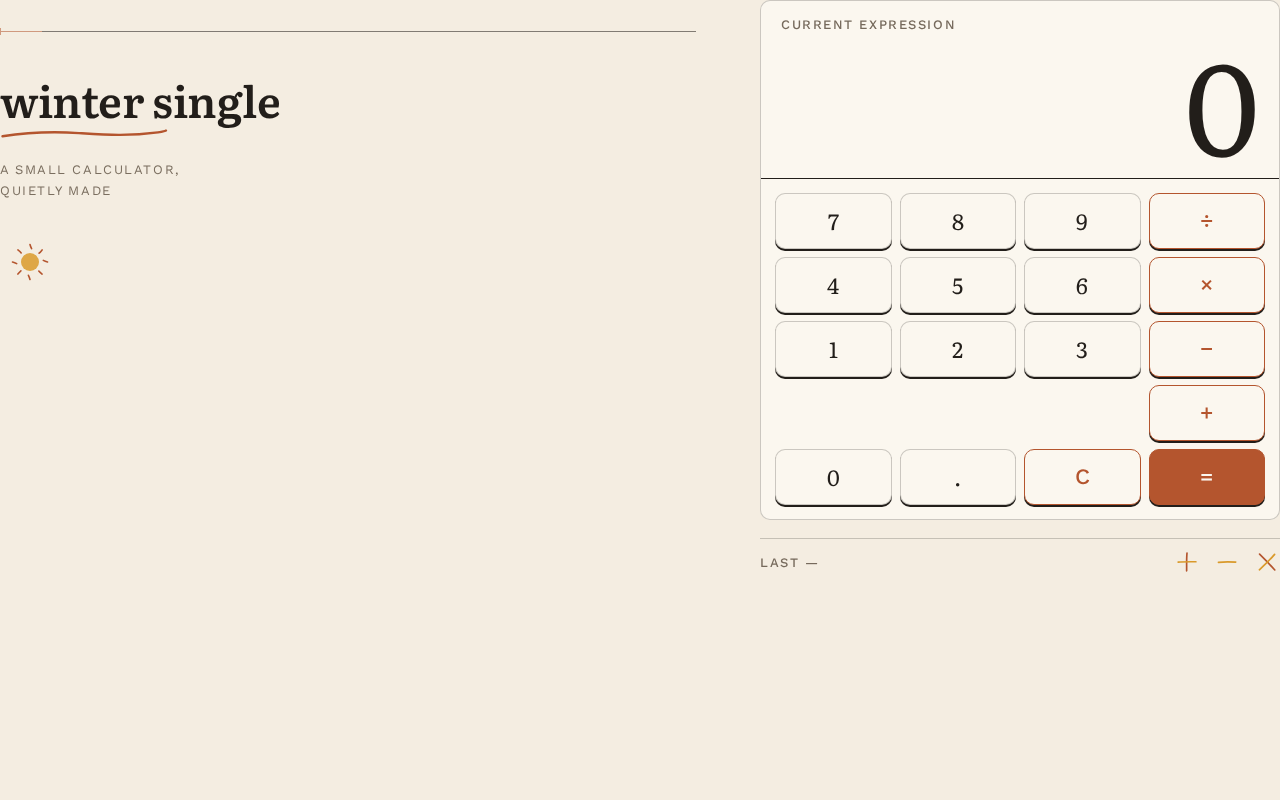
winter single
a small calculator, quietly made
current expression
2 expressions recorded.
winter single
a small calculator, quietly made
current expression
2 expressions recorded.
No comments yet. Be the first!