vivid-mhidhehub
 Mhidhe Richie
📱 App Idea: MhidheHub MhidheHub — an all-in-one platform where small businesses, graphic designers, and content creators can showcase their services, receive orders, and connect with customers. Main features • 🏪 Business profiles — businesses can display their products/services. • 🎨 Graphics marketplace — customers can request flyers, logos, banners, invitations, etc. • 📦 Order system — customers submit an order and track its status. • 💬 Chat — customer ↔ designer/business communication. • 📱 Social feed — users can post their work and promote their businesses. • ⭐ Ratings & reviews — customers can review completed jobs. • 🔔 Notifications — updates when an order or message changes. • 👤 User dashboard — manage profile, orders and saved designs. • 🔎 Search — find designers, businesses and services by category. • 💳 Payment section — designed to support Nigerian payment methods when connected to a suitable payment provider. Build a modern mobile-first app called “MhidheHub”. MhidheHub is a marketplace and social platform for small businesses, graphic designers, freelancers, and content creators in Nigeria. The goal is to allow users to discover service providers, view their portfolios, request services, communicate with them, place orders, and promote their businesses. Create these main screens: 1. Splash Screen - MhidheHub logo - Professional modern animation - Tagline: “Create. Connect. Grow.” 2. Onboarding - Explain the platform in 3 simple slides: • Find talented creators • Order products and services • Grow your business 3. Sign Up / Login - Name - Email or phone number - Password - User type: Customer, Business Owner, Designer, Creator 4. Home Screen - Search bar - Categories - Featured businesses - Featured designers - Popular services - Recent posts - Promotional banners 5. Marketplace Categories should include: - Graphic Design - Logo Design - Flyers & Posters - Video Editing - Photography - Social Media Management - Fashion - Beauty - Food - Electronics - Other Services 6. Provider Profile Show: - Profile picture - Business name - Bio - Location - Services - Portfolio - Reviews - Rating - Contact button - “Order Service” button 7. Order Screen Allow customers to: - Select a service - Describe what they need - Upload reference images/files - Select deadline - See estimated price - Submit order 8. Chat Create a clean real-time chat interface between customers and service providers. 9. Social Feed Users can: - Upload photos/videos - Write captions - Like posts - Comment - Share - Follow creators and businesses 10. Orders Dashboard Include: - Pending - Accepted - In Progress - Completed - Cancelled 11. Notifications Show messages for: - New orders - Order updates - New messages - Likes/comments - New followers 12. User Profile Include: - Profile photo - Name - Bio - Location - My Orders - My Services - My Posts - Saved Posts - Settings 13. Admin Dashboard Allow administrators to: - Manage users - Manage businesses - Manage orders - Review reported content - Manage categories - View platform statistics Design requirements: - Professional and premium UI - Clean navigation - Rounded cards - Modern typography - Attractive but simple animations - Mobile-first responsive design - Light and dark mode - Use Nigerian Naira (₦) for prices - Make the interface easy for beginners to understand - Include realistic sample data so the app looks complete Use a bottom navigation bar with: Home | Explore | Orders | Messages | Profile Build the app with a scalable architecture, reusable components, proper authentication, database structure, image/file uploads, search, notifications, and secure user data handling. Make the first version an MVP that can actually be tested, with clear placeholders for payment integration and other external services.

Comments (0)
Sign in to leave a comment
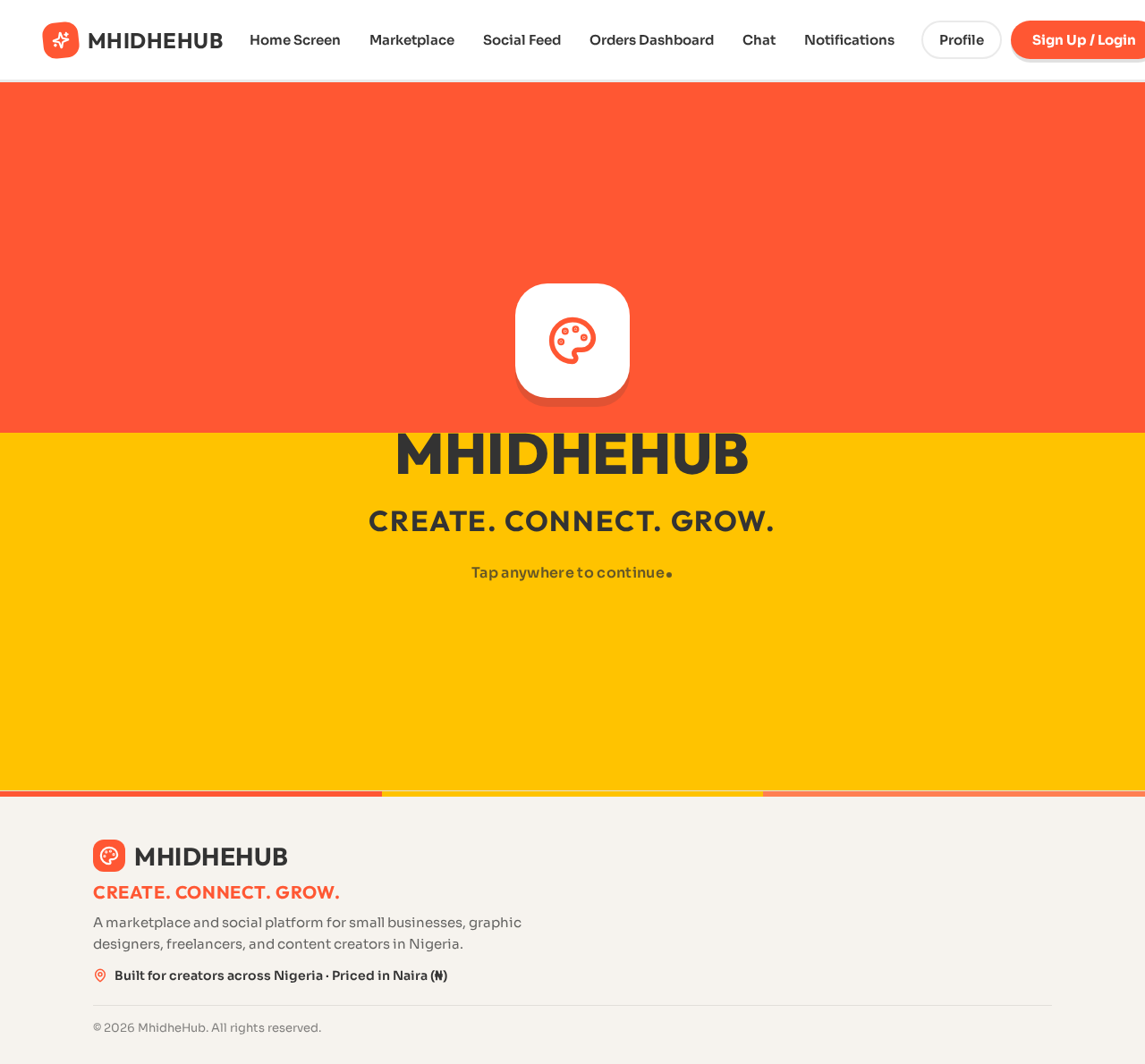
MhidheHub
Create. Connect. Grow.
Tap anywhere to continue
MhidheHub
Create. Connect. Grow.
Tap anywhere to continue
No comments yet. Be the first!