video-edit
by Mehtab Watson
Tum kya kya kar sakte ho ? Video edit kar sakte ho?

Comments (0)
Sign in to leave a comment
Project Tasks
15 tasks#1
Generate system requirement document
0m 36s0.05 cr used
Done#2
Generate personas & user flows
0m 4s0.05 cr used
Done#4
Design remaining pages
Not recorded0.05 cr needed
Done#5
Architecture
0m 11s0.05 cr used
Done#6
Workspace task plan
0m 47s0.05 cr used
Done#7
Create flow for Site visitor
0m 3sCredits in parent
Done#8
Landing
3m 5sCredits in subtasks
Done#9
Landing / Hero
0m 20s0.85 cr used
Done#10
Landing / Tab Stage
0m 37s0.85 cr used
Done#11
Fix Landing: The Tab stage section has no horizontal gutter, so its text sits on the viewport edge at…
0m 42sCredits unavailable
Done#12
Fix Landing: The tab section content runs to the viewport edges. The wrapper () has no horizontal…
1m 5sCredits unavailable
Done#13
Fix Landing review findings: The Tab stage section has no horizontal gutter, so its… (+1 more)
0m 10s0 cr used
Done#14
Create frontend_modules diagram
0m 11sCredits in parent
Done#15
Serve recreated site content from the database
100 cr estimated
To Do#16
Wire Landing tabs, transitions, and content states to live data
120 cr estimated
To Do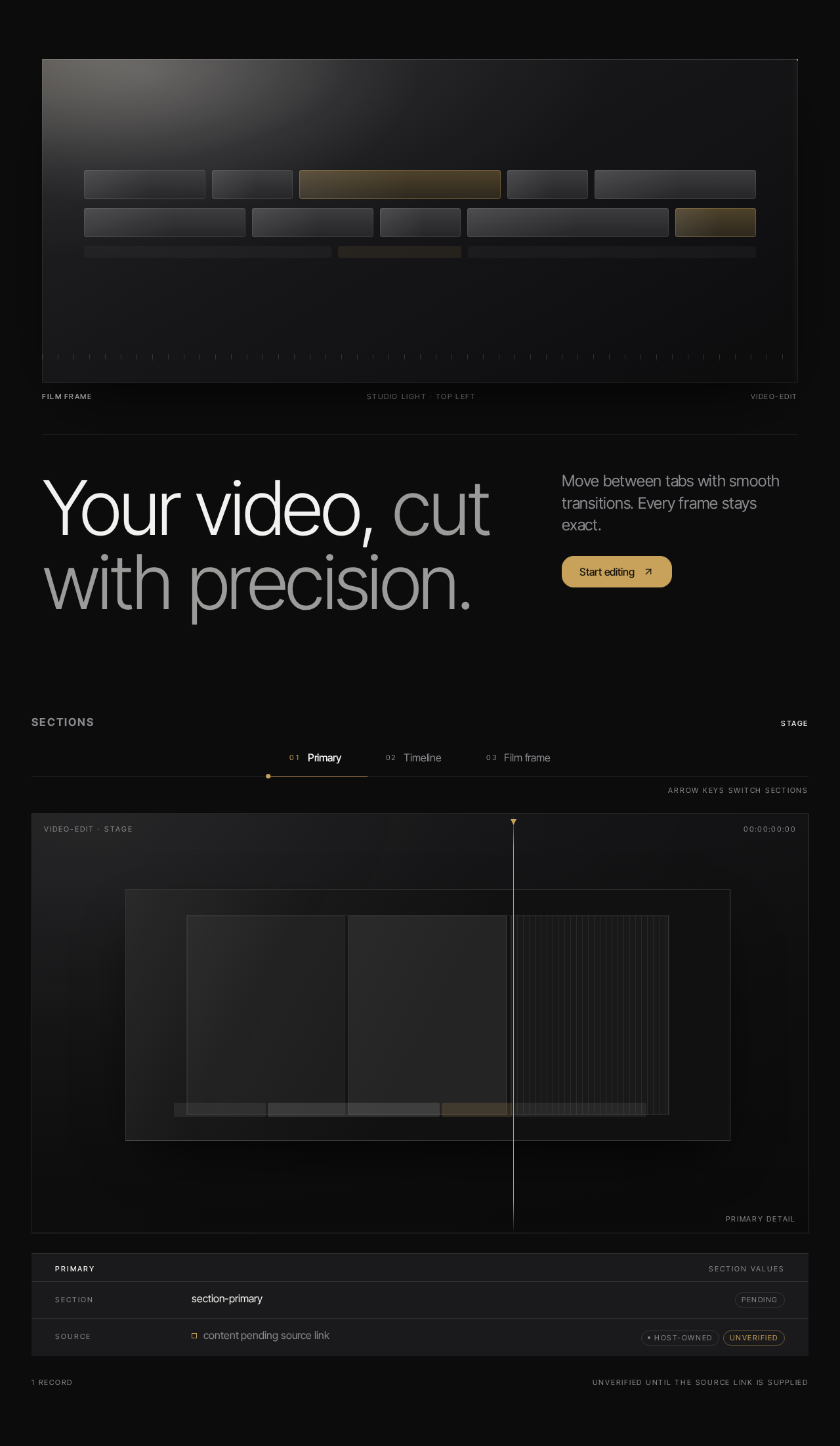
Your video, cut with precision.
Move between tabs with smooth transitions. Every frame stays exact.
Start editingSections
StagePreparing frame
Your video, cut with precision.
Move between tabs with smooth transitions. Every frame stays exact.
Start editingSections
StagePreparing frame
No comments yet. Be the first!