
uploaded-document

byLokesh Kothur

What is the content inside the given uploaded document.

Landing
Landing

Comments (0)

No comments yet. Be the first!

Project Tasks

16 planning tasks
#1

Generate system requirement document

0m 53s0.05 cr used
Done
#2

Generate personas & user flows

0m 5s0.05 cr used
Done
#7

Create flow for Document Reader

0m 4sCredits in parent
Done
#8

Landing

2m 42sCredits in subtasks
Done
#18

Fix Landing review findings: The document preview omits most of the supplied document… (+1 more)

0m 31s0.02 cr used
Error
#16

Fix Landing: The document preview omits most of the supplied document content. In , the rendered…

0m 32sCredits unavailable
Error
#17

Fix Landing: The sheet shows only the opening excerpt, then fades out; the requested document content…

0m 32sCredits unavailable
Error
#12

Landing / Navigation

0m 0s0.85 cr used
Done
#10

Landing / Instrument Strip

0m 39s0.85 cr used
Done
#11

Landing / Document Sheet

0m 49s0.85 cr used
Done
#13

Landing / Footer

0m 0s0.85 cr used
Done
#14

Navigation

0m 15sCredits in parent
Done
#15

Footer

0m 15sCredits in parent
Done
#9

Document

Credits in subtasks
Backlog
#5

Architecture

0.05 cr needed
Backlog
#6

Workspace task plan

0.05 cr needed
Backlog
Landing design preview
reader wants the complete document text beyond the first lines shown on the Landing sheet
reader continues past the visible portion of the sheet
sheet scroll crosses a page marker
reader has reached the end of the six-page document
reader has seen the document content and its metadata
Landing: Open the public Landing page no account or identity required to begin viewing the uploaded document sample.pdf
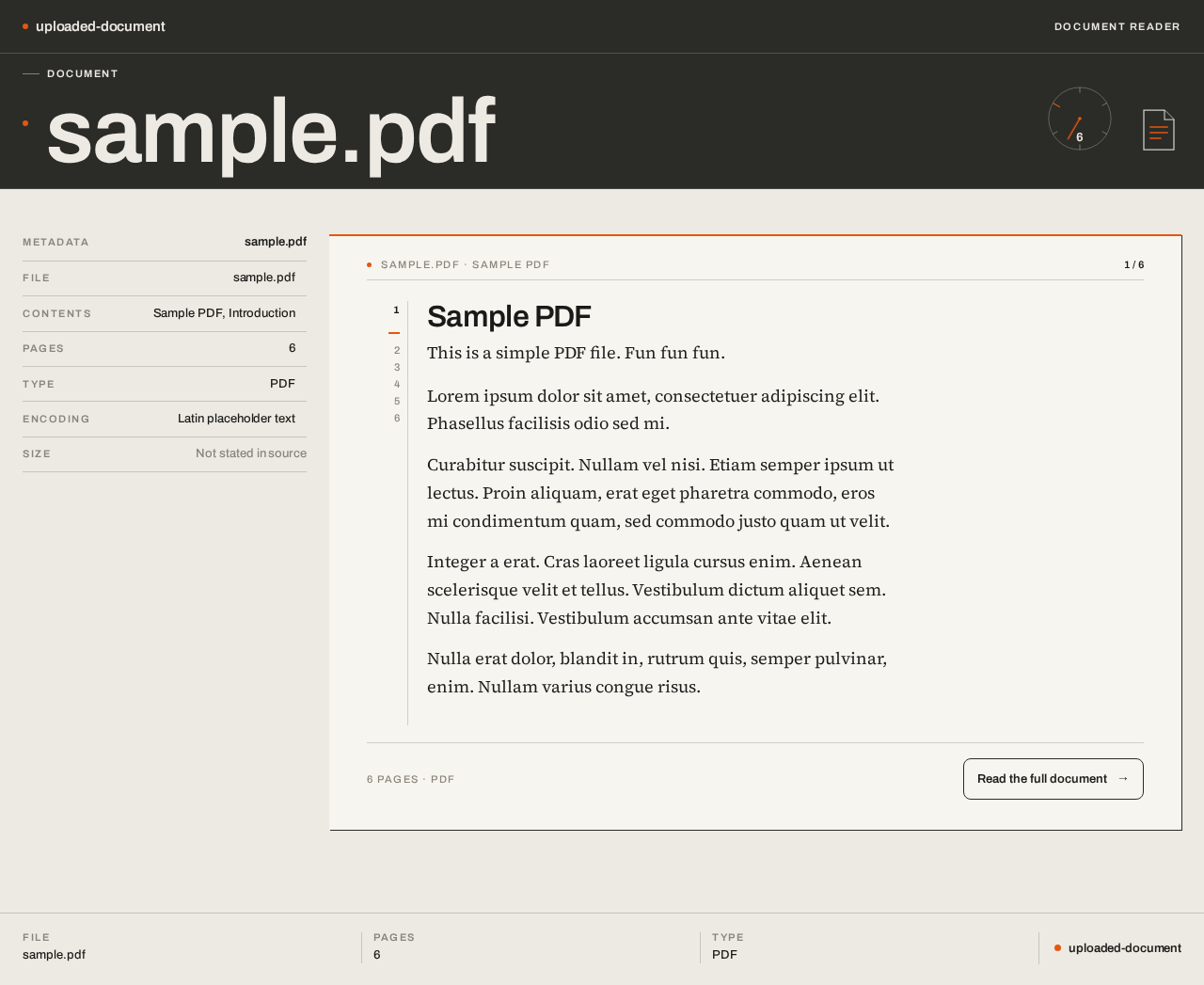
Landing: View the graphite instrument strip with the DOCUMENT label, the oversized title sample.pdf, the orange signal dot and the circular page dial reading 6
Landing: Read the aligned label/value metadata pairs FILE, PAGES, SIZE, TYPE in the left rail
Landing: Read the document's real first lines 'Sample PDF / This is a simple PDF file. Fun fun fun.' on the paper sheet beneath the orange 2px rule
Landing: Continue from the Landing sheet into the full Document view to read the complete extracted text
Document: View the paper-white document sheet with the full extracted Latin text, its running header and page numbers in the margin
Document: Read the extracted document text in the serif body at reading size on the 62ch measure
Document: Scroll the sheet through the six pages of the document
Document: Observe the orange page dial's needle step to the next page marker as the sheet scrolls, tracking current position in the six-page document
Document: Read the left rail labelled rows Contents, Pages, Type, Encoding with right-aligned tabular values
Document: Finish reading the document content, having seen what is inside sample.pdf
Landing design preview
reader wants the complete document text beyond the first lines shown on the Landing sheet
reader continues past the visible portion of the sheet
sheet scroll crosses a page marker
reader has reached the end of the six-page document
reader has seen the document content and its metadata
Landing: Open the public Landing page no account or identity required to begin viewing the uploaded document sample.pdf
Landing: View the graphite instrument strip with the DOCUMENT label, the oversized title sample.pdf, the orange signal dot and the circular page dial reading 6
Landing: Read the aligned label/value metadata pairs FILE, PAGES, SIZE, TYPE in the left rail
Landing: Read the document's real first lines 'Sample PDF / This is a simple PDF file. Fun fun fun.' on the paper sheet beneath the orange 2px rule
Landing: Continue from the Landing sheet into the full Document view to read the complete extracted text
Document: View the paper-white document sheet with the full extracted Latin text, its running header and page numbers in the margin
Document: Read the extracted document text in the serif body at reading size on the 62ch measure
Document: Scroll the sheet through the six pages of the document
Document: Observe the orange page dial's needle step to the next page marker as the sheet scrolls, tracking current position in the six-page document
Document: Read the left rail labelled rows Contents, Pages, Type, Encoding with right-aligned tabular values
Document: Finish reading the document content, having seen what is inside sample.pdf