universal-health-merchandise
 Arsalan Siddiqui
Create a CMS web application for a company `Universal Health Merchandise` Technical Stack: - User should be able to login as admin and edit content on the website - Frontend in latest lts Angular - Backend in Java using Spring Boot that should handle authentication, authorization, and CRUD operations for the CMS - Database in PostgreSQL in docker container - Use JWT for authentication - Use Docker for containerization with docker-compose to start the application with DB and backend service Website details: - Create a theme like `https://www.medline.ca/` with `Universal Health Merchandise` branding and logo. It should not look like a copy of `https://www.medline.ca/`. Also menu should at the top like website `https://roxon.ca/en/` - It should have the following pages: - Home something like `https://www.medline.ca/` - `Who We Serve` page - Products e.g `https://www.medline.ca/en/products` - News and Updates e.g `https://roxon.ca/en/blog/` - About Us e.g `https://www.medline.ca/about-us/team` - Contact Us e.g `https://roxon.ca/en/contact/`


Comments (0)
Sign in to leave a comment
Architecture
No Services Diagrams Yet
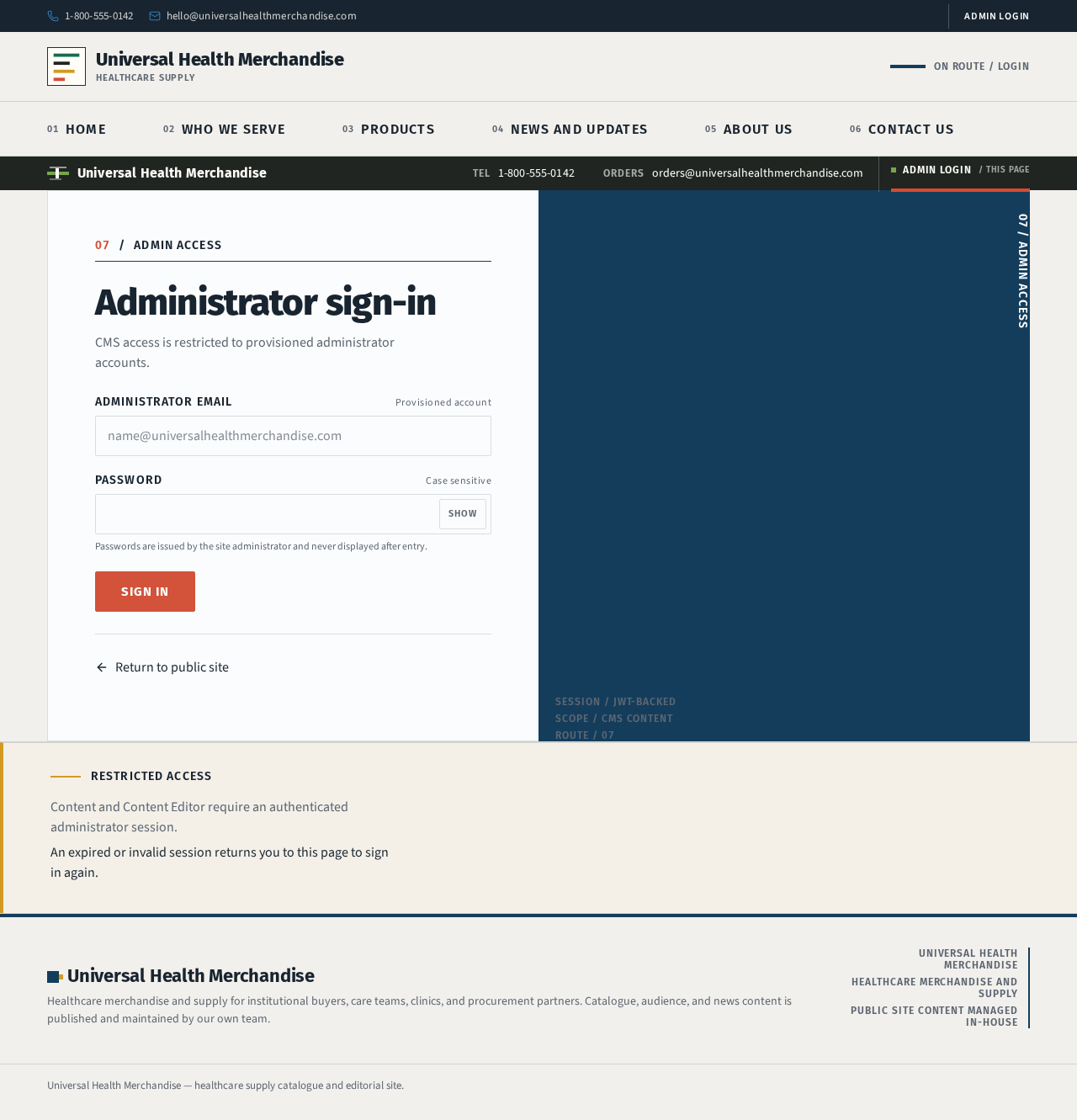
07ADMIN ACCESS
Administrator sign-in
CMS access is restricted to provisioned administrator accounts.
Passwords are issued by the site administrator and never displayed after entry.
Restricted access
Content and Content Editor require an authenticated administrator session.
An expired or invalid session returns you to this page to sign in again.
07ADMIN ACCESS
Administrator sign-in
CMS access is restricted to provisioned administrator accounts.
Passwords are issued by the site administrator and never displayed after entry.
Restricted access
Content and Content Editor require an authenticated administrator session.
An expired or invalid session returns you to this page to sign in again.
No comments yet. Be the first!