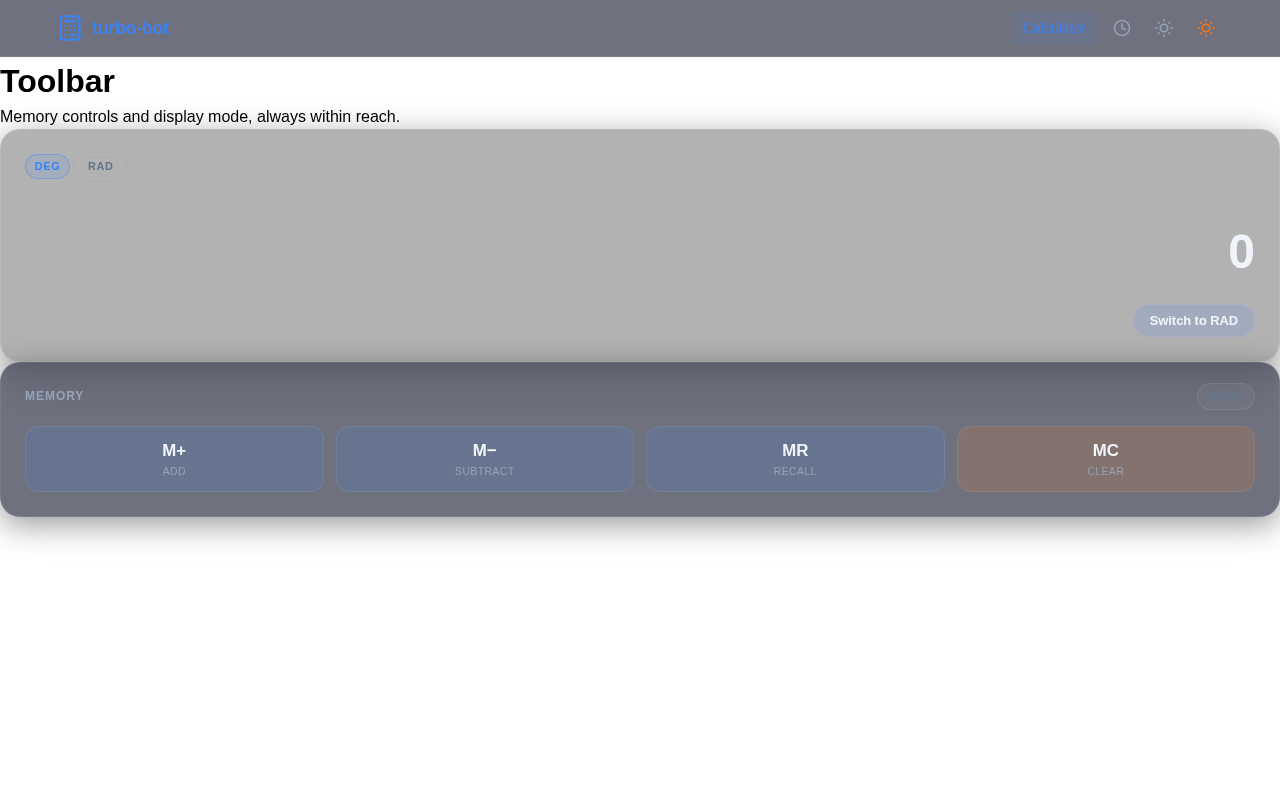
Toolbar
Memory controls and display mode, always within reach.
DEGRAD
0
Memoryempty
 Raman Yadav
You're designing a visually impressive calculator application. Provide a concrete plan and implementation details tailored to web development (browser-based), including UI/UX, features, and code guidance. Please deliver: 1) Core feature set (minimum viable product) with realistic extensions: - Basic arithmetic (plus, minus, multiply, divide, percent) - Advanced functions (scientific: sin, cos, tan, sqrt, log, ln, exponentials) - Memory functions (M+, M-, MR, MC) - History and copy-to-clipboard 2) 3D/realistic visuals and wow factor: - Glassy/3D-style UI, soft shadows, parallax background, subtle animations - Theme customization (light/dark, accent colors) 3) Implementation plan: - Suggested tech stack (web: React + CSS/3D transforms or WebGL for background) - Component breakdown (Display, Keypad, Toolbar, HistoryPanel, ThemeEngine) - Accessibility considerations (keyboard shortcuts, ARIA) 4) MVP roadmap: - Phase 1: Core calculator with responsive UI - Phase 2: 3D/immersive background and animations - Phase 3: Advanced functions, history, and theming 5) Example code snippets: - Minimal React component structure for Display and Keypad - Simple 3D background using CSS or a lightweight WebGL snippet 6) Run and build instructions: - How to start locally, dependencies, and production build notes


Sign in to leave a comment
Memory controls and display mode, always within reach.
No comments yet. Be the first!