task-tracker
by Neel Gorasiya
Neel GorasiyaMake a simple task tracker website which only have 2 pages: Landing and tasks page

Comments (0)
Sign in to leave a comment
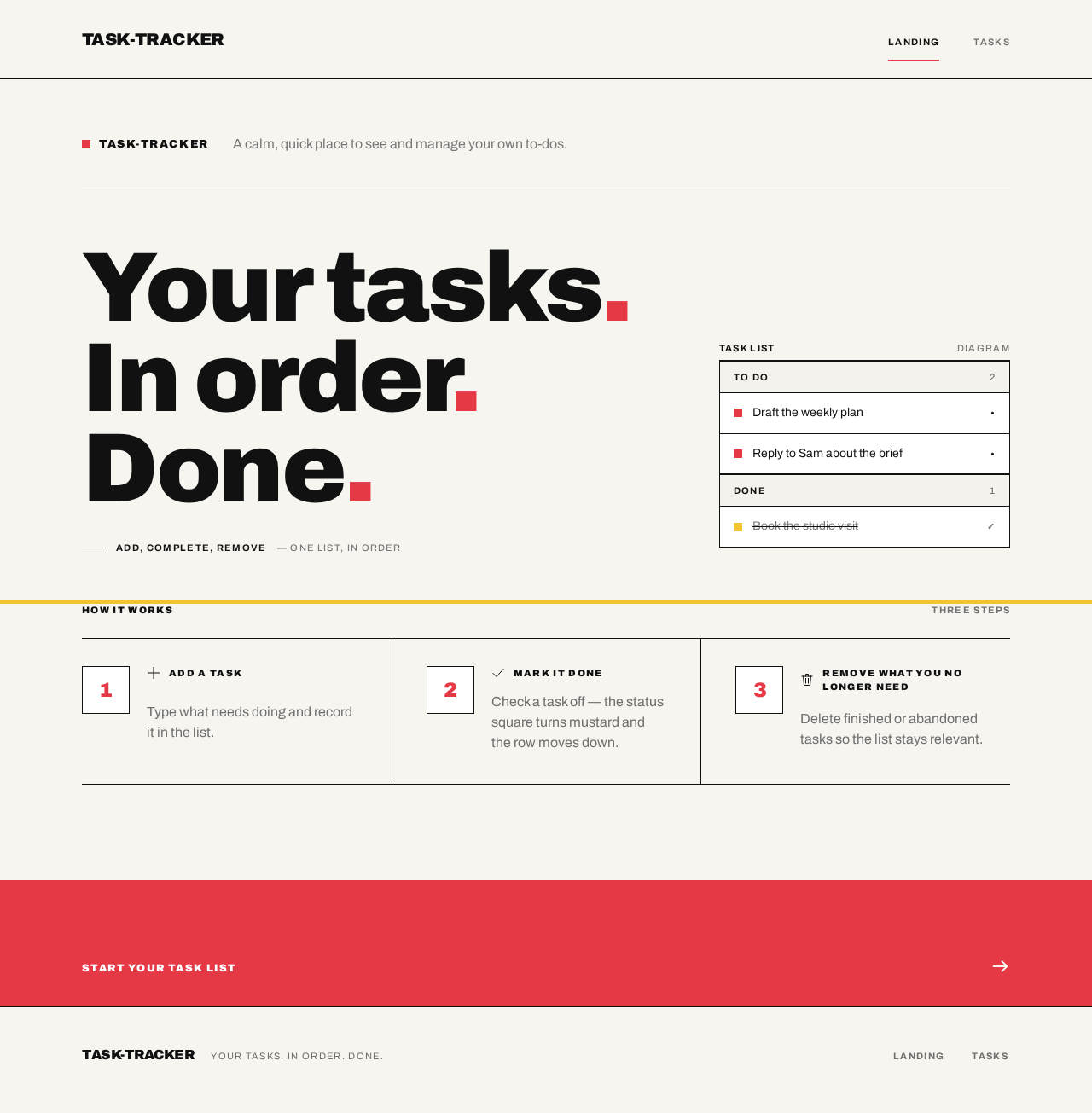
task-tracker
A calm, quick place to see and manage your own to-dos.
Your tasks.In order.Done.
Add, complete, remove— one list, in order
To do2
Done1
How it works
Step 1: Add a task
Type what needs doing and record it in the list.
Step 2: Mark it done
Check a task off — the status square turns mustard and the row moves down.
Step 3: Remove what you no longer need
Delete finished or abandoned tasks so the list stays relevant.
task-tracker
A calm, quick place to see and manage your own to-dos.
Your tasks.In order.Done.
Add, complete, remove— one list, in order
To do2
Done1
How it works
Step 1: Add a task
Type what needs doing and record it in the list.
Step 2: Mark it done
Check a task off — the status square turns mustard and the row moves down.
Step 3: Remove what you no longer need
Delete finished or abandoned tasks so the list stays relevant.
No comments yet. Be the first!