sunny-dashboard
 Monish Raj
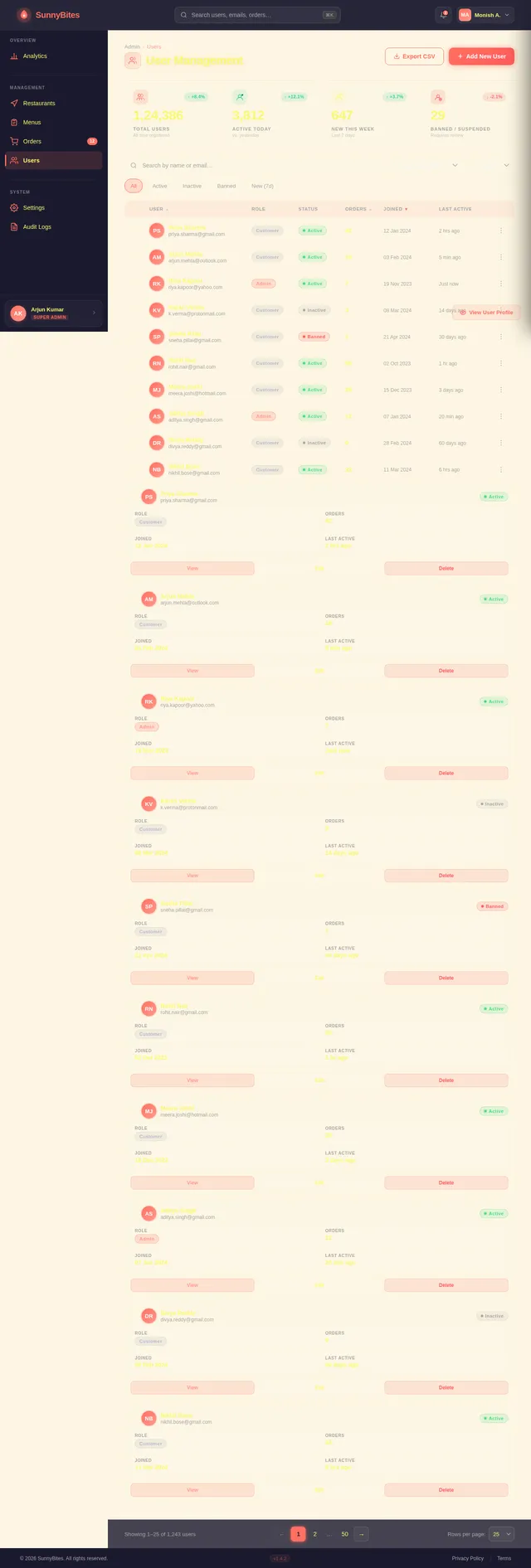
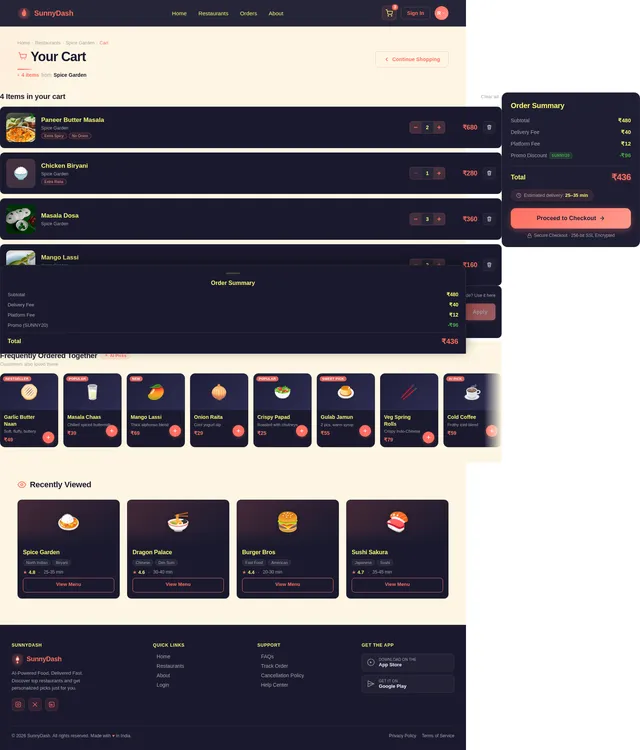
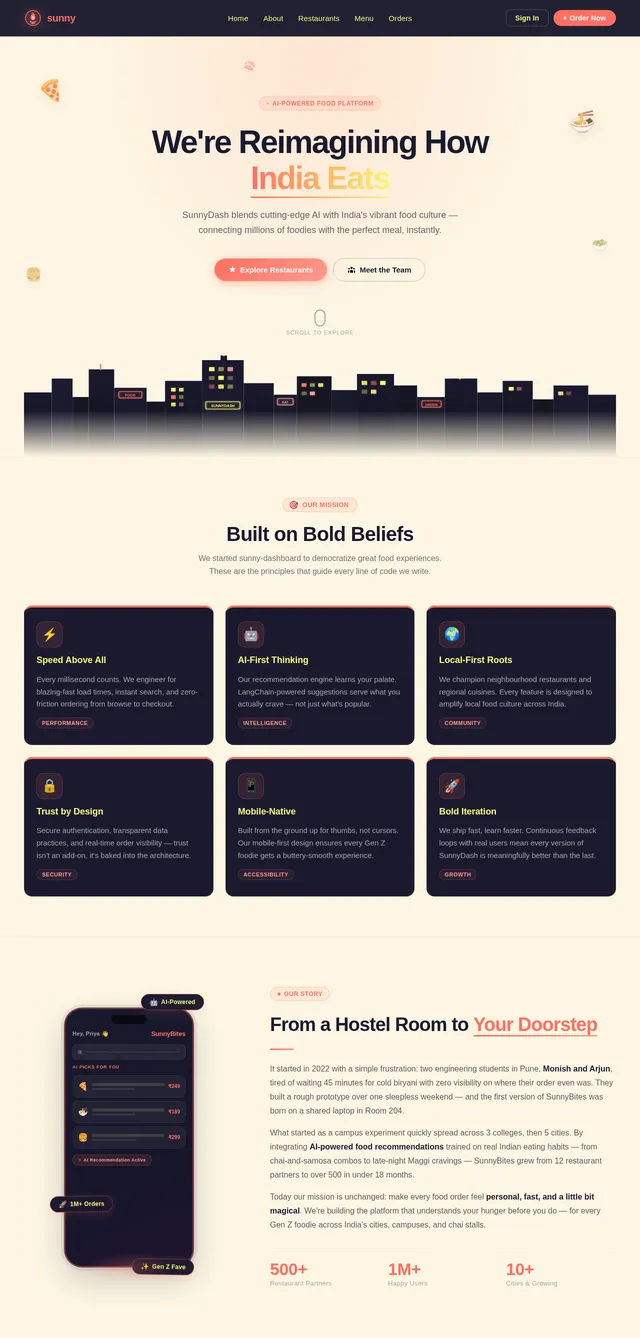
Create a complete AI-powered food ordering platform including a website, user dashboard, and admin dashboard. System Requirements: 1. Website (Public Platform) - Landing page with hero section and search - AI-powered food recommendation section - Restaurant listing - Menu browsing - About and contact pages 2. User Dashboard (Customer Side) - Login and signup - Personalized home screen - AI-based food recommendations - Restaurant and menu browsing - Cart and checkout - Order tracking (real-time status) - Order history - Profile and settings 3. Admin Dashboard - Admin login - Restaurant management - Menu management - Order management - User management - Analytics dashboard (orders, revenue, user activity) Reference Websites: Use the following references for inspiration: - Swiggy / Zomato → for food ordering flow and structure - Uber Eats → for UI layout and interaction patterns - Notion / Linear → for clean dashboard UI and spacing Instructions: - Do not copy designs directly - Adapt layout, components, and UX patterns - Maintain consistency across website, user dashboard, and admin dashboard Design Requirements: - Modern 2026 UI design - Mobile-first approach - Clean and structured dashboard layouts - Card-based UI system - Clear navigation and hierarchy System Output: - Generate user flow - Generate UI screens - Generate system architecture - Generate database structure - Generate task breakdown Important: Clearly separate and organize outputs into: - Website - User Dashboard - Admin Dashboard Ensure the product feels like a real-world application with proper UX flow and usability.
Comments (0)
Sign in to leave a comment
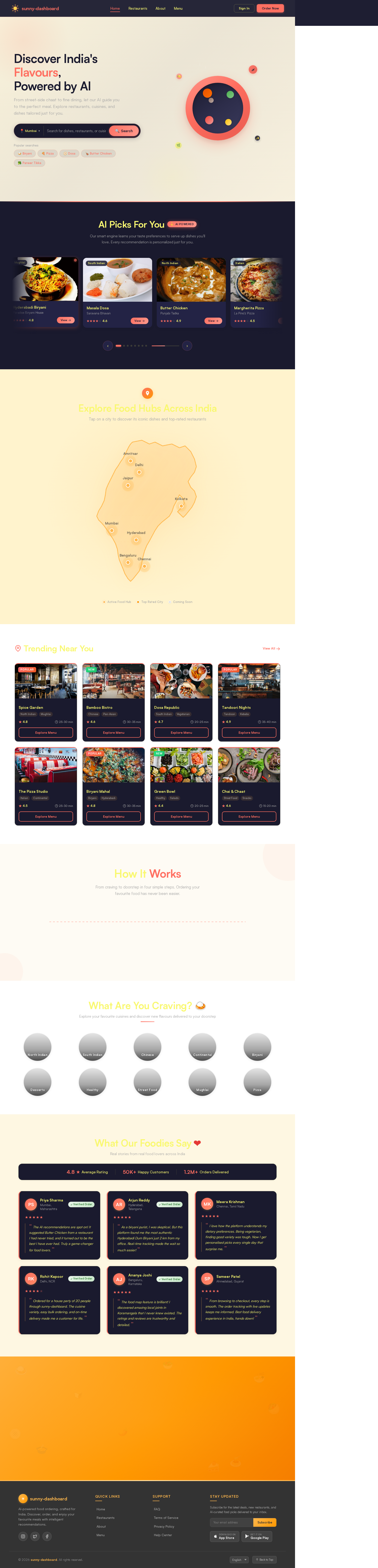
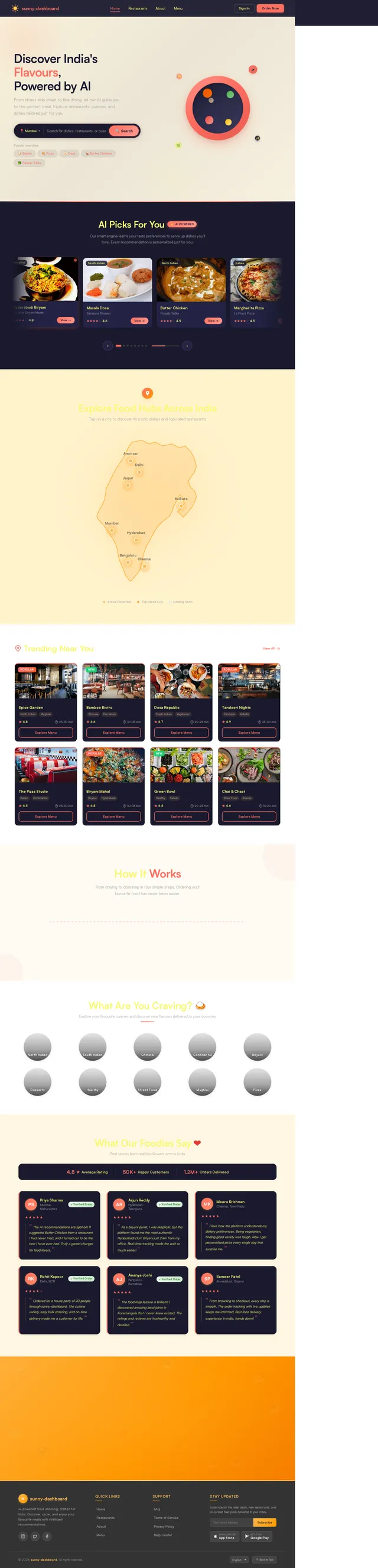
Discover India's Flavours,
Powered by AI
From street-side chaat to fine dining, let our AI guide you to the perfect meal. Explore restaurants, cuisines, and dishes tailored just for you.
AI Picks For You
✨AI PoweredOur smart engine learns your taste preferences to serve up dishes you'll love. Every recommendation is personalized just for you.
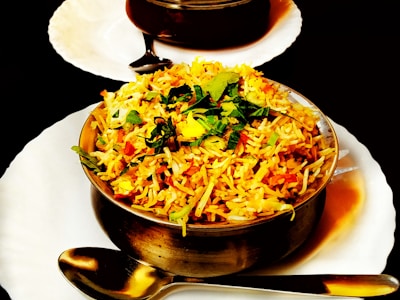 Mughlai
Hyderabadi Biryani
Paradise Biryani House
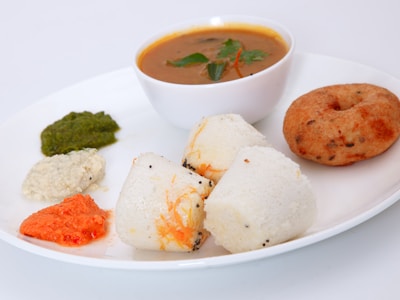 South Indian
Masala Dosa
Saravana Bhavan
 North Indian
Butter Chicken
Punjabi Tadka
 Italian
Margherita Pizza
La Pino'z Pizza
 Tandoor
Paneer Tikka
Barbeque Nation
 Street Food
Vada Pav
Jumboking
 North Indian
Chole Bhature
Haldiram's
 Desserts
Gulab Jamun
Kailash Sweets
Explore Food Hubs Across India
Tap on a city to discover its iconic dishes and top-rated restaurants
Trending Near You


How It Works
From craving to doorstep in four simple steps. Ordering your favourite food has never been easier.
Search & Discover
Browse thousands of restaurants and cuisines near you with our AI-powered search.
Choose Your Meal
Explore menus, read reviews, and pick from personalized recommendations.
Place Your Order
Add to cart, apply offers, and checkout seamlessly with secure payment.
Track in Real-Time
Watch your order move from kitchen to doorstep with live GPS tracking.
Search & Discover
Browse thousands of restaurants and cuisines near you with our AI-powered search.
Choose Your Meal
Explore menus, read reviews, and pick from personalized recommendations.
Place Your Order
Add to cart, apply offers, and checkout seamlessly with secure payment.
Track in Real-Time
Watch your order move from kitchen to doorstep with live GPS tracking.


What Our Foodies Say
Real stories from real food lovers across India
“ The AI recommendations are spot on! It suggested Butter Chicken from a restaurant I had never tried, and it turned out to be the best I have ever had. Truly a game-changer for food lovers. ”
“ As a biryani purist, I was skeptical. But this platform found me the most authentic Hyderabadi Dum Biryani just 2 km from my office. Real-time tracking made the wait so much easier! ”
“ I love how the platform understands my dietary preferences. Being vegetarian, finding good variety was tough. Now I get personalised picks every single day that surprise me. ”
“ Ordered for a house party of 20 people through sunny-dashboard. The cuisine variety, easy bulk ordering, and on-time delivery made me a customer for life. ”
“ The food map feature is brilliant! I discovered amazing local joints in Koramangala that I never knew existed. The ratings and reviews are trustworthy and detailed. ”
“ From browsing to checkout, every step is smooth. The order tracking with live updates keeps me informed. Best food delivery experience in India, hands down! ”
Ready to Start Your Food Journey?
✨Let our AI-powered engine craft the perfect meal recommendations just for you. Discover flavours from across India, tailored to your taste.
No comments yet. Be the first!