Upload files
PDFs, slide decks, lecture handouts, scanned pages — drop the material you already have and it comes in as it is.
 Rilvana
build a website for studying where its accessible for uploading files or any form of text and generating quiz , mind games

Sign in to leave a comment
studying-quizStudy material in · practice out
The workflow
What you bring
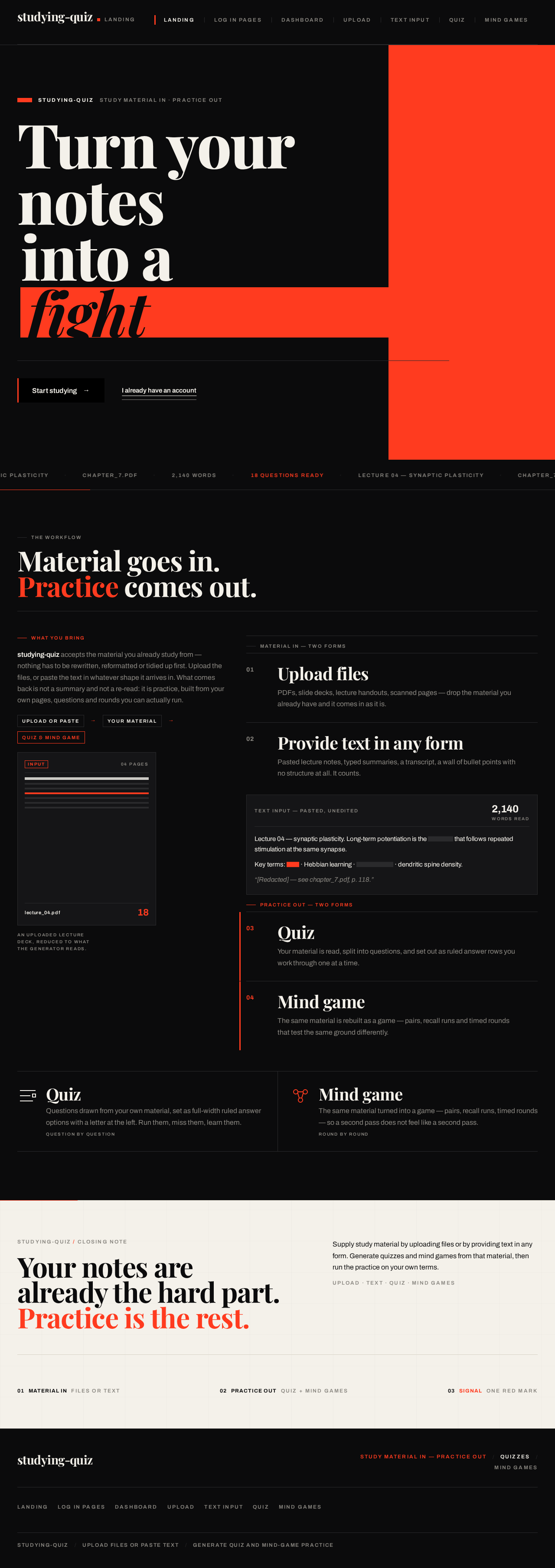
studying-quiz accepts the material you already study from — nothing has to be rewritten, reformatted or tidied up first. Upload the files, or paste the text in whatever shape it arrives in. What comes back is not a summary and not a re-read: it is practice, built from your own pages, questions and rounds you can actually run.
Material in — two forms
PDFs, slide decks, lecture handouts, scanned pages — drop the material you already have and it comes in as it is.
Pasted lecture notes, typed summaries, a transcript, a wall of bullet points with no structure at all. It counts.
Practice out — two forms
Your material is read, split into questions, and set out as ruled answer rows you work through one at a time.
The same material is rebuilt as a game — pairs, recall runs and timed rounds that test the same ground differently.
Questions drawn from your own material, set as full-width ruled answer options with a letter at the left. Run them, miss them, learn them.
The same material turned into a game — pairs, recall runs, timed rounds — so a second pass does not feel like a second pass.
studying-quiz / closing note
Supply study material by uploading files or by providing text in any form. Generate quizzes and mind games from that material, then run the practice on your own terms.
studying-quizStudy material in · practice out
The workflow
What you bring
studying-quiz accepts the material you already study from — nothing has to be rewritten, reformatted or tidied up first. Upload the files, or paste the text in whatever shape it arrives in. What comes back is not a summary and not a re-read: it is practice, built from your own pages, questions and rounds you can actually run.
Material in — two forms
PDFs, slide decks, lecture handouts, scanned pages — drop the material you already have and it comes in as it is.
Pasted lecture notes, typed summaries, a transcript, a wall of bullet points with no structure at all. It counts.
Practice out — two forms
Your material is read, split into questions, and set out as ruled answer rows you work through one at a time.
The same material is rebuilt as a game — pairs, recall runs and timed rounds that test the same ground differently.
Questions drawn from your own material, set as full-width ruled answer options with a letter at the left. Run them, miss them, learn them.
The same material turned into a game — pairs, recall runs, timed rounds — so a second pass does not feel like a second pass.
studying-quiz / closing note
Supply study material by uploading files or by providing text in any form. Generate quizzes and mind games from that material, then run the practice on your own terms.
No comments yet. Be the first!