student-management-teacher
 sarvesh gadage
create a student management system website for a single teacher


Comments (0)
Sign in to leave a comment
Project Tasks
53 tasksGenerate system requirement document
Generate personas & user flows
Architecture
Workspace task plan
Create flow for Teacher
Landing
Login
Students
Student Details
Landing / Hero
Landing / Feature Panels
Landing / Footer
Landing / Navigation
Navigation
Login / Navigation Slot
Login / Access Panel
Login / Footer
Students / Navigation
Students / Roster
Students / Add Panel
Students / Footer
Students Footer
Student Details / Navigation
Student Details / Record
Student Details / Footer
Student Details / Delete
Fix Students: The roster's "Add student" action is dead — is rendered as with no props, so its looks…
Fix Students: The roster header renders a "Sign out" control () but renders without an prop, so falls…
Fix Students review findings: frontend/src/pages/Students.jsx: the roster's "Add… (+1 more)
Create backend_modules diagram
Create er_diagram diagram
Create frontend_modules diagram
Create sequence diagram
Create service_network diagram
Route the roster CTA by session state, falling back to Login
Serve the roster, add students, and recover from roster load failures
Edit and delete student records with immediate, durable reflection
Establish and verify the single teacher account with email and password
Gate student records behind a verified session and support sign-out
Handle Login enrollment and sign-in with inline errors and session handoff
Persist edits and deletions to individual student records
Support roster listing, add-student submission, and sign-out on Students
Serve the roster and open student rows
Edit and delete a student record safely
Verified roster access with loading, empty, and retry states
Teacher enrollment and returning verification
Add a student and see it in the roster
Application-owned teacher authentication
Persist the Teacher's records durably
Wire Login to live enrollment and sign-in
Wire Student Details to live edit and delete
Wire Students roster to live records and add flow
Wire Landing entry and CTA routing to Login
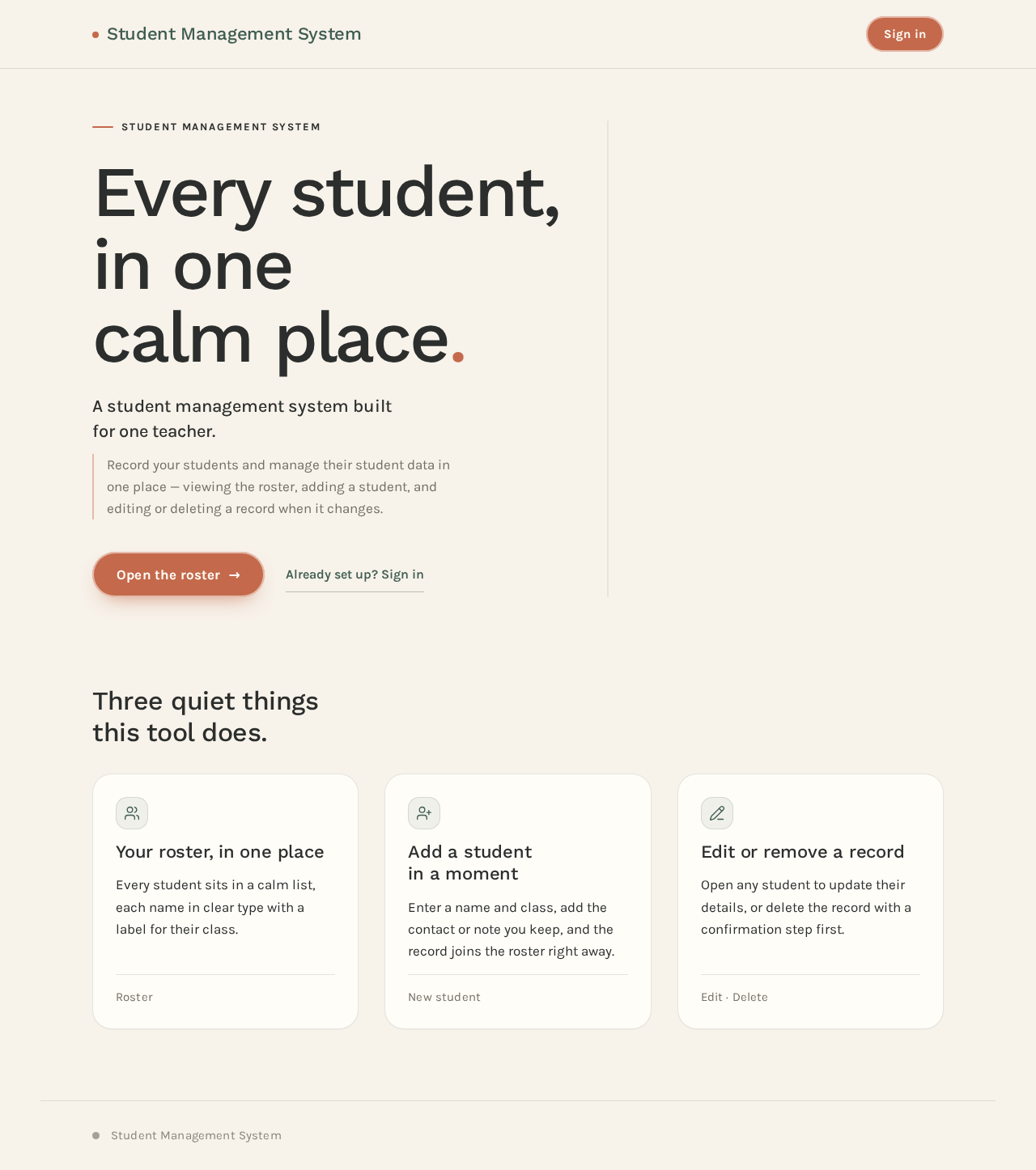
Student Management System
Every student, in one calm place.
A student management system built for one teacher.
Record your students and manage their student data in one place — viewing the roster, adding a student, and editing or deleting a record when it changes.

Three quiet things this tool does.
Your roster, in one place
Every student sits in a calm list, each name in clear type with a label for their class.
Roster
Add a student in a moment
Enter a name and class, add the contact or note you keep, and the record joins the roster right away.
New student
Edit or remove a record
Open any student to update their details, or delete the record with a confirmation step first.
Edit · Delete
Student Management System
Every student, in one calm place.
A student management system built for one teacher.
Record your students and manage their student data in one place — viewing the roster, adding a student, and editing or deleting a record when it changes.
Three quiet things this tool does.
Your roster, in one place
Every student sits in a calm list, each name in clear type with a label for their class.
Roster
Add a student in a moment
Enter a name and class, add the contact or note you keep, and the record joins the roster right away.
New student
Edit or remove a record
Open any student to update their details, or delete the record with a confirmation step first.
Edit · Delete
No comments yet. Be the first!