strong-simple
 Diya Trivedi
build a simple single page design of the todo application

Comments (0)
Sign in to leave a comment
Architecture
No Services Diagrams Yet
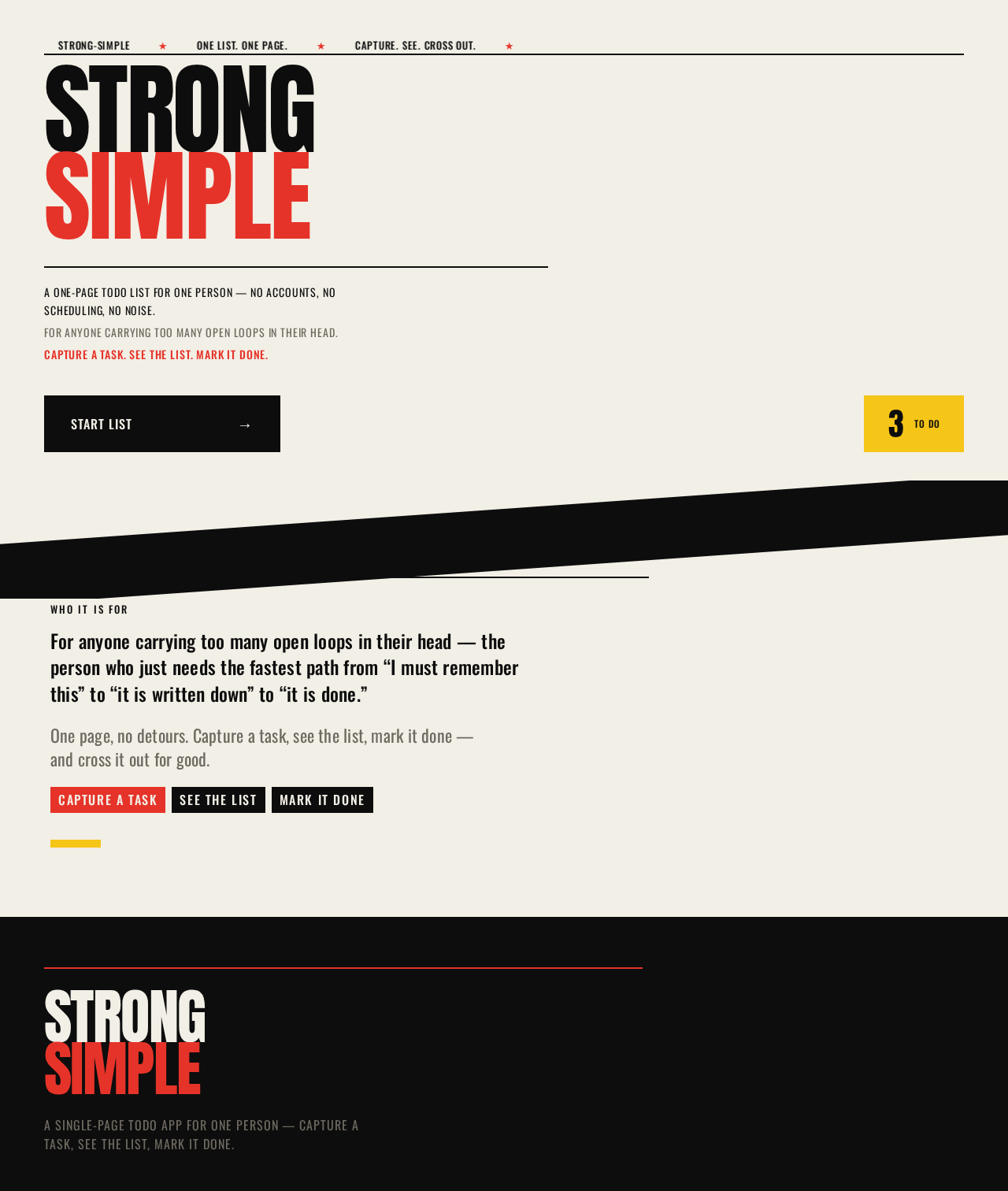
Strong
Simple
A one-page todo list for one person — no accounts, no scheduling, no noise.
For anyone carrying too many open loops in their head.
Capture a task. See the list. Mark it done.
For anyone carrying too many open loops in their head — the person who just needs the fastest path from “I must remember this” to “it is written down” to “it is done.”
One page, no detours. Capture a task, see the list, mark it done — and cross it out for good.Capture a taskSee the listMark it done
Strong
Simple
A one-page todo list for one person — no accounts, no scheduling, no noise.
For anyone carrying too many open loops in their head.
Capture a task. See the list. Mark it done.
For anyone carrying too many open loops in their head — the person who just needs the fastest path from “I must remember this” to “it is written down” to “it is done.”
One page, no detours. Capture a task, see the list, mark it done — and cross it out for good.Capture a taskSee the listMark it done
No comments yet. Be the first!