starry-game
 USATarend
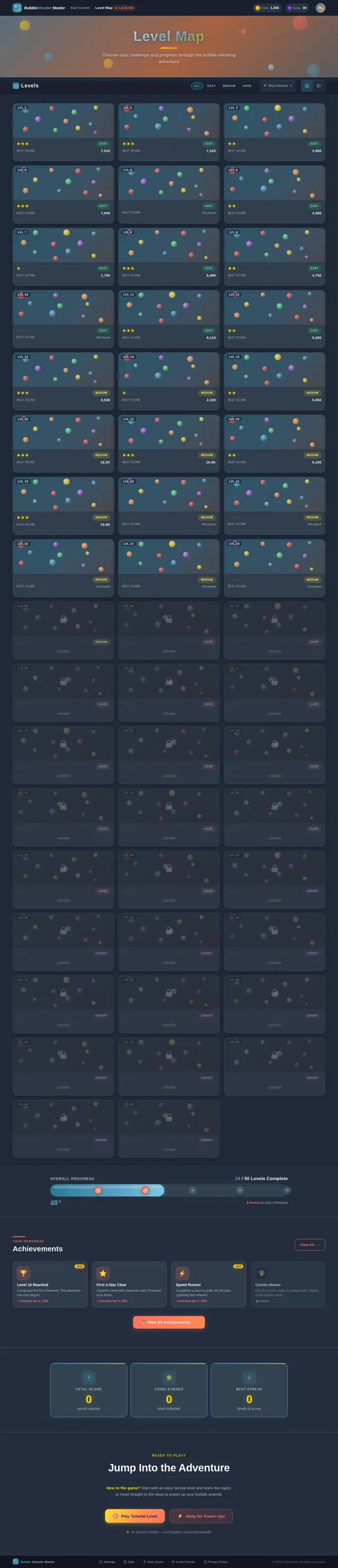
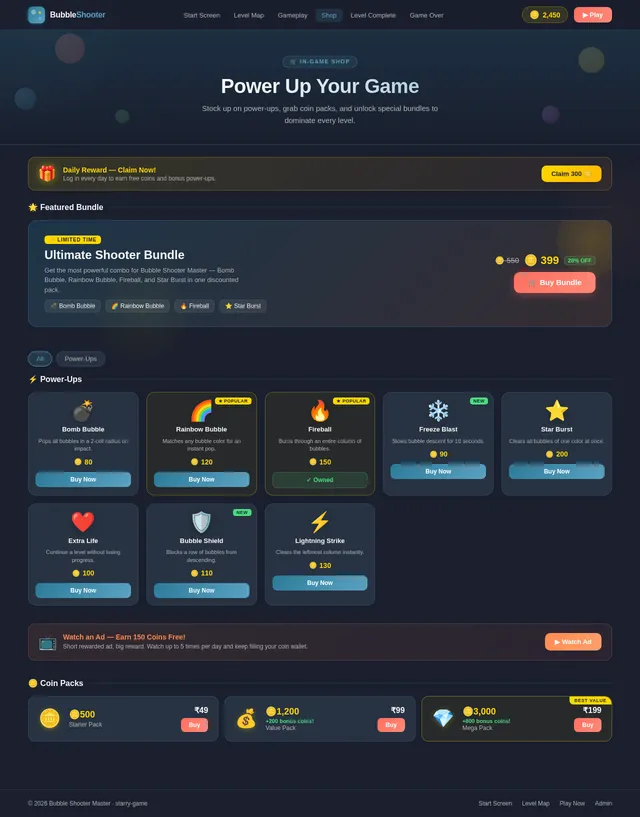
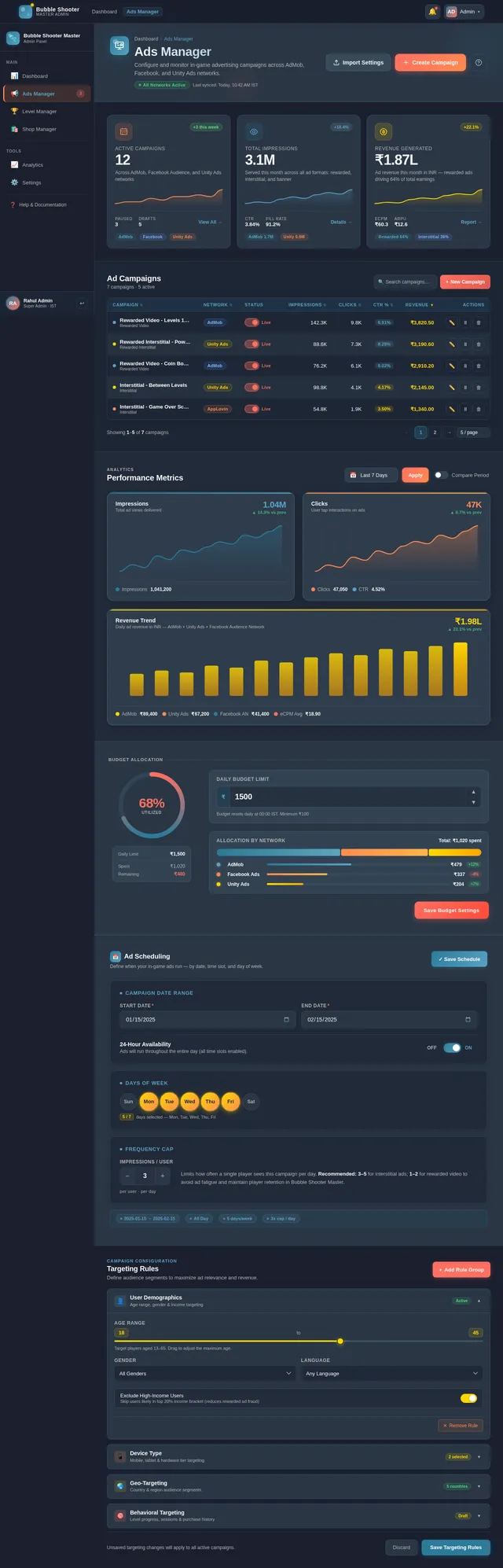
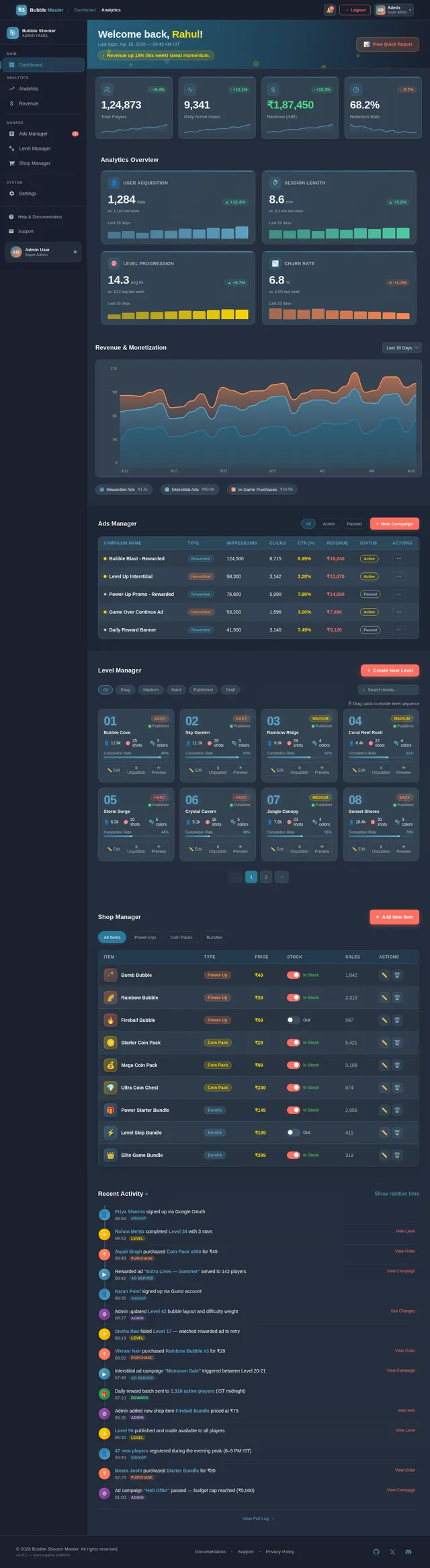
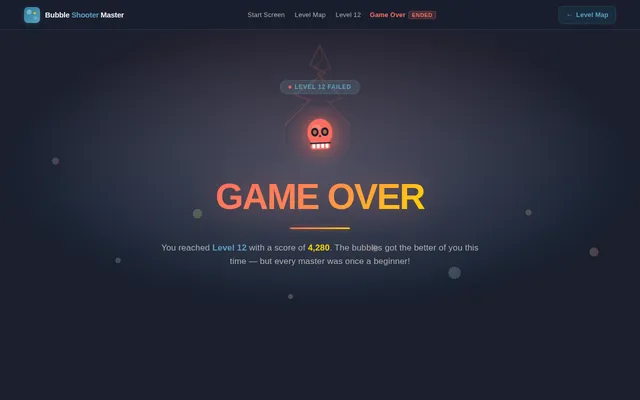
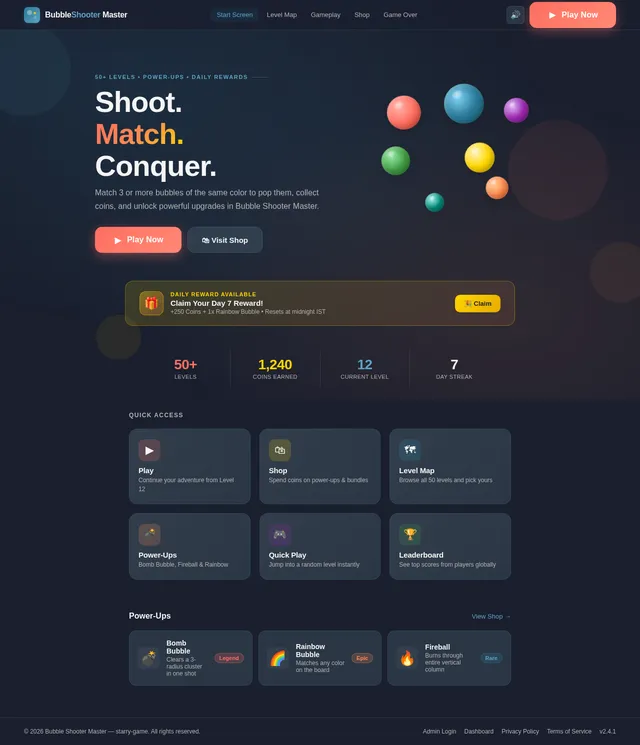
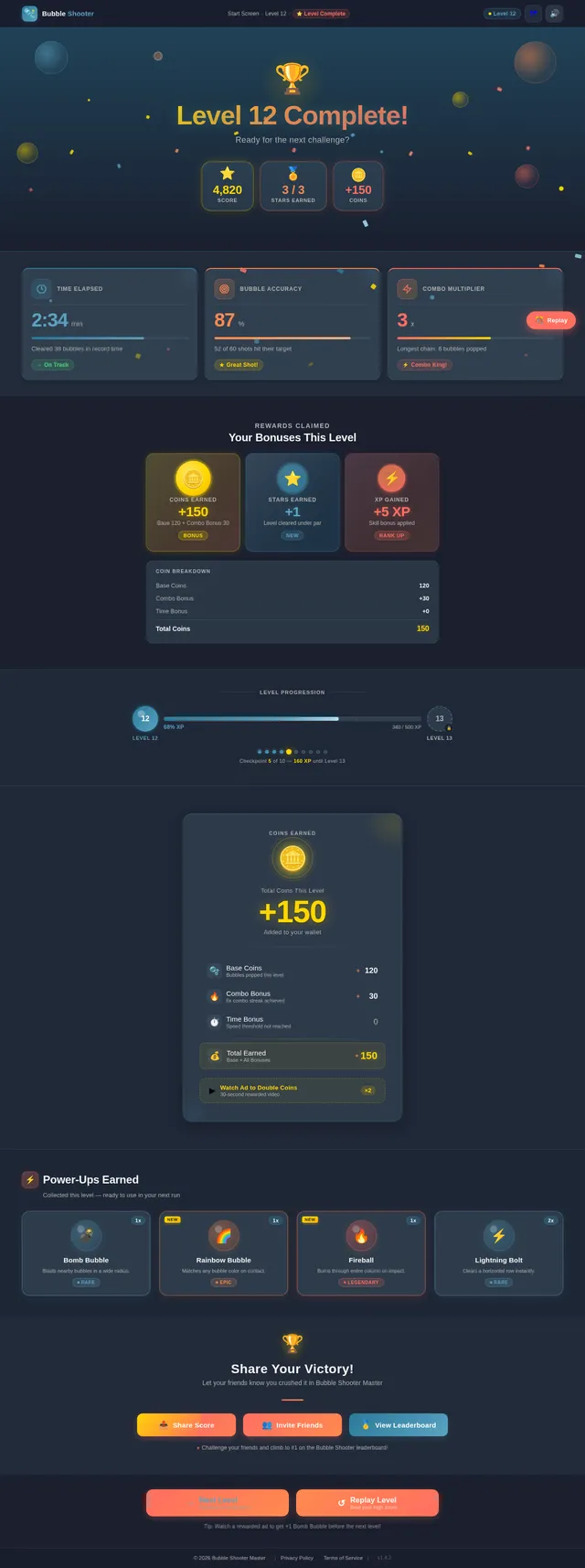
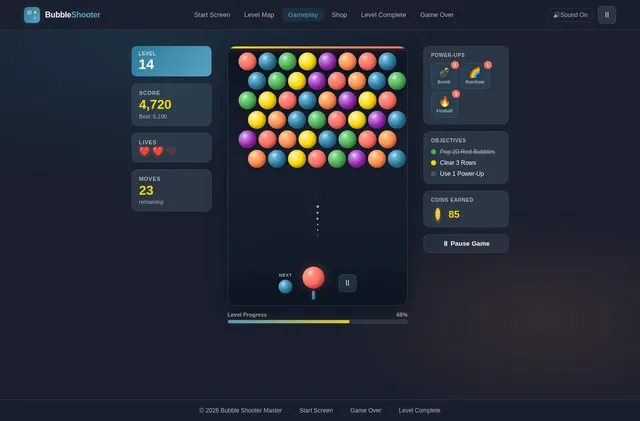
Create a complete mobile game app called "Bubble Shooter Master" for Android. Game Concept: - It should be a classic bubble shooter game where the player shoots colored bubbles to match and pop groups of 3 or more. - The goal is to clear all bubbles from the screen using limited shots. Design: - Use a colorful, cartoon-style UI. - Background should be soft gradient (sky or jungle theme). - Smooth animations when bubbles pop. - Add sound effects (shoot, pop, win, lose). Core Features: 1. Aim and Shoot System: - Player can drag to aim and release to shoot bubble. - Show dotted aiming line. 2. Bubble Mechanics: - Random colored bubbles (red, blue, green, yellow, purple). - Match 3+ bubbles to pop them. - Falling bubbles effect when disconnected. 3. Levels: - At least 50 levels with increasing difficulty. - Different patterns for each level. 4. Power-ups: - Bomb bubble (explodes area) - Rainbow bubble (matches any color) - Fireball (breaks through bubbles) 5. Score System: - Points for popping bubbles. - Bonus for combos. 6. Game States: - Start Screen - Gameplay Screen - Pause Menu - Game Over Screen - Level Complete Screen 7. Controls: - Touch controls only. - Smooth and responsive. 8. Monetization: - Add rewarded ads (watch ad to continue). - Interstitial ads between levels. 9. Sound & Music: - Background music loop. - Sound toggle option. 10. Performance: - Optimize for low-end Android devices. - Lightweight assets. Tech Requirements: - Use Unity (C#) or Flutter / Android Studio (Java/Kotlin). - Clean and well-structured code. - Include comments in code. Extra: - Add daily rewards system. - Add coin system and in-game shop. - Save player progress. Output: - Provide full source code. - Include assets suggestions. - Explain how to run the app step-by-step.

Comments (0)
Sign in to leave a comment
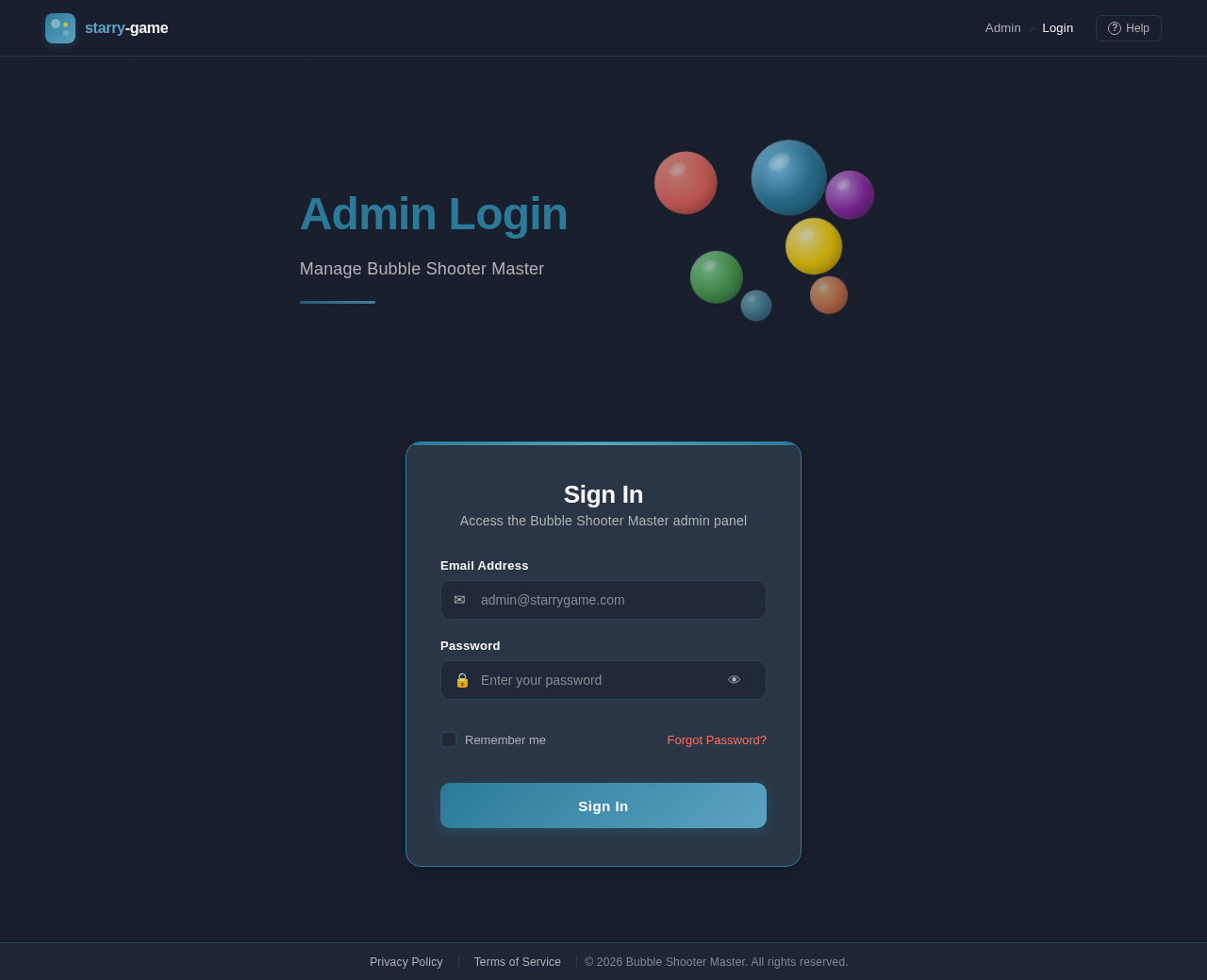
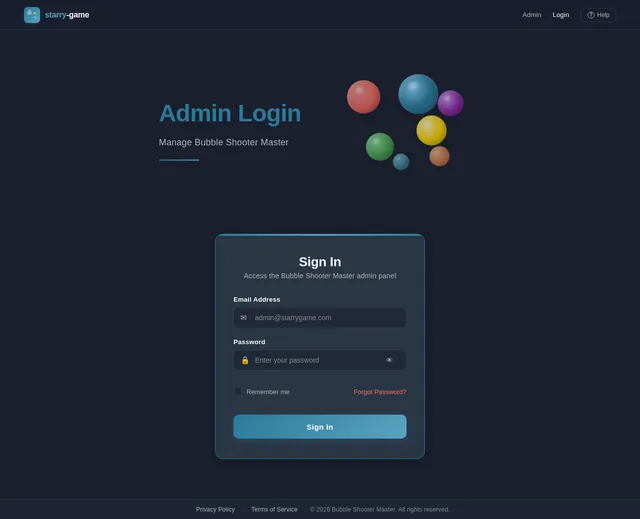
Admin Login
Manage Bubble Shooter Master
Sign In
Access the Bubble Shooter Master admin panel
No comments yet. Be the first!