space-hui
 Nodir Rakhmanov
Hui
Comments (0)
Sign in to leave a comment
Project Tasks19
Implement Theme & Base Structure
As a user I want to see a consistent cosmic/space theme across all pages. Implement the global color palette (#0D1B2A background, #1B263B surface, #E0E1DD text, #FF6F61 accent, #778DA9 muted), typography (Inter font family), CSS custom properties, and base layout structure across the scaffold project. Remove any pages not required by the user flows (welcome page post-login if replaced by Dashboard). Ensure the animated star-field/galaxy canvas background system is set up at the page root level so all sections inherit it.
Build Landing Page
As a guest/user I want to experience an immersive galaxy map landing page. Implement the Landing page (v2) based on the existing JSX design. Includes: NavBar (sticky frosted glass, logo, nav links, Sign In + Get Started CTA), GalaxyHero (100vh star field, headline, CTAs, stat pills), TrustBadges (marquee of tech logos), InteractiveGalaxyMap (3D/2D star map with clickable features), FeatureHighlights (4-card grid), AIChatbotDemo (live demo strip for guests), HowItWorks (3-step stepper), Testimonials (carousel), PricingTeaser (2-tier cards), CallToAction (CTA banner), Footer (4-column). Links to: /Login, /Signup, /Chatbot, /Features.
Build Login Page
As a user I want to sign in to access my personalized AI dashboard. Implement the Login page with cosmic theme styling: email/password form, sign-in button in #FF6F61, link to Signup, frosted-glass card on galaxy background. On success redirects to /Dashboard. Follows the space-hui design system established in t1.
Build Signup Page
As a guest I want to create an account to unlock full AI features. Implement the Signup page with cosmic theme: name, email, password fields, Create Account CTA in #FF6F61, link back to Login, frosted-glass card on galaxy background. On success redirects to /Dashboard. Guest flow: Features/Chatbot -> Signup.
Build Features Page
As a guest I want to browse all platform capabilities before signing up. Implement the Features page: detailed feature showcase with sections for AI Chatbot, Recommendations, Image Analysis, and Dashboard insights. Each feature has icon, headline, description, and demo/signup CTA. Cosmic galaxy background. Linked from Landing navbar and Guest flow.
Build Dashboard Page
As a registered user I want to view my AI-generated insights and navigate to all features from a central dashboard. Implement the Dashboard page: sidebar navigation (links to /Chatbot, /Upload, /Recommendations), AI insights summary cards, recent activity feed, personalized stats. Background uses the galaxy canvas. Links from Login -> Dashboard. Acts as the post-login hub for User flow.
Build Admin Dashboard Page
As an admin I want to monitor system performance and user interactions from a central admin panel. Implement the Admin Dashboard page: system metrics cards (active users, API calls, model performance), recent user activity feed, quick links to /AI Models and /User Activity pages, alert/notification panel. Admin-only access protected by role-based auth. Linked from Login (admin role).
Implement UAE Localization & GST
As a user I want the platform to respect UAE timezone and localization settings. Implement Gulf Standard Time (GST, UTC+4) as default timezone across all timestamps in the UI and API responses. Add Arabic language support toggle in settings/footer. Implement time-of-day color shift logic (warm amber/coral tones during UAE daytime hours, cooler tones at night) via CSS custom property updated by JS. Ensure date/time formatting follows UAE conventions.
Build Chatbot Page
As a user/guest I want to interact with an AI chatbot for assistance. Implement the Chatbot page: full-screen chat UI with scrollable message thread, user/AI alternating bubbles, typewriter animation for AI responses, text input bar, Send button in #FF6F61. Guest mode shows limited interaction with Signup CTA. Registered users get full access. Linked from Dashboard and Landing demo strip.
Build Upload Page
As a user I want to upload images for AI-based analysis and receive insights. Implement the Upload page: drag-and-drop image upload zone, file browser fallback, image preview, analysis trigger button in #FF6F61, results display panel showing AI-generated analysis. Cosmic theme with frosted-glass cards. Linked from Dashboard.
Build Recommendations Page
As a user I want to view personalized AI-powered recommendations based on my preferences. Implement the Recommendations page: grid of recommendation cards with AI-generated suggestions, filter/sort controls, each card showing title, description, relevance score, and action CTA in #FF6F61. Cosmic theme styling. Linked from Dashboard.
Build AI Models Page
As an admin I want to manage AI model configurations and update training datasets. Implement the AI Models page: list of configured AI models (GPT, Claude, Gemini) with status indicators, configuration panels for each model (parameters, routing via LiteLLM), dataset upload/update controls, enable/disable toggles. Cosmic theme with data-dense layout. Linked from Admin Dashboard.
Build User Activity Page
As an admin I want to monitor user interactions across the platform. Implement the User Activity page: searchable/filterable table of user interactions (timestamps, user IDs, actions taken, AI model used), charts for activity trends over time (daily/weekly), export functionality. Cosmic theme. Linked from Admin Dashboard.
Implement Dashboard Insights API
As a user I want to use the backend API for AI-generated insights on my dashboard. Implement FastAPI endpoints: GET /api/dashboard/insights (aggregate AI usage stats, recent activity, personalized summary), GET /api/dashboard/stats (metrics: messages sent, images analyzed, recommendations viewed). Query MySQL for relational data and MongoDB for unstructured activity logs.
Implement Chatbot Backend API
As a user I want to use the backend API for AI chatbot interactions. Implement FastAPI endpoints: POST /api/chat (send message, receive AI response), GET /api/chat/history (retrieve conversation history), DELETE /api/chat/session (clear session). Integrate LiteLLM for routing between GPT, Claude, and Gemini models. Guest mode returns limited responses. JWT auth middleware for registered users.
Implement Image Analysis Backend API
As a user I want to use the backend API to upload images for AI-based analysis. Implement FastAPI endpoints: POST /api/upload/image (multipart upload, store in MongoDB, trigger AI analysis), GET /api/upload/results/{id} (retrieve analysis results). Integrate Google Nano Banana model for image processing. Return structured analysis response. JWT auth required.
Implement Recommendations Backend API
As a user I want to use the backend API to receive personalized AI recommendations. Implement FastAPI endpoints: GET /api/recommendations (fetch personalized recommendations based on user profile and history), POST /api/recommendations/feedback (submit user feedback to improve recommendations). Use WeaviateDB for vector-based similarity search. JWT auth required.
Implement Admin Monitoring API
As an admin I want to use the backend API to monitor system performance and user interactions. Implement FastAPI endpoints: GET /api/admin/metrics (system performance stats), GET /api/admin/users/activity (paginated user interaction logs), GET /api/admin/models/status (AI model health and usage stats). Admin role middleware protection. Query MySQL and MongoDB.
Implement AI Models Management API
As an admin I want to use the backend API to manage AI model configurations. Implement FastAPI endpoints: GET /api/admin/models (list all models with configs), PUT /api/admin/models/{id}/config (update model parameters), POST /api/admin/models/{id}/dataset (upload training dataset), PATCH /api/admin/models/{id}/status (enable/disable model). Admin role protected. Update LiteLLM routing config dynamically.
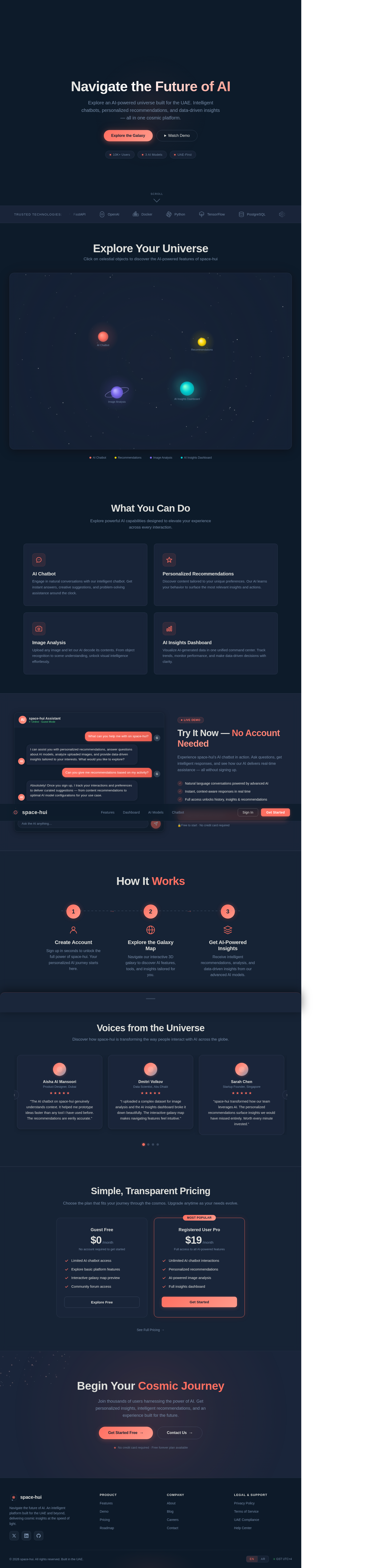
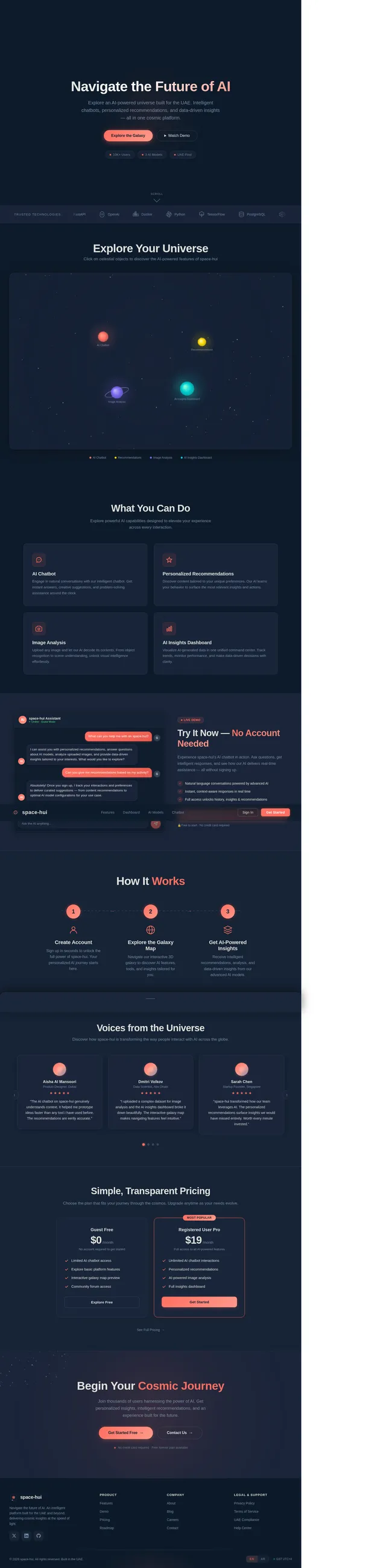
Navigate the Future of AI
Explore an AI-powered universe built for the UAE. Intelligent chatbots, personalized recommendations, and data-driven insights — all in one cosmic platform.
Explore Your Universe
Click on celestial objects to discover the AI-powered features of space-hui
What You Can Do
Explore powerful AI capabilities designed to elevate your experience across every interaction.
Engage in natural conversations with our intelligent chatbot. Get instant answers, creative suggestions, and problem-solving assistance around the clock.
Discover content tailored to your unique preferences. Our AI learns your behavior to surface the most relevant insights and actions.
Upload any image and let our AI decode its contents. From object recognition to scene understanding, unlock visual intelligence effortlessly.
Visualize AI-generated data in one unified command center. Track trends, monitor performance, and make data-driven decisions with clarity.
Try It Now — No Account Needed
Experience space-hui's AI chatbot in action. Ask questions, get intelligent responses, and see how our AI delivers real-time assistance — all without signing up.
- Natural language conversations powered by advanced AI
- Instant, context-aware responses in real time
- Full access unlocks history, insights & recommendations
🔒Free to start · No credit card required
How It Works
Create Account
Sign up in seconds to unlock the full power of space-hui. Your personalized AI journey starts here.
Explore the Galaxy Map
Navigate our interactive 3D galaxy to discover AI features, tools, and insights tailored for you.
Get AI-Powered Insights
Receive intelligent recommendations, analysis, and data-driven insights from our advanced AI models.
Voices from the Universe
Discover how space-hui is transforming the way people interact with AI across the globe.
Aisha Al Mansoori
Product Designer, Dubai
"The AI chatbot on space-hui genuinely understands context. It helped me prototype ideas faster than any tool I have used before. The recommendations are eerily accurate."
Dmitri Volkov
Data Scientist, Abu Dhabi
"I uploaded a complex dataset for image analysis and the AI insights dashboard broke it down beautifully. The interactive galaxy map makes navigating features feel intuitive."
Sarah Chen
Startup Founder, Singapore
"space-hui transformed how our team leverages AI. The personalized recommendations surface insights we would have missed entirely. Worth every minute invested."
Omar Khaled
Software Engineer, Sharjah
"As someone working in the UAE tech scene, having a platform with GST timezone support and local considerations is a game changer. The AI models are incredibly responsive."
Priya Sharma
ML Researcher, Bangalore
"The admin panel for managing AI model configurations is clean and powerful. Updating training datasets is seamless. This platform sets a new standard for AI tooling."
James Mitchell
Creative Director, London
"I started as a guest and was immediately hooked by the limited chatbot demo. After signing up, the full platform exceeded every expectation. Truly cosmic design."
Simple, Transparent Pricing
Choose the plan that fits your journey through the cosmos. Upgrade anytime as your needs evolve.
Guest Free
No account required to get started
- Limited AI chatbot access
- Explore basic platform features
- Interactive galaxy map preview
- Community forum access
Registered User Pro
Full access to all AI-powered features
- Unlimited AI chatbot interactions
- Personalized recommendations
- AI-powered image analysis
- Full insights dashboard
Begin Your Cosmic Journey
Join thousands of users harnessing the power of AI. Get personalized insights, intelligent recommendations, and an experience built for the future.
No comments yet. Be the first!