solar-simple
by Diya Trivedi
Diya Trivedistart a project to build simple singke page design of calcuator

Comments (0)
Sign in to leave a comment
Project Tasks
15 tasks#1
Generate system requirement document
1m 40s0.05 cr needed
Done#2
Design remaining pages
Not recorded0.05 cr needed
Done#3
Generate personas & user flows
0m 4s0.05 cr needed
Done#5
Architecture
0m 28s0.05 cr used
Done#6
Workspace task plan
1m 47s0.05 cr used
Done#7
Create flow for Calculator User
0m 3sCredits in parent
Done#8
Calculator
4m 40sCredits in subtasks
Done#9
Calculator / Object
0m 41s0.85 cr used
Done#10
Calculator / Usage Aside
0m 48s0.85 cr used
Done#11
Fix Calculator: The decimal-point control label overflows its key at desktop and tablet sizes…
1m 0sCredits unavailable
Done#12
Fix Calculator: The keypad omits the required addition, subtraction, multiplication, and division…
1m 0sCredits unavailable
Done#13
Fix Calculator: The required initial signature display is missing: renders 0 instead of the specified…
1m 39sCredits unavailable
Done#14
Fix Calculator review findings: The decimal-point control label overflows its key at… (+2 more)
0m 44s0.02 cr used
Done#15
Create frontend_modules diagram
0m 25sCredits in parent
Done#16
Make the calculator page fully interactive
120 cr estimated
To Do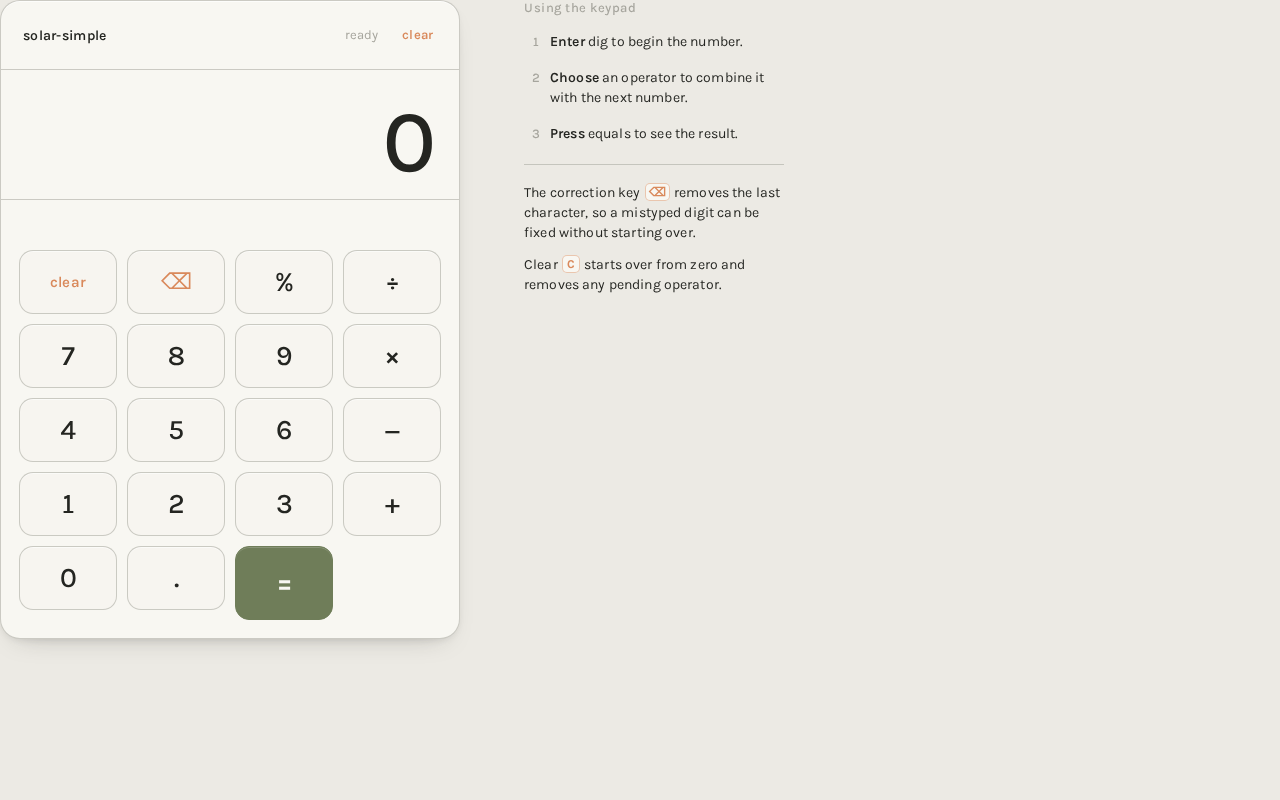
solar-simpleready
0
Using the keypad
Enter dig to begin the number.
Choose an operator to combine it with the next number.
Press equals to see the result.
The correction key ⌫ removes the last character, so a mistyped digit can be fixed without starting over.
Clear C starts over from zero and removes any pending operator.
solar-simpleready
0
Using the keypad
Enter dig to begin the number.
Choose an operator to combine it with the next number.
Press equals to see the result.
The correction key ⌫ removes the last character, so a mistyped digit can be fixed without starting over.
Clear C starts over from zero and removes any pending operator.
No comments yet. Be the first!