silver-modern
 Israel Ayomide
Build a modern, full-featured Ever Editing App for creating and editing videos, images, and social media content. Include a clean dashboard, project management, drag-and-drop media upload, timeline editor, text overlays, filters, transitions, audio editing, templates, export options, and autosave. Make the UI professional, fast, responsive, and beginner-friendly, with dark and light mode support.


Comments (0)
Sign in to leave a comment
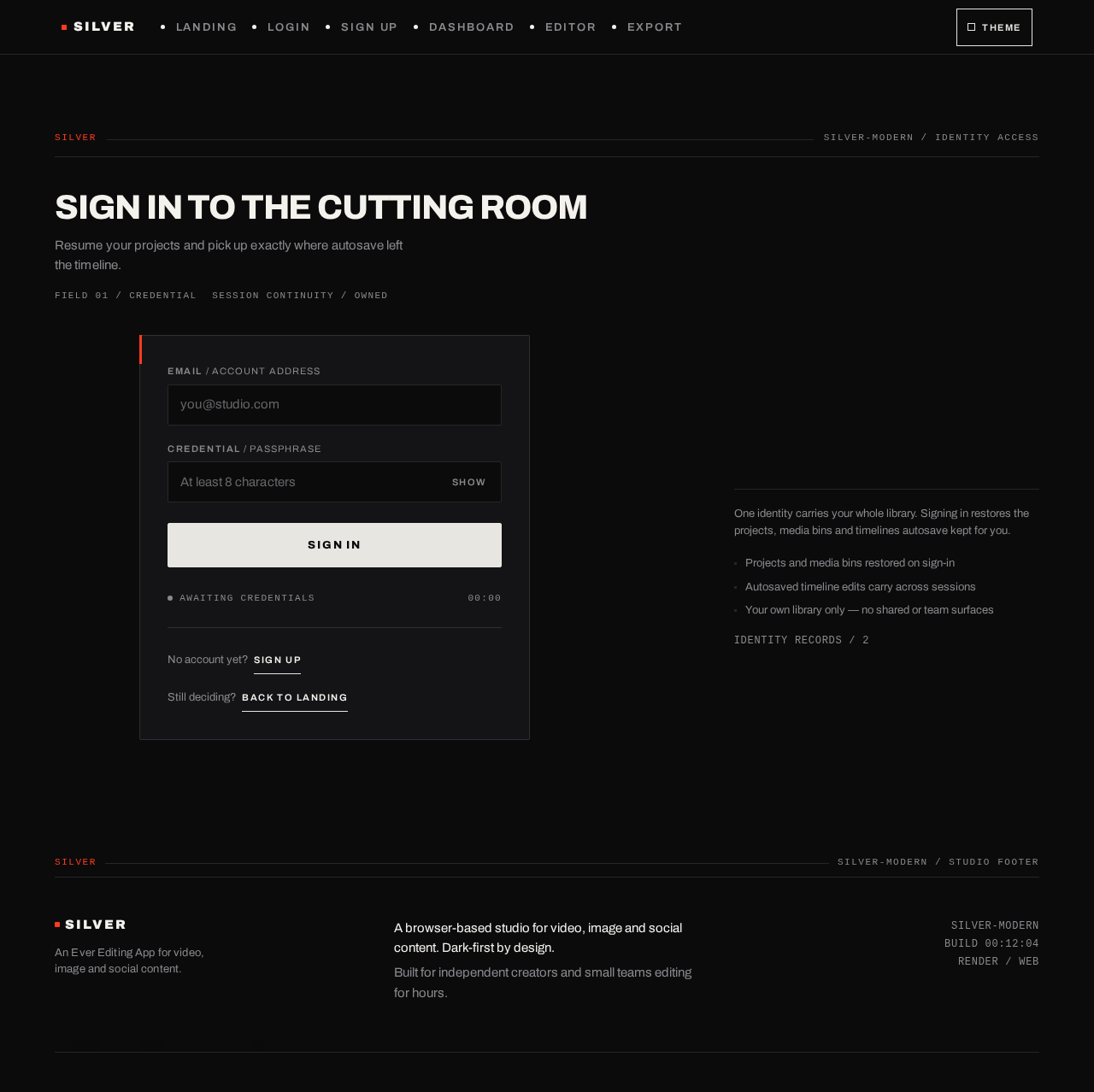
Sign in to the cutting room
Resume your projects and pick up exactly where autosave left the timeline.
00Silver-Modern / Ever Editing App
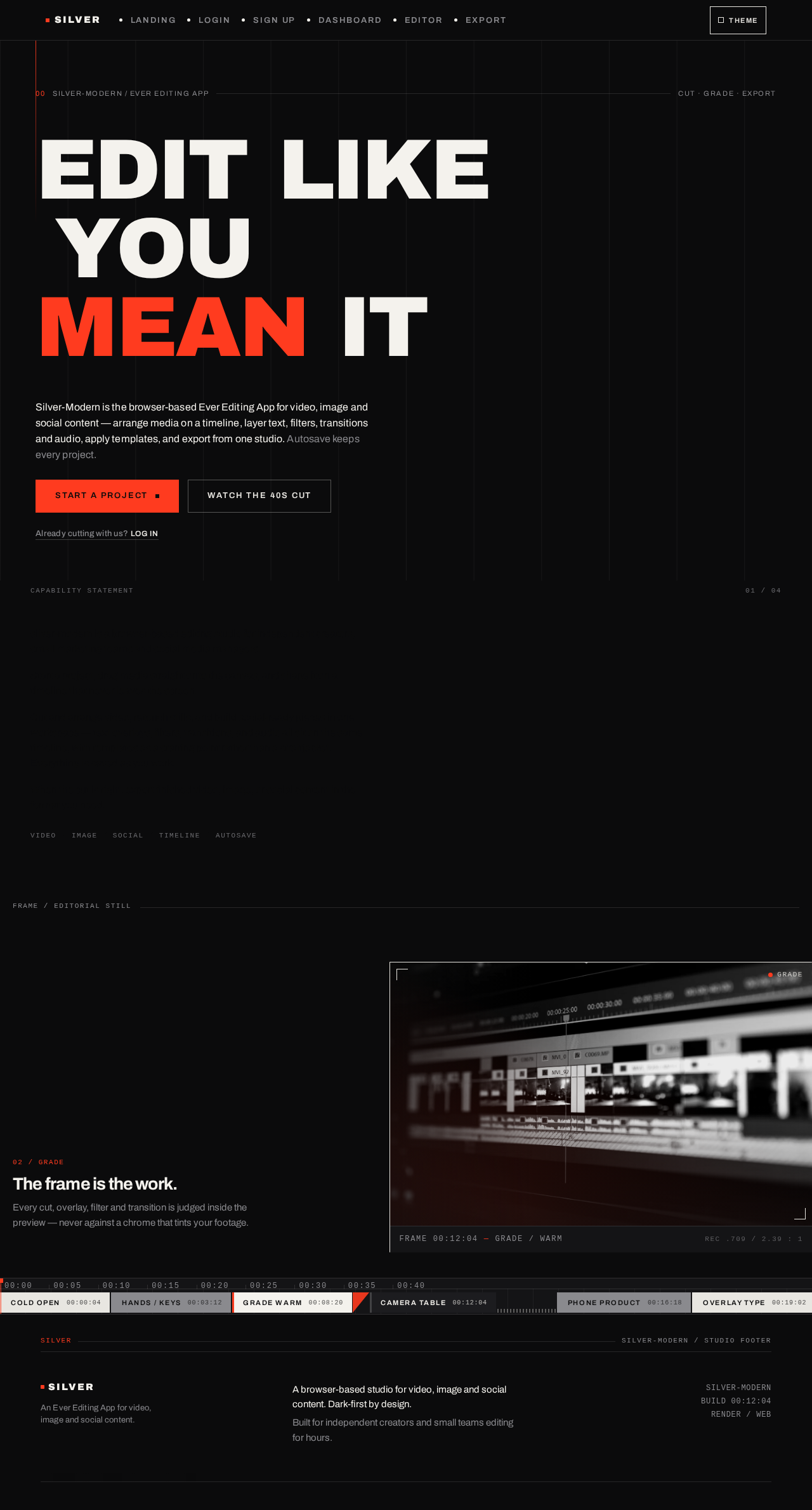
Edit Like YouMean It
Silver-Modern is the browser-based Ever Editing App for video, image and social content — arrange media on a timeline, layer text, filters, transitions and audio, apply templates, and export from one studio. Autosave keeps every project.
Already cutting with us? Log insilver-modern capability statement
silver-modern is a browser-based editing studio for independent creators, small marketing teams and social media managers.
Start a project, drag media straight onto the canvas, and shape it on a timeline that never leaves the screen.
Cut and arrange video, retouch stills, and build social-ready pieces in one workspace — text overlays, filters, transitions, and audio all sit on the same timeline, with templates as a starting point rather than a straitjacket. Everything is saved as you work.
When the cut is right, export finished video, image, or social content in the format you need.
The frame is the work.
Every cut, overlay, filter and transition is judged inside the preview — never against a chrome that tints your footage.

FRAME 00:12:04 GRADE / WARM
No comments yet. Be the first!