shiny-do

bySoumil Jaiswal

to do app

LandingNew TaskTasksTask Details
Landing

Comments (0)

No comments yet. Be the first!

Architecture

No Services Diagrams Yet

Architecture diagrams will be automatically generated when the Project Manager creates tasks for your project.

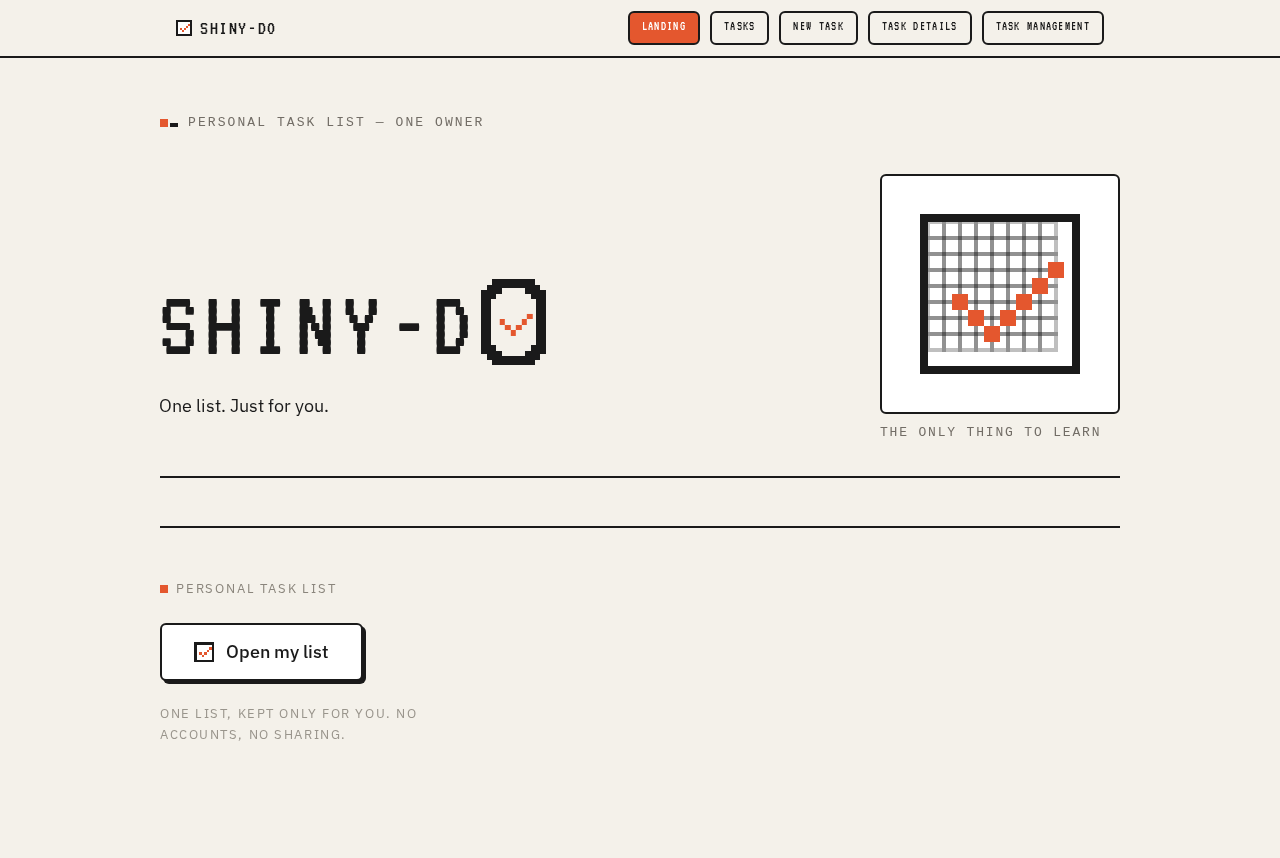
Landing design preview
Landing: Understand personal list app
Tasks: 1. Open my list
Tasks: 2. Switch status chips
Tasks: 3. Retry loading list
Tasks: 4. Choose to add task
New Task: 5. Type task title
New Task: 6. Add task
New Task: 7. Correct blank title and retry
New Task: 8. Cancel capture
Tasks: 9. Toggle checkbox from row
Task Details: 10. Open task
Task Details: 11. Mark complete
Task Details: 12. Retry completion
Task Details: 13. Toggle large checkbox
Task Management: 14. Open task
Task Management: 15. Remove task
Task Management: 16. Retry removal
Task Management: 17. Cancel removal
Landing design preview
Landing: Understand personal list app
Tasks: 1. Open my list
Tasks: 2. Switch status chips
Tasks: 3. Retry loading list
Tasks: 4. Choose to add task
New Task: 5. Type task title
New Task: 6. Add task
New Task: 7. Correct blank title and retry
New Task: 8. Cancel capture
Tasks: 9. Toggle checkbox from row
Task Details: 10. Open task
Task Details: 11. Mark complete
Task Details: 12. Retry completion
Task Details: 13. Toggle large checkbox
Task Management: 14. Open task
Task Management: 15. Remove task
Task Management: 16. Retry removal
Task Management: 17. Cancel removal