Calculate with Precision
A sleek, modern calculator for everyday arithmetic. Fast, responsive, and beautifully designed.
Try It Now ↓7
C
÷
×
←
7
8
9
−
4
5
6
+
1
2
3
=
0
0
.
=
Interactive Calculator
Perform basic arithmetic operations with ease
0
 Diya Trivedi
build a simple single page design of calculator

Sign in to leave a comment
As a developer, I want to set up a routing shell for the single-page application to ensure smooth navigation and future scalability.
As a developer, I want to align the frontend theme with the design specifications to ensure consistency in colors and styles across the application.
As a frontend developer, implement the Navbar section for the Calculator page. This section provides a shared navigation shell with a brand logo and project page links. It includes a responsive navigation toggle using motion/react for mobile view. Ensure the navigation links are correctly routed and the toggle button animates as expected. Acceptance criteria: The Navbar must render exactly once on the Calculator page, displaying the brand and a link to the Calculator page. The navigation toggle should animate smoothly, and the design must match the provided CSS. The Navbar should be accessible to all users. Page access: shared by all personas (User). This is verification context and does not request role-specific implementation.
As a frontend developer, implement the CalculatorHero section for the Calculator page. This section features an animated demonstration of calculator operations using motion/react. It includes a continuous 10-second animation loop showing numbers and operations flowing into the calculator display. Ensure hover animations are triggered on interactive elements. Acceptance criteria: The CalculatorHero must render exactly once on the Calculator page, displaying the animated calculator demo. The animations should loop continuously and respond to hover interactions. The design must match the provided CSS, and the section should be accessible to all users. Page access: shared by all personas (User). This is verification context and does not request role-specific implementation.
As a frontend developer, implement the CalculatorInterface section for the Calculator page. This section is the primary interactive calculator component, featuring a digital display and a grid of numeric and operation buttons. Implement tactile button press animations using motion/react. Ensure the calculator handles arithmetic operations and state management correctly. Acceptance criteria: The CalculatorInterface must render exactly once on the Calculator page, displaying the interactive calculator with functional buttons. The design must match the provided CSS, and the section should be accessible to all users. The calculator must perform basic arithmetic operations accurately. Page access: shared by all personas (User). This is verification context and does not request role-specific implementation.
As a frontend developer, implement the Footer section for the Calculator page. This section provides a shared footer with brand information and legal content. Ensure the footer is styled consistently with the rest of the project and appears at the bottom of the page. Acceptance criteria: The Footer must render exactly once on the Calculator page, displaying the brand and legal content. The design must match the provided CSS, and the section should be accessible to all users. Page access: shared by all personas (User). This is verification context and does not request role-specific implementation.
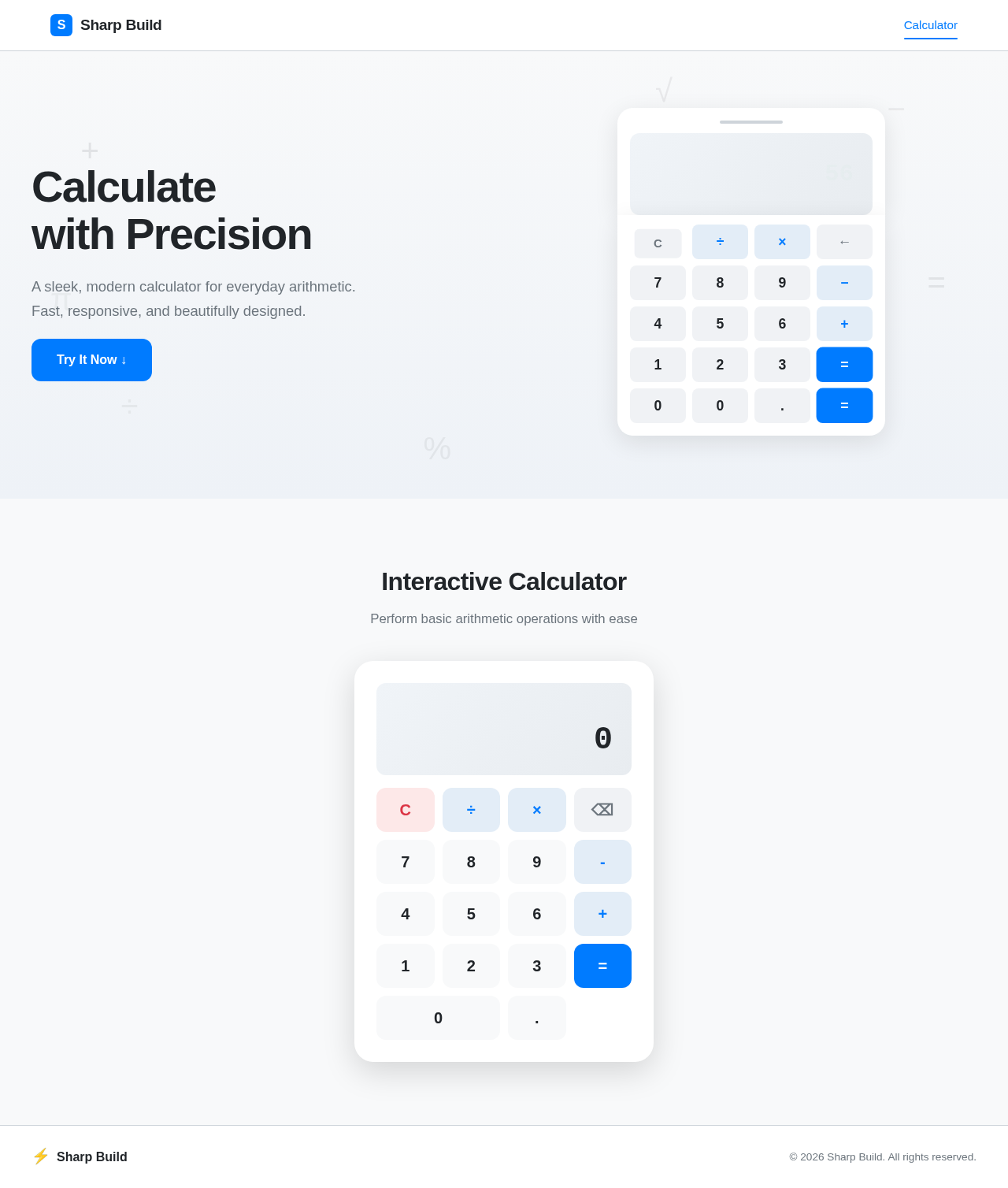
A sleek, modern calculator for everyday arithmetic. Fast, responsive, and beautifully designed.
Try It Now ↓Perform basic arithmetic operations with ease
A sleek, modern calculator for everyday arithmetic. Fast, responsive, and beautifully designed.
Try It Now ↓Perform basic arithmetic operations with ease
No comments yet. Be the first!