sam-ai

bySumit Sawant

Build a futuristic personal AI assistant named SAM AI, inspired by JARVIS. It should have a beautiful mobile-first interface, voice and text conversation, multilingual support, an AI chat brain, task management, reminders, and a secure user permission system. Design a dark interface with elegant blue glowing elements. Plan a scalable frontend, backend, database and cloud architecture. Keep the project modular so Android integrations and background cloud task execution can be added later.

Landing
Landing

Comments (0)

No comments yet. Be the first!

Architecture

No Services Diagrams Yet

Architecture diagrams will be automatically generated when the Project Manager creates tasks for your project.

Live
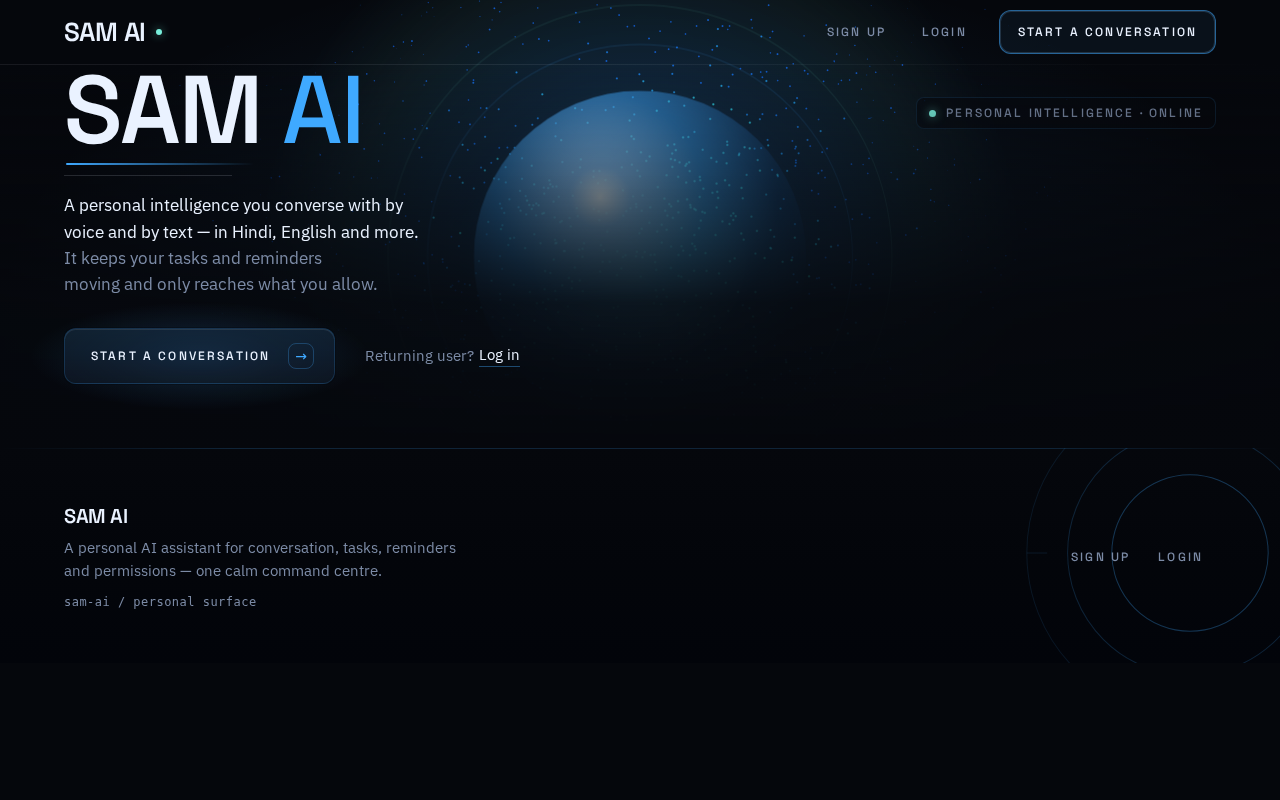
Landing design preview
Landing: View assistant intro
Sign Up: 1. Start a conversation
Sign Up: 2. Enter credentials
Sign Up: 3. Submit enrollment
Sign Up: 4. Correct inline errors
Login: 5. Switch to login
Login: 6. Enter credentials
Login: 7. Submit verification
Login: 8. Retry credentials
Chat: Read first-run greeting
Chat: 1. Send text message
Chat: 2. Retry failed message
Chat: 1. Activate mic
Chat: 2. Retry transcription
Chat: 3. Switch language
Chat: 1. Open context panel
Tasks: Open task list
Tasks: 1. Create task
Tasks: 2. Retry failed save
Tasks: Update or complete task
Reminders: 2. Open reminder list
Reminders: 3. Create reminder
Reminders: 4. Retry failed save
Reminders: 5. Update or remove reminder
Permissions: 3. Review permission rows
Permissions: 4. Grant requested permission
Permissions: 5. Retry failed toggle
Permissions: 6. Revoke granted permission
Chat: 7. Retry voice after grant
Chat: 4. View chat history
Chat: 5. Hear AI voice response
Live
Landing design preview
Landing: View assistant intro
Sign Up: 1. Start a conversation
Sign Up: 2. Enter credentials
Sign Up: 3. Submit enrollment
Sign Up: 4. Correct inline errors
Login: 5. Switch to login
Login: 6. Enter credentials
Login: 7. Submit verification
Login: 8. Retry credentials
Chat: Read first-run greeting
Chat: 1. Send text message
Chat: 2. Retry failed message
Chat: 1. Activate mic
Chat: 2. Retry transcription
Chat: 3. Switch language
Chat: 1. Open context panel
Tasks: Open task list
Tasks: 1. Create task
Tasks: 2. Retry failed save
Tasks: Update or complete task
Reminders: 2. Open reminder list
Reminders: 3. Create reminder
Reminders: 4. Retry failed save
Reminders: 5. Update or remove reminder
Permissions: 3. Review permission rows
Permissions: 4. Grant requested permission
Permissions: 5. Retry failed toggle
Permissions: 6. Revoke granted permission
Chat: 7. Retry voice after grant
Chat: 4. View chat history
Chat: 5. Hear AI voice response