repurposeai
 SHARAN K
You are a senior full-stack engineer. Build a complete, production-ready web application called "RepurposeAI": a Social Media Content Repurposing platform using the MERN stack (MongoDB, Express.js, React, Node.js). Deliver working code for every file, end to end, with no placeholders or TODOs. ## 1. Product Goal Users paste or upload one long-form piece of content (blog post, article, YouTube transcript, podcast transcript, or raw text) and the app uses an LLM to repurpose it into platform-specific posts: Twitter/X thread, LinkedIn post, Instagram caption + hashtags, Facebook post, YouTube Shorts/Reels script, and an email newsletter blurb. ## 2. Tech Stack - Frontend: React 18 + Vite, React Router v6, Tailwind CSS, Axios, React Hot Toast, Context API (or Redux Toolkit) - Backend: Node.js + Express.js, running on PORT 8080 - Database: MongoDB with Mongoose - Auth: JWT (access token in httpOnly cookie) + bcrypt password hashing - AI: LLM API (Anthropic Claude or OpenAI), key stored in .env, called only from the backend - Validation: Joi or Zod. Security: helmet, cors, express-rate-limit, express-mongo-sanitize ## 3. Core Features 1. Auth: register, login, logout, get current user, protected routes 2. Content input: paste text, or upload .txt/.docx/.pdf (extract text server-side), or enter a blog/article URL (scrape main text) 3. Repurpose options: - Select target platforms (multi-select) - Tone: Professional, Casual, Witty, Inspirational, Educational - Audience, language, and length (short/medium/long) - Toggle for emojis and hashtags - CTA input (optional) 4. Generation: one structured LLM call per platform, returning JSON. Enforce platform rules (Twitter 280 chars per tweet, numbered thread; LinkedIn hook + line breaks; Instagram caption + 15-30 hashtags; etc.) 5. Results page: one card per platform with copy button, inline edit, regenerate (single platform), character counter, and download as .txt 6. Project library: save, rename, search, filter, and delete past projects; each project stores the original content and all generated outputs 7. Content calendar (basic): schedule a generated post to a date/time and view it in a monthly calendar view (no real posting, only scheduling data) 8. Dashboard: total projects, posts generated, most used platform (chart using Recharts) 9. Usage limits: free plan allows 10 generations/month, tracked per user 10. Dark/light mode, fully responsive UI, loading skeletons, error states ## 4. Database Models (Mongoose) - User: name, email (unique), password (hashed), plan, monthlyUsage, createdAt - Project: user (ref), title, sourceType (text|file|url), originalContent, settings {tone, audience, language, length, emojis, hashtags, cta}, createdAt - GeneratedPost: project (ref), user (ref), platform, content, version, isEdited, scheduledAt, status (draft|scheduled), createdAt ## 5. REST API (all under /api) - POST /auth/register, POST /auth/login, POST /auth/logout, GET /auth/me - POST /projects (create + generate), GET /projects, GET /projects/:id, PATCH /projects/:id, DELETE /projects/:id - POST /projects/:id/regenerate/:platform - PATCH /posts/:id (edit content), PATCH /posts/:id/schedule - POST /upload (file to text), POST /scrape (URL to text) - GET /dashboard/stats Use a central error-handling middleware, async handler wrapper, and consistent JSON responses { success, data, message }. ## 6. AI Prompt Engineering Create a services/aiService.js with a dedicated system prompt per platform. Require the model to return strict JSON, and parse it with a retry on malformed output. Include timeout handling and graceful fallback messages. ## 7. Frontend Pages Landing, Register, Login, Dashboard, New Project (content input + settings), Project Results, Projects Library, Content Calendar, Profile/Usage. Include a reusable Navbar, Sidebar, PlatformCard, Loader, and ProtectedRoute. ## 8. Folder Structure repurpose-ai/ client/ (src/components, pages, context, hooks, services, utils) server/ (config, controllers, models, routes, middleware, services, utils, server.js) README.md ## 9. Environment Variables Provide .env.example for both server (PORT=8080, MONGO_URI, JWT_SECRET, JWT_EXPIRES_IN, AI_API_KEY, CLIENT_URL) and client (VITE_API_URL=http://localhost:8080/api). ## 10. Deliverables (in this order) 1. Short architecture overview 2. Complete server code, file by file 3. Complete client code, file by file 4. package.json files with all dependencies 5. Step-by-step setup and run instructions (install, env, seed, run both apps) 6. Basic Postman/curl examples for key endpoints 7. Deployment notes (Render/Railway for backend, Vercel for frontend, MongoDB Atlas) ## Rules - Use clean, commented, modular code with async/await and proper error handling - Never expose the AI key to the frontend - Make the UI modern and polished (cards, gradients, smooth transitions) - Do not skip any file; if the output is too long, continue in the next message until the project is complete


Comments (0)
Sign in to leave a comment
Architecture
No Services Diagrams Yet
Start repurposing
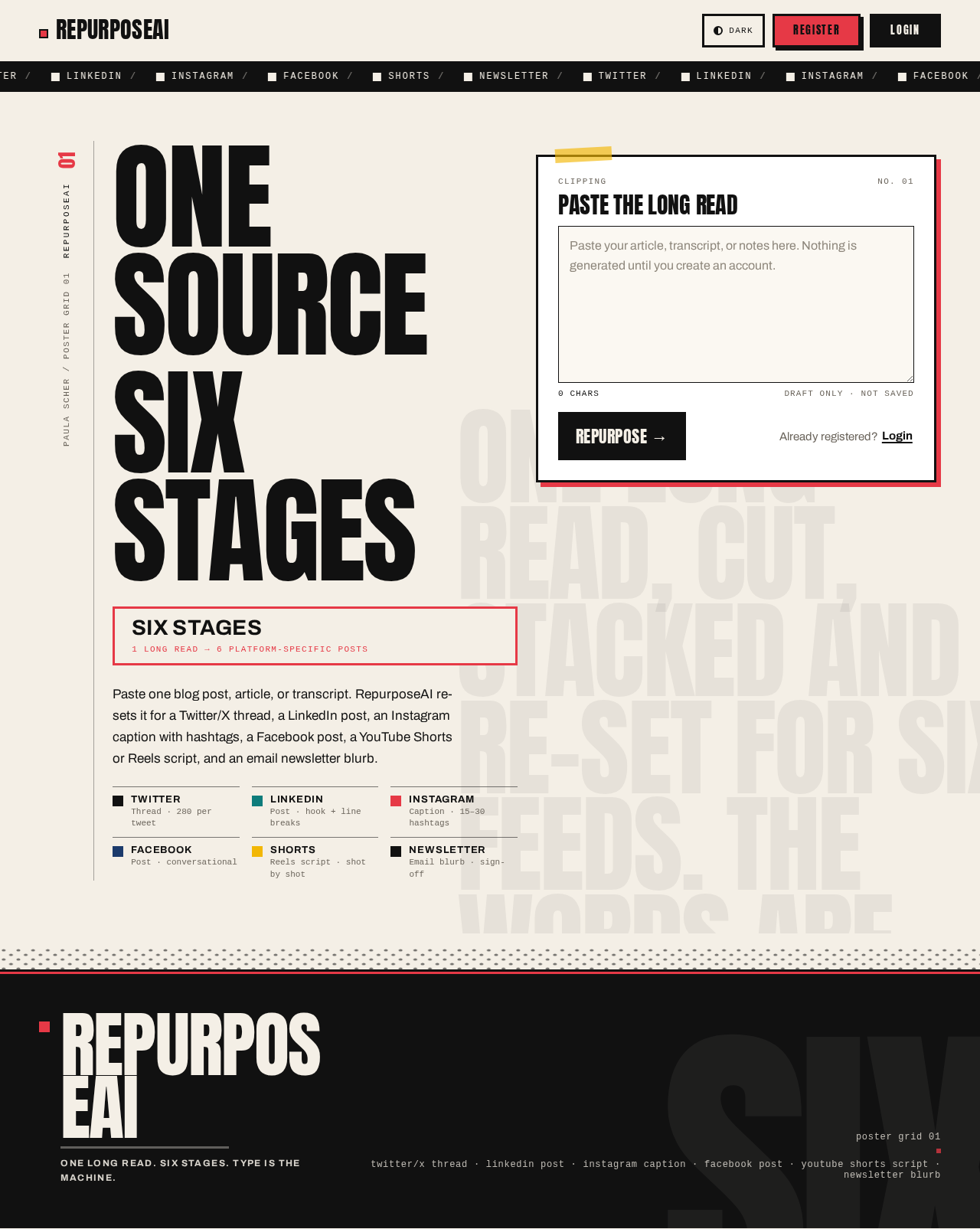
One SourceSix Stages
Paste one blog post, article, or transcript. RepurposeAI re-sets it for a Twitter/X thread, a LinkedIn post, an Instagram caption with hashtags, a Facebook post, a YouTube Shorts or Reels script, and an email newsletter blurb.
- TwitterThread · 280 per tweet
- LinkedInPost · hook + line breaks
- InstagramCaption · 15–30 hashtags
- FacebookPost · conversational
- ShortsReels script · shot by shot
- NewsletterEmail blurb · sign-off
Start repurposing
One SourceSix Stages
Paste one blog post, article, or transcript. RepurposeAI re-sets it for a Twitter/X thread, a LinkedIn post, an Instagram caption with hashtags, a Facebook post, a YouTube Shorts or Reels script, and an email newsletter blurb.
- TwitterThread · 280 per tweet
- LinkedInPost · hook + line breaks
- InstagramCaption · 15–30 hashtags
- FacebookPost · conversational
- ShortsReels script · shot by shot
- NewsletterEmail blurb · sign-off
No comments yet. Be the first!