regal-1
 Boopathi M
1) Freight Quote Normalizer for Forwarders Product Name: QuoteFlow One-line: Normalize freight quotes from PDFs/Excel/Email into a single dashboard and flag hidden fees. Target Buyer: Freight forwarders, procurement teams, and 3PLs comparing carrier quotes. Core Pain: Teams spend ~30% of man-hours clarifying and comparing quotes; accessorial charges get missed. MVP Scope: Upload quotes (PDF, Excel, email attachments) Extract lanes, base rates, accessorials, surcharges, validity Normalize fields and currency; highlight discrepancies Export to CSV or internal TMS via API Pricing: $299–$799/month (tiered by volume of quotes) Distribution: LinkedIn outreach to ops managers; partnerships with freight broker associations; content on “how to compare LCL vs FCL quotes.” Why It Works: High time-savings, clear ROI, sticky workflow, and documented gap in reporting/integration build me this micro saas


Comments (0)
Sign in to leave a comment
Architecture
No Services Diagrams Yet
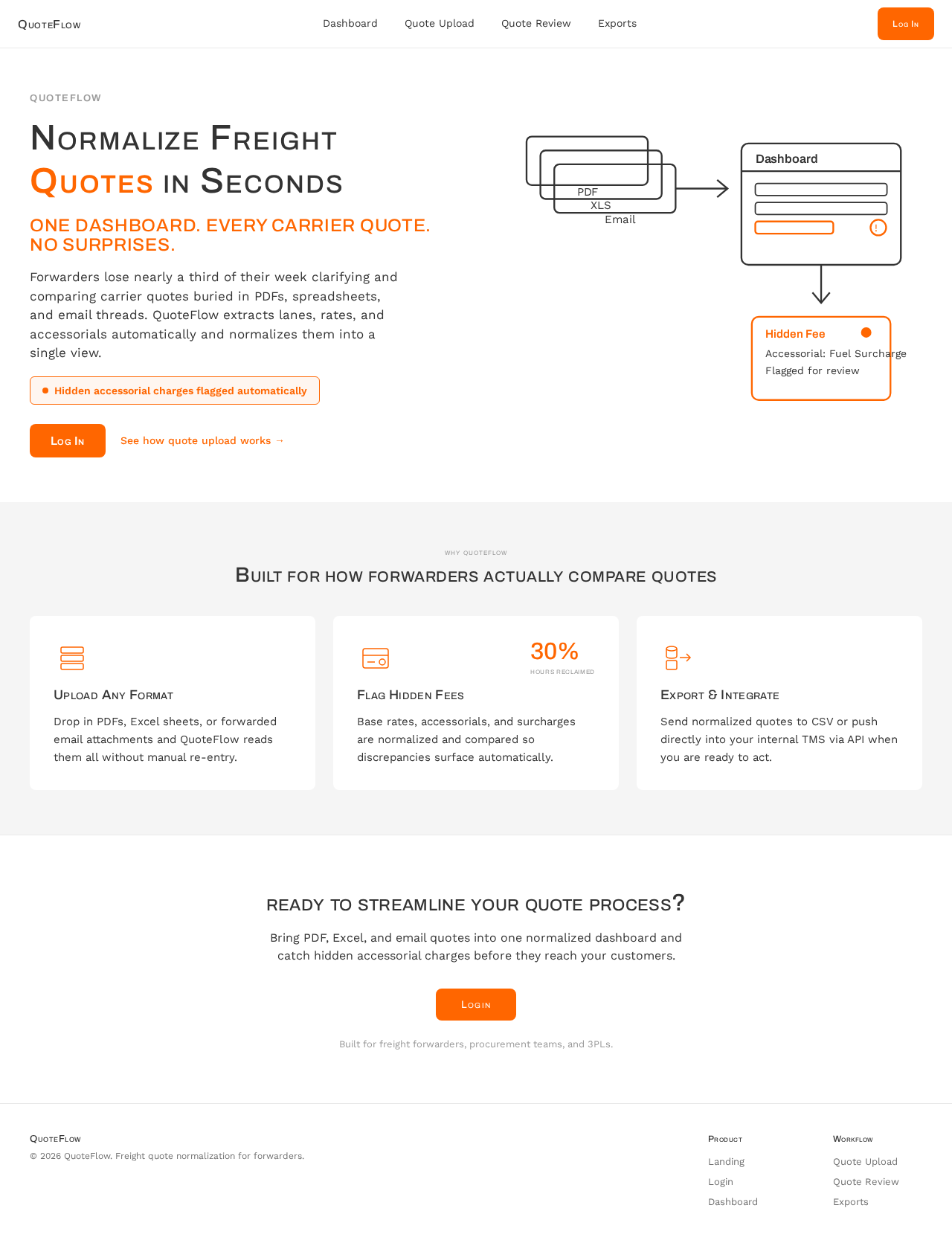
Normalize Freight Quotes in Seconds
One dashboard. Every carrier quote. No surprises.
Forwarders lose nearly a third of their week clarifying and comparing carrier quotes buried in PDFs, spreadsheets, and email threads. QuoteFlow extracts lanes, rates, and accessorials automatically and normalizes them into a single view.
Built for how forwarders actually compare quotes
Upload Any Format
Drop in PDFs, Excel sheets, or forwarded email attachments and QuoteFlow reads them all without manual re-entry.
Flag Hidden Fees
Base rates, accessorials, and surcharges are normalized and compared so discrepancies surface automatically.
Export & Integrate
Send normalized quotes to CSV or push directly into your internal TMS via API when you are ready to act.
Ready to Streamline Your Quote Process?
Bring PDF, Excel, and email quotes into one normalized dashboard and catch hidden accessorial charges before they reach your customers.
Built for freight forwarders, procurement teams, and 3PLs.
Normalize Freight Quotes in Seconds
One dashboard. Every carrier quote. No surprises.
Forwarders lose nearly a third of their week clarifying and comparing carrier quotes buried in PDFs, spreadsheets, and email threads. QuoteFlow extracts lanes, rates, and accessorials automatically and normalizes them into a single view.
Built for how forwarders actually compare quotes
Upload Any Format
Drop in PDFs, Excel sheets, or forwarded email attachments and QuoteFlow reads them all without manual re-entry.
Flag Hidden Fees
Base rates, accessorials, and surcharges are normalized and compared so discrepancies surface automatically.
Export & Integrate
Send normalized quotes to CSV or push directly into your internal TMS via API when you are ready to act.
Ready to Streamline Your Quote Process?
Bring PDF, Excel, and email quotes into one normalized dashboard and catch hidden accessorial charges before they reach your customers.
Built for freight forwarders, procurement teams, and 3PLs.
No comments yet. Be the first!