reallymysingingmonsters-test

byGabza

test

LandingSign Up
Landing

Comments (0)

No comments yet. Be the first!

Live
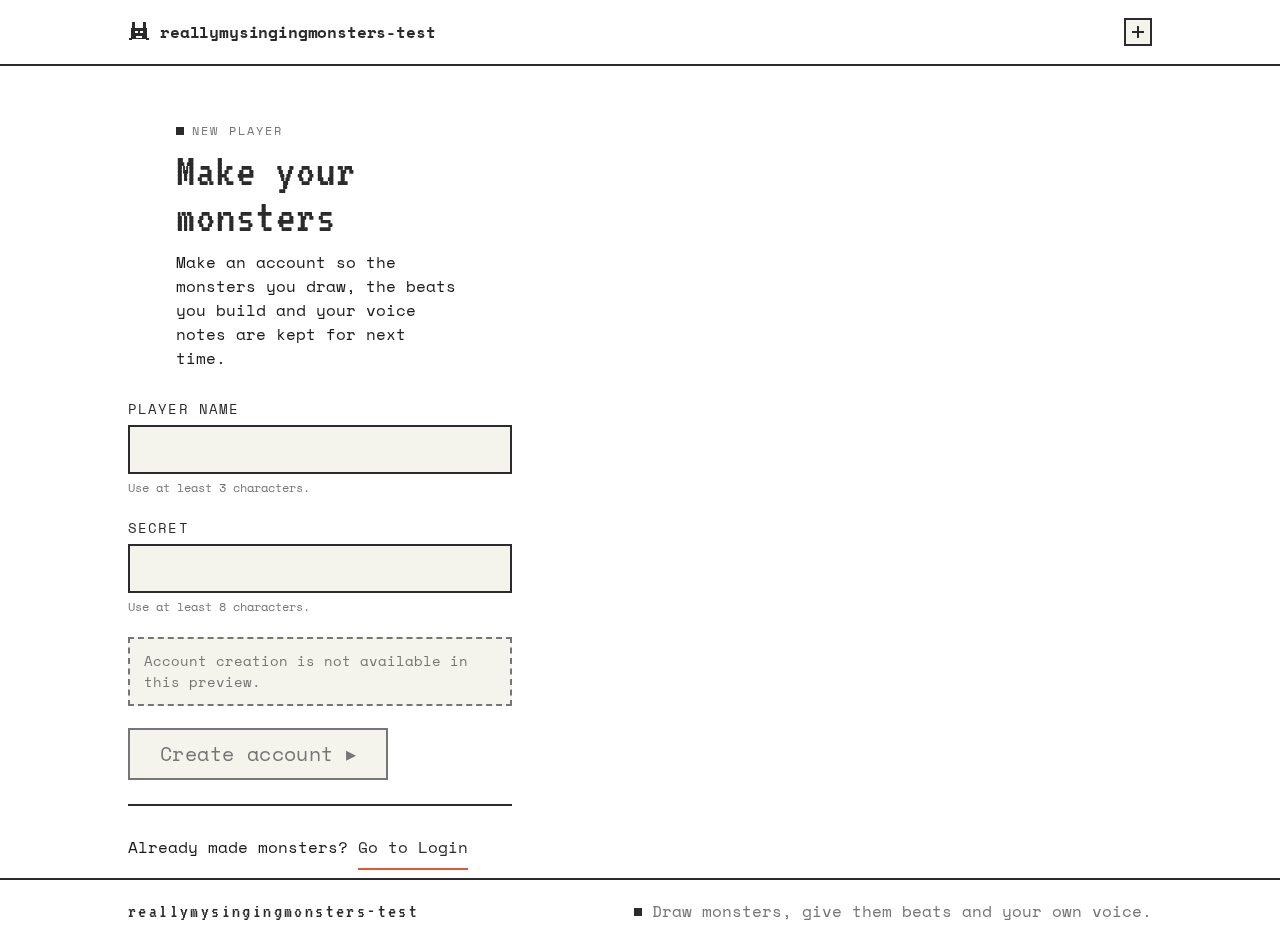
Sign Up design preview
Landing: Read headline and tiles
Sign Up: 1. Enter identity and submit
Sign Up: 2. Correct field and resubmit
Monster Studio: 1. Select monster tile
Music Maker: 2. Toggle sequencer cells
Music Maker: 3. Start and stop playback
Music Maker: 4. Record voice take
Music Maker: 5. Grant microphone and retry
Music Maker: 6. Retry failed upload
Music Maker: 7. Set pitch and volume
Music Maker: 8. Retry saving settings
Music Maker: 9. Convert recording to note
Music Maker: 10. Retry failed conversion
Music Maker: 11. Save beat and note
Monster Studio: 12. View retained beat and note
Monster Studio: 13. Select another monster
Landing: 14. Choose Login
Login: 15. Enter identity and submit
Login: 16. Retry after wrong credentials
Monster Studio: 17. Resume saved work
Music Maker: Continue saved beat and note
Live
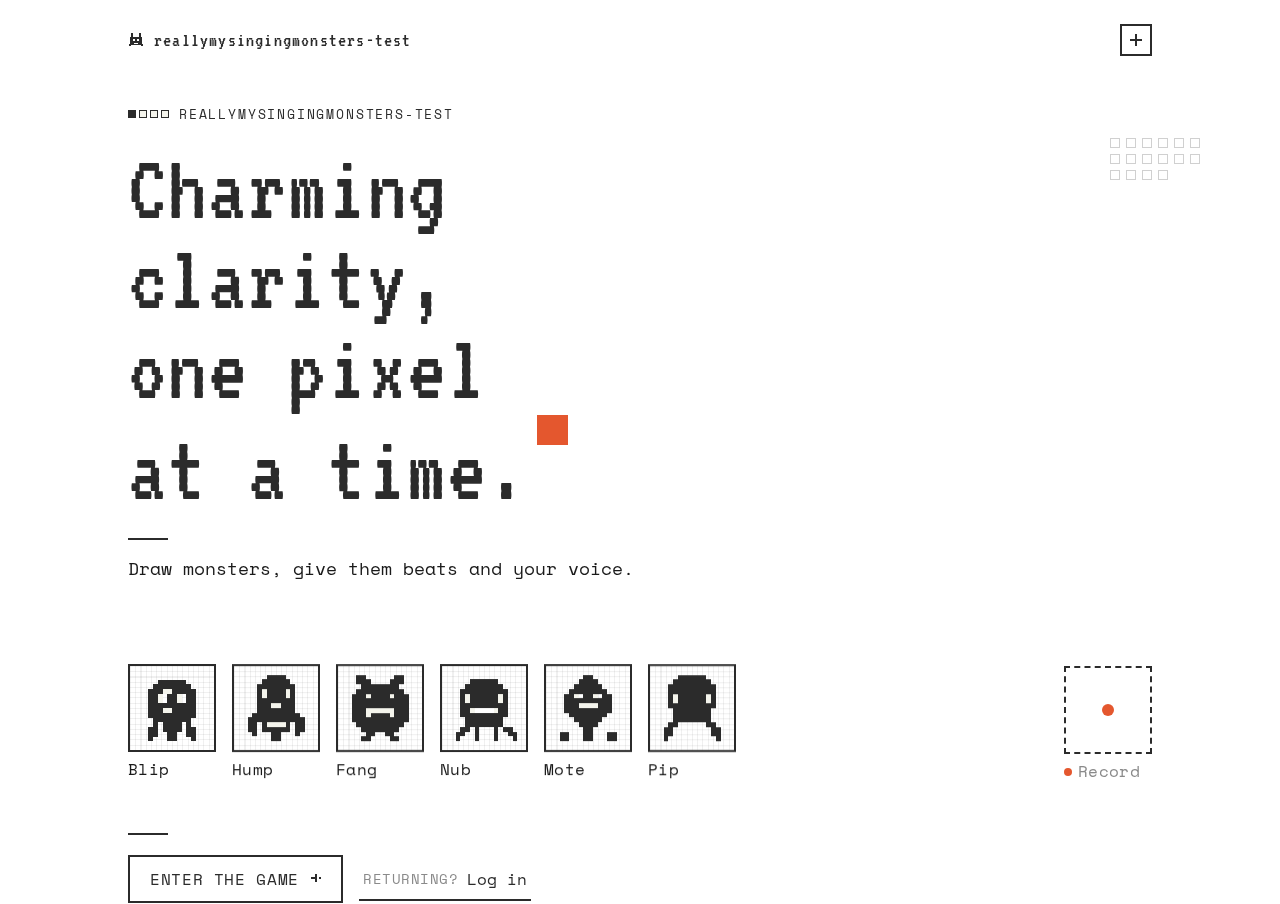
Landing design preview
Landing: Read headline and tiles
Sign Up: 1. Enter identity and submit
Sign Up: 2. Correct field and resubmit
Monster Studio: 1. Select monster tile
Music Maker: 2. Toggle sequencer cells
Music Maker: 3. Start and stop playback
Music Maker: 4. Record voice take
Music Maker: 5. Grant microphone and retry
Music Maker: 6. Retry failed upload
Music Maker: 7. Set pitch and volume
Music Maker: 8. Retry saving settings
Music Maker: 9. Convert recording to note
Music Maker: 10. Retry failed conversion
Music Maker: 11. Save beat and note
Monster Studio: 12. View retained beat and note
Monster Studio: 13. Select another monster
Landing: 14. Choose Login
Login: 15. Enter identity and submit
Login: 16. Retry after wrong credentials
Monster Studio: 17. Resume saved work
Music Maker: Continue saved beat and note