quotations-builders
 Nhlanhla Masuku
I am building an app that makes quotations for builders using their voice

Comments (0)
Sign in to leave a comment
Project Tasks
18 planning tasksGenerate system requirement document
Generate personas & user flows
Architecture
Workspace task plan
Create flow for Builder
Landing
Sign Up
Login
Quotations
New Quotation
Quotation Details
Landing / Header
Landing / Hero Poster
Landing / Voice Pitch
Landing / Access Band
Landing / Footer
App Header
App Footer
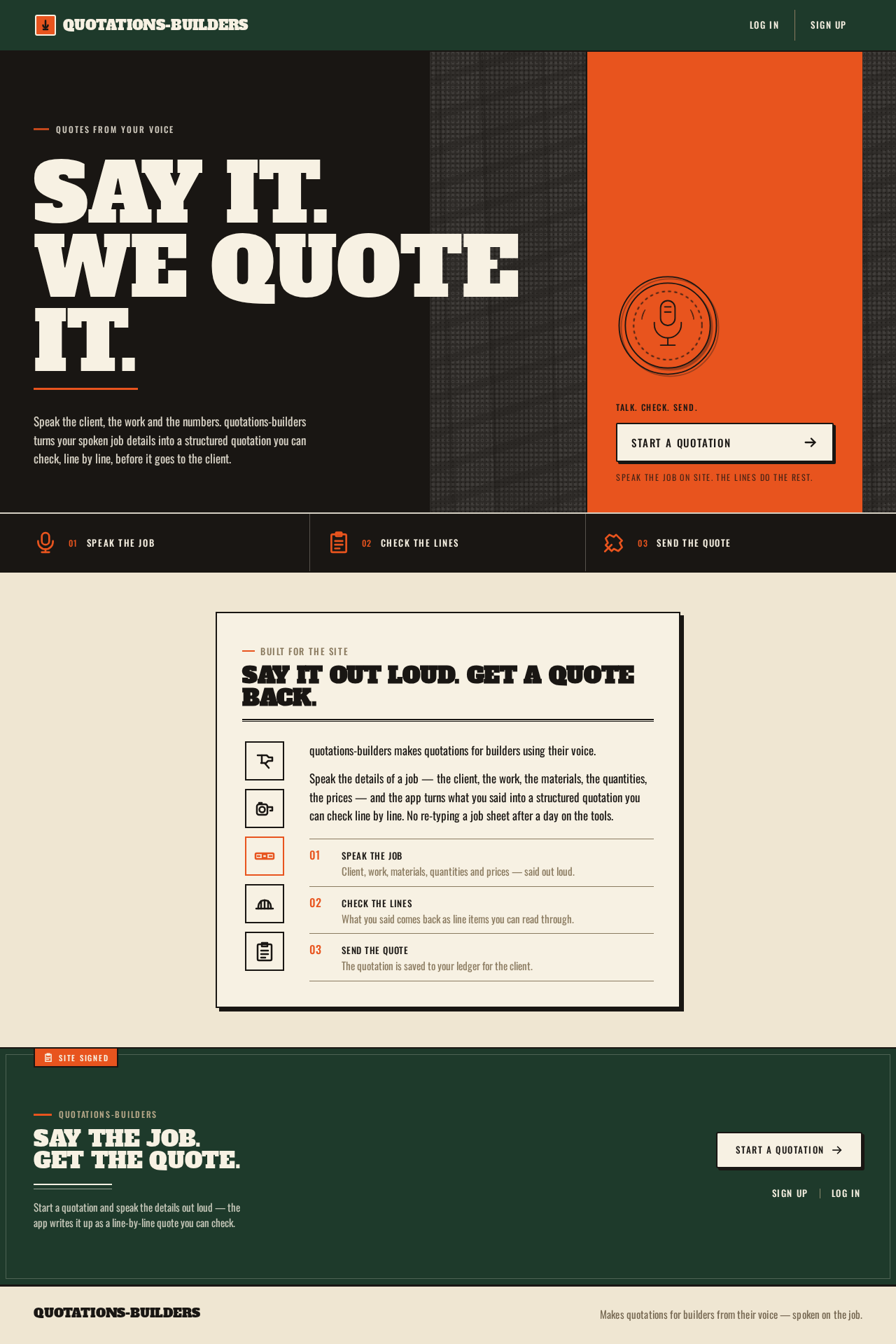
Say it.We quoteit.
Speak the client, the work and the numbers. quotations-builders turns your spoken job details into a structured quotation you can check, line by line, before it goes to the client.
- 01Speak the job
- 02Check the lines
- 03Send the quote
Built for the site
Say it out loud. Get a quote back.
quotations-builders makes quotations for builders using their voice.
Speak the details of a job — the client, the work, the materials, the quantities, the prices — and the app turns what you said into a structured quotation you can check line by line. No re-typing a job sheet after a day on the tools.
- Speak the jobClient, work, materials, quantities and prices — said out loud.
- Check the linesWhat you said comes back as line items you can read through.
- Send the quoteThe quotation is saved to your ledger for the client.
quotations-builders
Say the job. Get the quote.
Start a quotation and speak the details out loud — the app writes it up as a line-by-line quote you can check.
Say it.We quoteit.
Speak the client, the work and the numbers. quotations-builders turns your spoken job details into a structured quotation you can check, line by line, before it goes to the client.
- 01Speak the job
- 02Check the lines
- 03Send the quote
Built for the site
Say it out loud. Get a quote back.
quotations-builders makes quotations for builders using their voice.
Speak the details of a job — the client, the work, the materials, the quantities, the prices — and the app turns what you said into a structured quotation you can check line by line. No re-typing a job sheet after a day on the tools.
- Speak the jobClient, work, materials, quantities and prices — said out loud.
- Check the linesWhat you said comes back as line items you can read through.
- Send the quoteThe quotation is saved to your ledger for the client.
quotations-builders
Say the job. Get the quote.
Start a quotation and speak the details out loud — the app writes it up as a line-by-line quote you can check.
No comments yet. Be the first!