pure-modern
 Smit Bhikadiya
Create a modern and user-friendly Study Planner mobile app for students. Features: User registration and login Home dashboard with today's study tasks Create, edit, and delete study tasks Subject-wise study planning Daily and weekly timetable Exam countdown Study progress tracker with percentage To-do list with completed/pending status Notes section for each subject Reminder/notification option Clean and attractive UI Light and dark mode Responsive design for Android phones Use modern icons, cards, smooth navigation, and simple colors Make the app easy to use, fast, and suitable for school and college students.

Comments (0)
Sign in to leave a comment
Project Tasks
23 planning tasksGenerate system requirement document
Generate personas & user flows
Create flow for Student
Landing
Landing / Navigation
Landing / Hero
Landing / Features
Landing / CTA
Landing / Footer
Navigation
Footer
Login
Dashboard
Tasks
Subjects
Timetable
Exams
Progress
To-Do
Notes
Reminders
Architecture
Workspace task plan
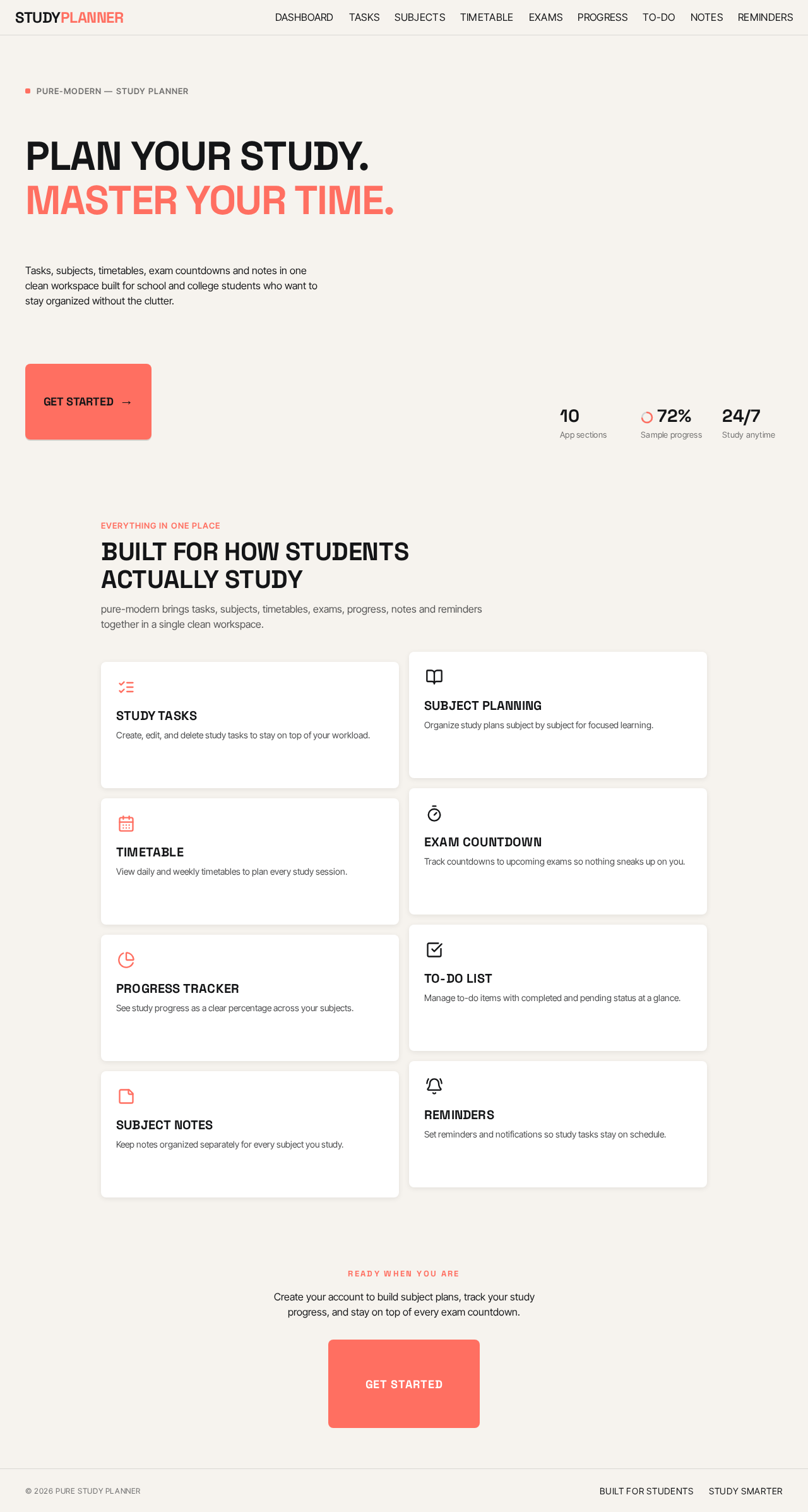
Plan your study.
Master your time.
Tasks, subjects, timetables, exam countdowns and notes in one clean workspace built for school and college students who want to stay organized without the clutter.
Everything in one place
Built for how students actually study
pure-modern brings tasks, subjects, timetables, exams, progress, notes and reminders together in a single clean workspace.
Study Tasks
Create, edit, and delete study tasks to stay on top of your workload.
Subject Planning
Organize study plans subject by subject for focused learning.
Timetable
View daily and weekly timetables to plan every study session.
Exam Countdown
Track countdowns to upcoming exams so nothing sneaks up on you.
Progress Tracker
See study progress as a clear percentage across your subjects.
To-Do List
Manage to-do items with completed and pending status at a glance.
Subject Notes
Keep notes organized separately for every subject you study.
Reminders
Set reminders and notifications so study tasks stay on schedule.
Create your account to build subject plans, track your study progress, and stay on top of every exam countdown.
Plan your study.
Master your time.
Tasks, subjects, timetables, exam countdowns and notes in one clean workspace built for school and college students who want to stay organized without the clutter.
Everything in one place
Built for how students actually study
pure-modern brings tasks, subjects, timetables, exams, progress, notes and reminders together in a single clean workspace.
Study Tasks
Create, edit, and delete study tasks to stay on top of your workload.
Subject Planning
Organize study plans subject by subject for focused learning.
Timetable
View daily and weekly timetables to plan every study session.
Exam Countdown
Track countdowns to upcoming exams so nothing sneaks up on you.
Progress Tracker
See study progress as a clear percentage across your subjects.
To-Do List
Manage to-do items with completed and pending status at a glance.
Subject Notes
Keep notes organized separately for every subject you study.
Reminders
Set reminders and notifications so study tasks stay on schedule.
Create your account to build subject plans, track your study progress, and stay on top of every exam countdown.
No comments yet. Be the first!