prompt-app
 Tejvir Dhiman
i want you to help me another ai website which will be working as rork in which user can enter the prompt and create the app himself means we can show the designs minimum to him and for the further setup he have to count on us and we will help him/her further

Comments (0)
Sign in to leave a comment
Project Tasks
19 planning tasksGenerate system requirement document
Generate personas & user flows
Create flow for App Creator
Landing
Fix Landing review finding: frontend/src/components/Landing Prompt Entry.jsx: A valid…
Landing / Prompt App Header
Landing / Hero
Landing / Prompt Entry
Landing / Step Index
Landing / Prompt App Footer
Fix Landing: A valid prompt is saved as a draft, but the primary action then navigates; the accepted…
Prompt App Header
Prompt App Footer
Sign Up
Create App
Login
App Preview
Architecture
Workspace task plan
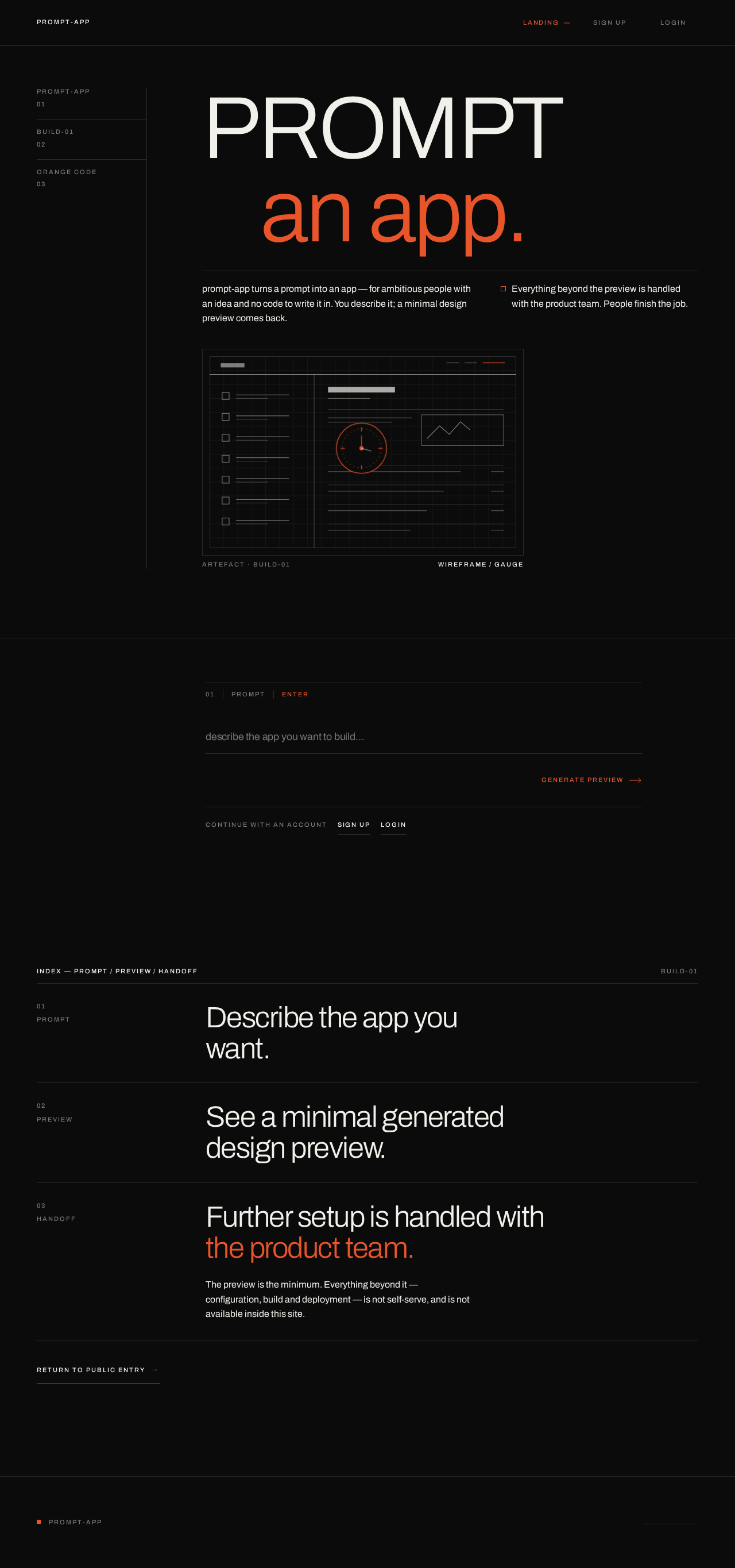
PROMPTan app.
prompt-app turns a prompt into an app — for ambitious people with an idea and no code to write it in. You describe it; a minimal design preview comes back.
Everything beyond the preview is handled with the product team. People finish the job.
Describe the app you want.
See a minimal generated design preview.
Further setup is handled with the product team.
The preview is the minimum. Everything beyond it — configuration, build and deployment — is not self-serve, and is not available inside this site.
PROMPTan app.
prompt-app turns a prompt into an app — for ambitious people with an idea and no code to write it in. You describe it; a minimal design preview comes back.
Everything beyond the preview is handled with the product team. People finish the job.
Describe the app you want.
See a minimal generated design preview.
Further setup is handled with the product team.
The preview is the minimum. Everything beyond it — configuration, build and deployment — is not self-serve, and is not available inside this site.
No comments yet. Be the first!