procurement-team
 Tahir P
i want to build an app for my procurement team

Comments (0)
Sign in to leave a comment
Project Tasks
18 planning tasksGenerate system requirement document
Generate personas & user flows
Create flow for Procurement team member
Create flow for Procurement team lead
Landing
Fix Landing review findings: Tablet entry band breaks into an unusably narrow heading… (+1 more)
Landing / Navigation
Landing / Hero
Landing / Product Explanation
Landing / Entry Route
Fix Landing: Tablet entry band breaks into an unusably narrow heading column and pushes its actions…
Fix Landing: The required primary action is duplicated in the separate entry section, so the Landing…
Navigation
Login
Workspace
Team Overview
Architecture
Workspace task plan
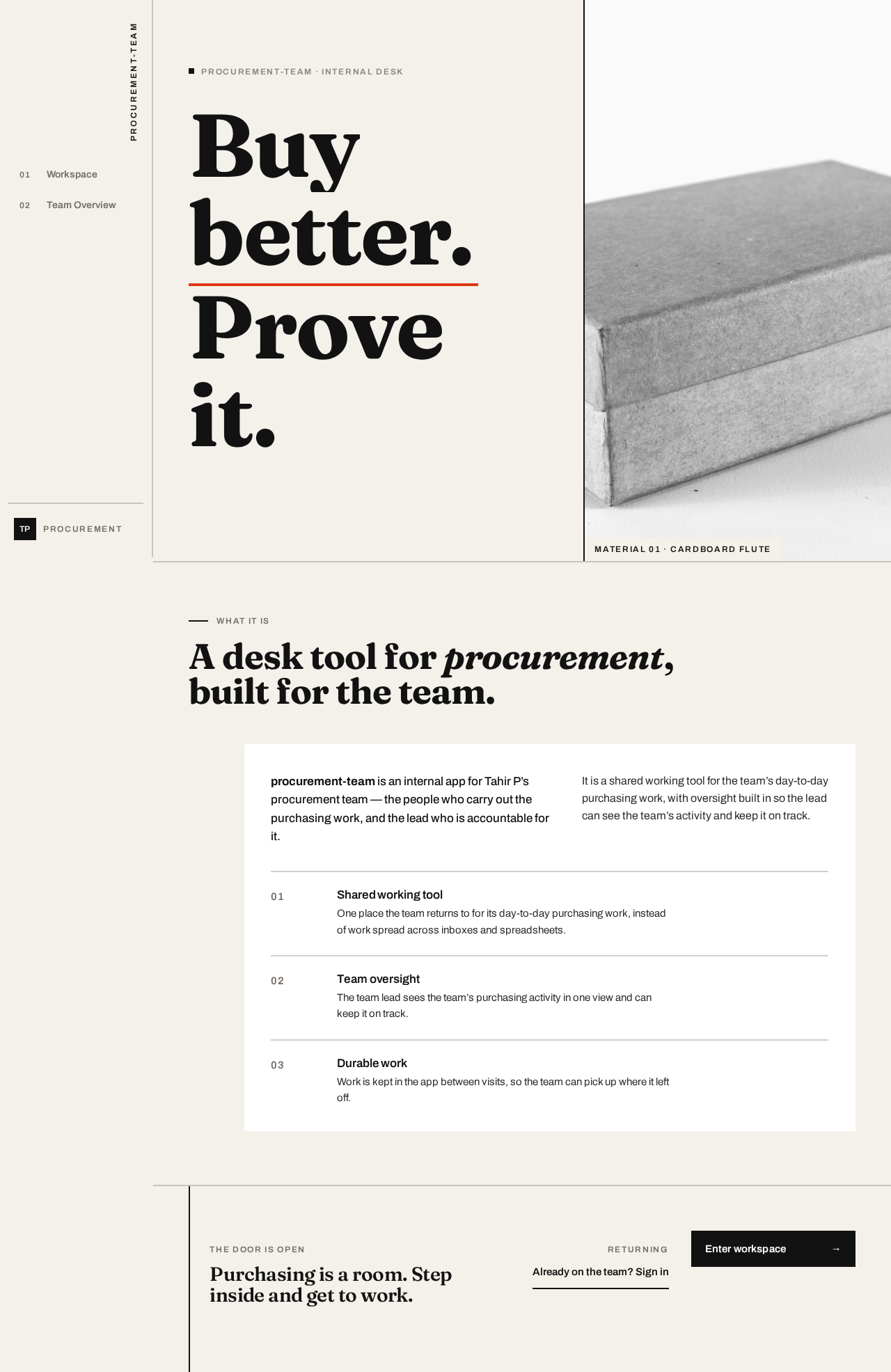
procurement-team · internal desk
Buybetter.Proveit.

What it is
A desk tool for procurement, built for the team.
procurement-team is an internal app for Tahir P’s procurement team — the people who carry out the purchasing work, and the lead who is accountable for it.
It is a shared working tool for the team’s day-to-day purchasing work, with oversight built in so the lead can see the team’s activity and keep it on track.
01 Shared working tool
One place the team returns to for its day-to-day purchasing work, instead of work spread across inboxes and spreadsheets.
02 Team oversight
The team lead sees the team’s purchasing activity in one view and can keep it on track.
03 Durable work
Work is kept in the app between visits, so the team can pick up where it left off.
Purchasing is a room. Step inside and get to work.
procurement-team · internal desk
Buybetter.Proveit.
What it is
A desk tool for procurement, built for the team.
procurement-team is an internal app for Tahir P’s procurement team — the people who carry out the purchasing work, and the lead who is accountable for it.
It is a shared working tool for the team’s day-to-day purchasing work, with oversight built in so the lead can see the team’s activity and keep it on track.
01 Shared working tool
One place the team returns to for its day-to-day purchasing work, instead of work spread across inboxes and spreadsheets.
02 Team oversight
The team lead sees the team’s purchasing activity in one view and can keep it on track.
03 Durable work
Work is kept in the app between visits, so the team can pick up where it left off.
No comments yet. Be the first!