privacy-browser
 Alexander Powell
Top of the line privacy browser


Comments (0)
Sign in to leave a comment
Architecture
No Services Diagrams Yet
Built-in · Always on
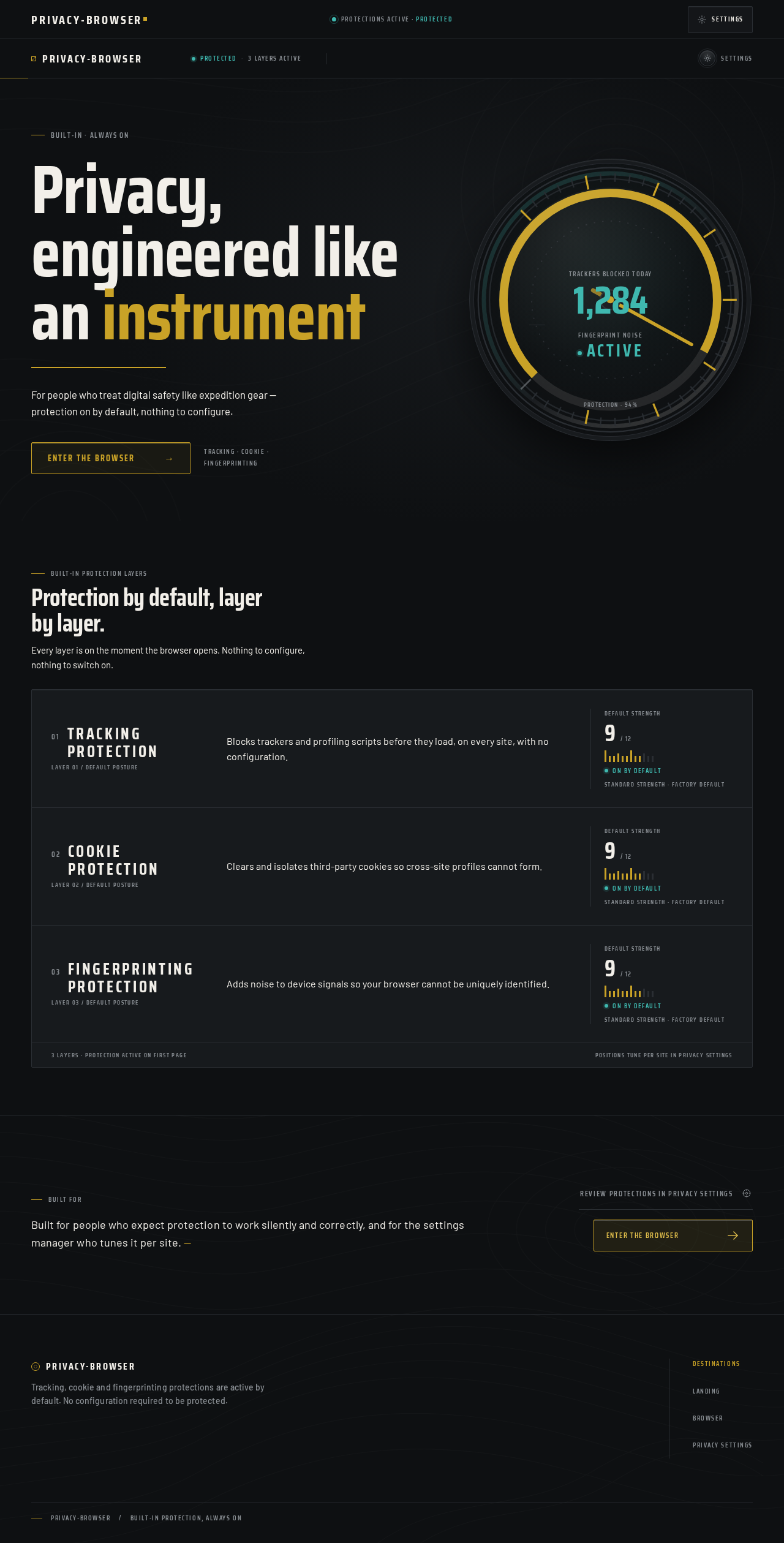
Privacy, engineered like an instrument
For people who treat digital safety like expedition gear — protection on by default, nothing to configure.
Tracking · Cookie · Fingerprinting
Protection by default, layer by layer.
Every layer is on the moment the browser opens. Nothing to configure, nothing to switch on.
- 01
Tracking protection
Layer 01 / Default postureBlocks trackers and profiling scripts before they load, on every site, with no configuration.
Default strength9/ 12On by defaultStandard strength · Factory default - 02
Cookie protection
Layer 02 / Default postureClears and isolates third-party cookies so cross-site profiles cannot form.
Default strength9/ 12On by defaultStandard strength · Factory default - 03
Fingerprinting protection
Layer 03 / Default postureAdds noise to device signals so your browser cannot be uniquely identified.
Default strength9/ 12On by defaultStandard strength · Factory default
Built for
Built for people who expect protection to work silently and correctly, and for the settings manager who tunes it per site.
Built-in · Always on
Privacy, engineered like an instrument
For people who treat digital safety like expedition gear — protection on by default, nothing to configure.
Tracking · Cookie · Fingerprinting
Protection by default, layer by layer.
Every layer is on the moment the browser opens. Nothing to configure, nothing to switch on.
- 01
Tracking protection
Layer 01 / Default postureBlocks trackers and profiling scripts before they load, on every site, with no configuration.
Default strength9/ 12On by defaultStandard strength · Factory default - 02
Cookie protection
Layer 02 / Default postureClears and isolates third-party cookies so cross-site profiles cannot form.
Default strength9/ 12On by defaultStandard strength · Factory default - 03
Fingerprinting protection
Layer 03 / Default postureAdds noise to device signals so your browser cannot be uniquely identified.
Default strength9/ 12On by defaultStandard strength · Factory default
Built for
Built for people who expect protection to work silently and correctly, and for the settings manager who tunes it per site.
No comments yet. Be the first!