pearl-rag
 Janvi shah
Summary I'm looking for a developer who has hands-on experience with RAG (Retrieval-Augmented Generation) to help build a small document Q&A prototype. The idea is to let users upload a PDF or text file and ask questions about its contents. The system should retrieve relevant sections from the document and use an LLM to generate an answer based on the retrieved information. I am looking for something simple that demonstrates the complete RAG workflow. I don't need a polished application or a complicated architecture at this stage. What I need - Basic PDF/text document upload - Text extraction and chunking - Embedding generation using an embedding model - Vector storage using Chroma or a similar solution - Semantic search to retrieve relevant chunks - LLM integration for generating answers from retrieved context - A simple interface or API for asking questions - Return relevant source snippets with answers - Basic handling of questions that cannot be answered from the document I would prefer to keep the implementation lightweight and use existing libraries where appropriate rather than building everything from scratch. Preferred Tech Stack I am open to your recommendations, but something along these lines would work well: - Python and FastAPI - OpenAI API or a similar LLM provider - Chroma or FAISS for vector search - Basic PDF parsing library - LangChain or LlamaIndex, if useful A simple frontend is fine, but an API-based implementation is also acceptable if it keeps the project focused. Expected Deliverables - Working RAG prototype using a sample document - Source code with a reasonably clear structure - Basic document ingestion and retrieval pipeline - Setup instructions and environment configuration - Short explanation of how the indexing and retrieval process works - Quick demo showing questions being answered from the uploaded document Scope and Timeline This is intended to be a small proof of concept, with little development work for the initial implementation. I would like to focus on getting the core pipeline working first. Features such as user authentication, multi-user document management, advanced reranking, hybrid search, and production deployment can be considered separately if needed. Make a prototype as mentioned

Comments (0)
Sign in to leave a comment
Architecture
No Services Diagrams Yet
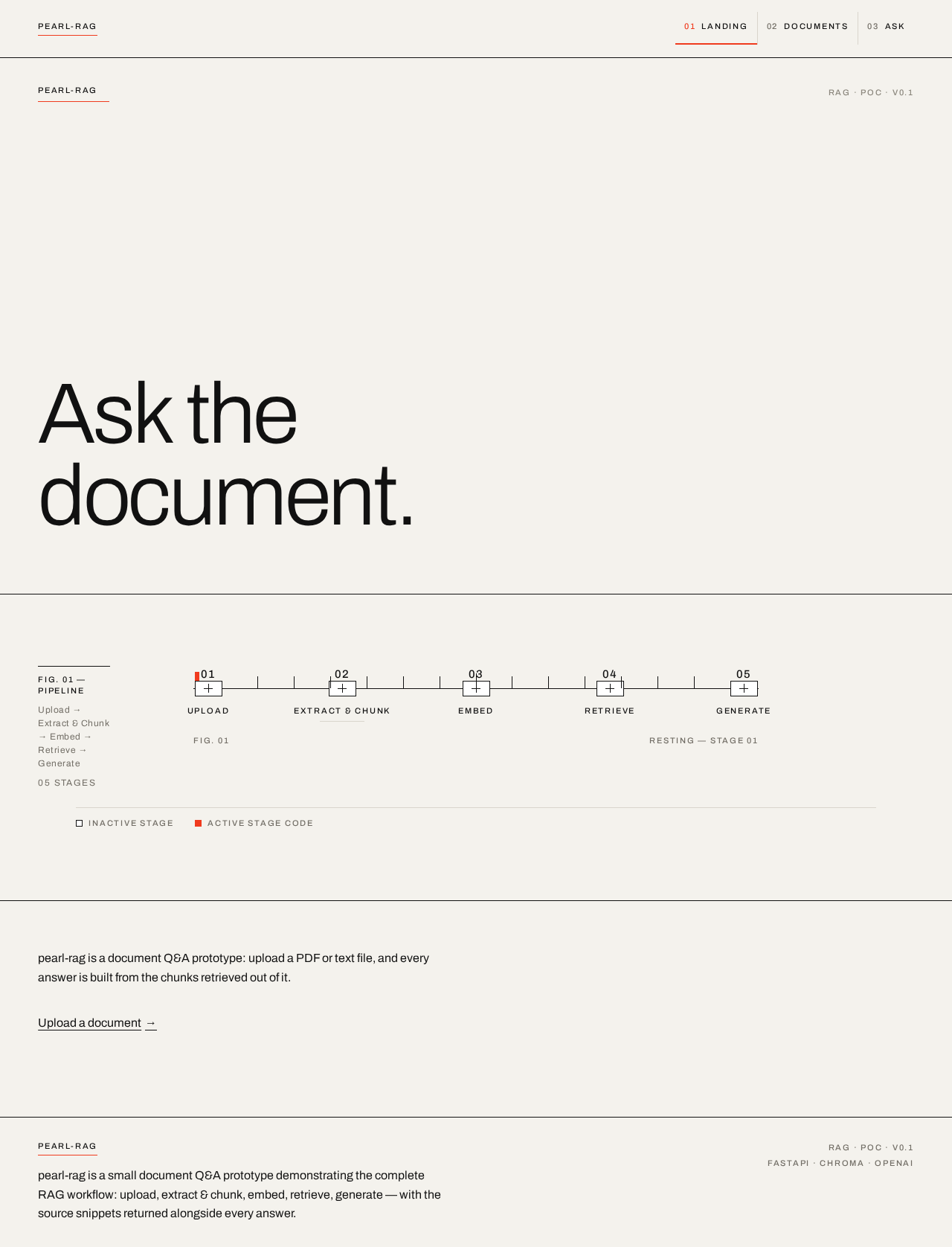
Ask thedocument.
Retrieval pipeline
pearl-rag is a document Q&A prototype: upload a PDF or text file, and every answer is built from the chunks retrieved out of it.
Upload a documentAsk thedocument.
Retrieval pipeline
pearl-rag is a document Q&A prototype: upload a PDF or text file, and every answer is built from the chunks retrieved out of it.
Upload a document
No comments yet. Be the first!