parking-memory-app
 Aslaliya Jagdishbhai
Build ParkBack, a premium mobile-first parking memory app for Android/iOS. Users can quickly save where they parked a car, bike, or rental vehicle and easily find it later. Design: modern, premium, calm automotive aesthetic. Deep teal #0F6B66, warm amber #F2A93B, success #2E8B57, light #FAFAF8, dark #14181A/#1E2426. Rounded cards, generous spacing, smooth 150–300ms animations, 48px+ touch targets, excellent accessibility, responsive mobile UI, system light/dark mode. Screens: Home, Save Parking, Active Parking, History, Privacy/Settings. Home empty: clear Save Parking CTA and short explanation. Active state: premium parking card showing saved time, location accuracy, floor/section/row/spot/landmark/photo, Navigate Back, Mark Found, Edit. Save Parking: request location only after user taps Save Parking, explain permission first, support GPS or manual entry, show accuracy warning if >30m, optional photo/note/floor/section/row/spot/landmark/reminder. History: reverse chronological records with date/time and thumbnails. Allow edit/delete. Mark Found moves active record to history. Privacy: explain data is stored locally, no tracking/ads/analytics/login, and provide Delete All Data with confirmation. Make all core flows functional, including permission denial, GPS unavailable, offline use, photo/reminder handling, loading/success/error states. Never use fake data, fake maps, placeholder buttons, or unnecessary permissions.


Comments (0)
Sign in to leave a comment
Architecture
No Services Diagrams Yet
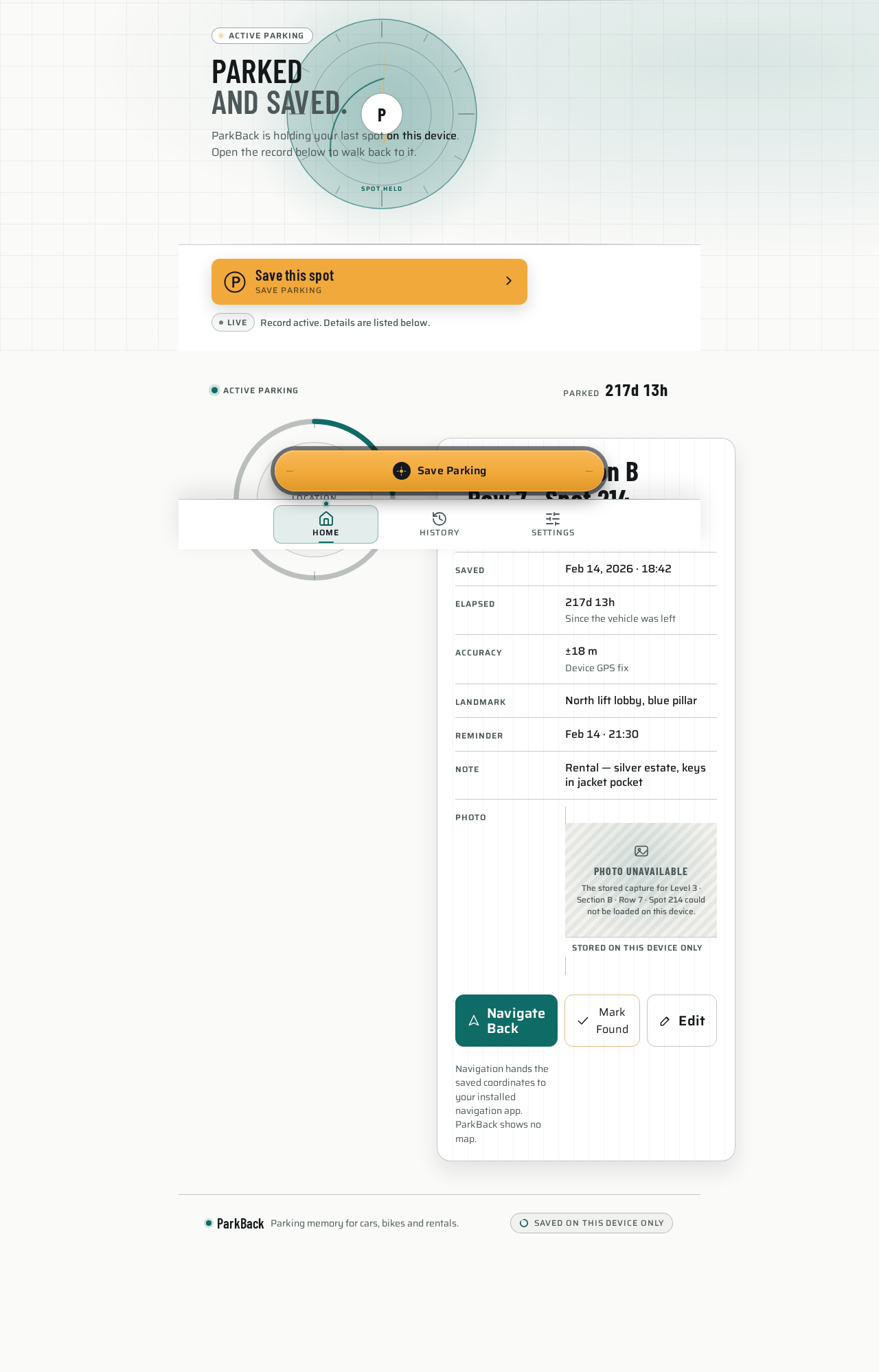
Parkedand saved.
ParkBack is holding your last spot on this device. Open the record below to walk back to it.
LiveRecord active. Details are listed below.
Active parking record
Level 3 · Section B · Row 7 · Spot 214
Navigation hands the saved coordinates to your installed navigation app. ParkBack shows no map.
Parkedand saved.
ParkBack is holding your last spot on this device. Open the record below to walk back to it.
LiveRecord active. Details are listed below.
Active parking record
Level 3 · Section B · Row 7 · Spot 214
Navigation hands the saved coordinates to your installed navigation app. ParkBack shows no map.
No comments yet. Be the first!