opal-cctv
 Ashraf Khan
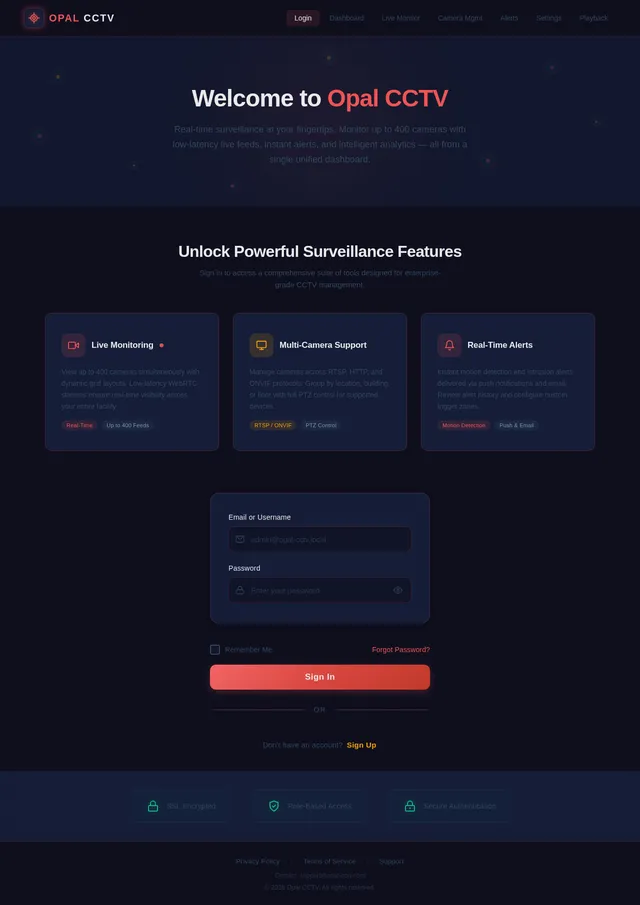
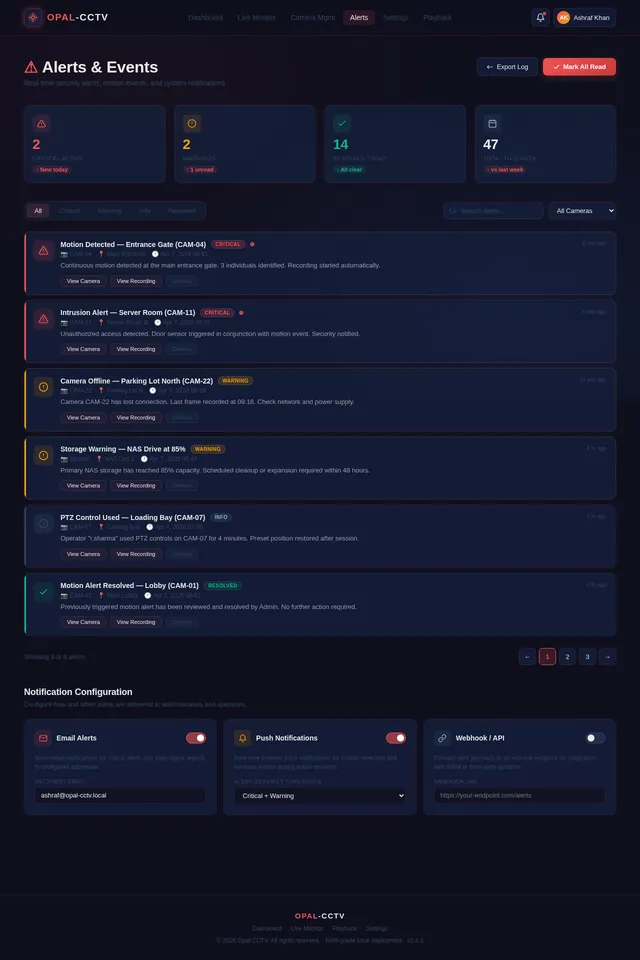
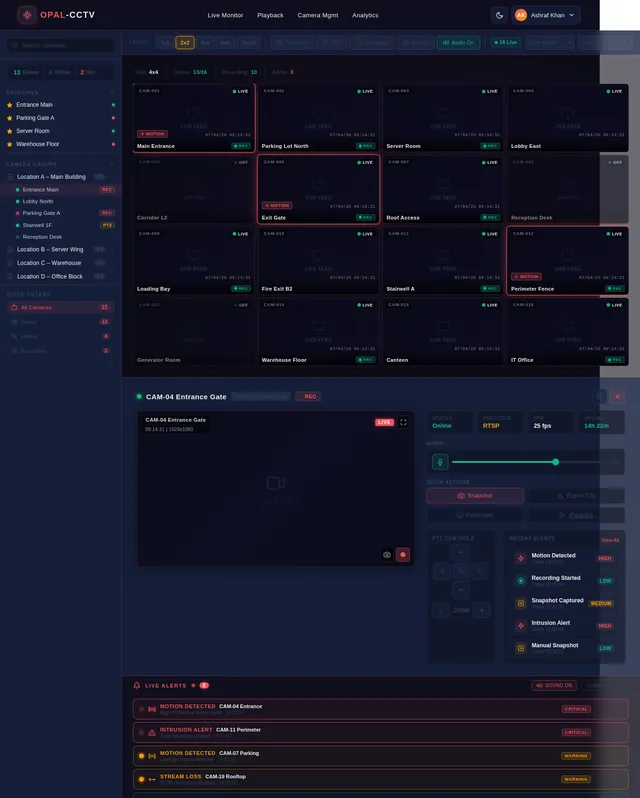
Build a complete, production-ready CCTV Video Management System (VMS) using React (with Vite) for the frontend. The system should be modular, scalable, and follow modern best practices (hooks, functional components, clean architecture). 🔧 Tech Stack React + Vite React Router Zustand or Redux Toolkit (state management) Tailwind CSS or Material UI WebRTC / HLS.js for video streaming Socket.io or WebSockets (real-time updates) Axios / Fetch API JWT Authentication 🔐 Authentication & User Management Login / Logout system Role-based access (Admin, Operator, Viewer) User management dashboard Password reset & session handling 📹 Live CCTV Monitoring Live camera grid view (1x1, 2x2, 4x4, 8x8 layouts) Add/remove cameras dynamically PTZ controls (Pan-Tilt-Zoom) Fullscreen mode Snapshot capture Audio toggle (if supported) 🎥 Video Playback System Timeline-based playback UI Date & time picker Playback controls (play, pause, fast-forward, rewind) Event-based playback (motion detection, alerts) Download/export recorded footage 📂 Camera Management Add/Edit/Delete cameras Support RTSP, HTTP, ONVIF streams Camera grouping (locations, buildings, floors) Camera status (online/offline) Thumbnail preview 🚨 Alerts & Events System Motion detection alerts Intrusion / AI detection (optional) Real-time notifications Alert history logs Email / push notification integration 🗺️ Smart Features Map view (show camera locations using Google Maps or Leaflet) Drag & drop camera placement Geo-based filtering 📊 Dashboard & Analytics System overview (total cameras, active streams, alerts) Usage stats Event analytics charts ⚙️ Settings & Configuration Storage settings Recording quality settings User preferences System health monitoring 🌐 UI/UX Requirements Responsive design (desktop-first) Dark/light theme Clean modern UI (like Hikvision / Dahua VMS) Sidebar navigation + topbar 🔄 Real-Time Features Live camera status updates Real-time alerts via WebSockets Multi-user synchronization 🔌 API Integration Use mock APIs or Node.js backend Structure API services cleanly Handle loading, error, retry states 📁 Project Structure Feature-based folder structure Reusable components Custom hooks Services layer for API calls 🧪 Additional Features (Advanced) Multi-screen support AI detection overlays (bounding boxes) Face recognition placeholder UI Cloud sync support Multi-language support (i18n) 🧱 Deliverables Full React Vite project code Component breakdown Routing setup State management setup Example mock data Instructions to run locally Ensure code is clean, well-commented, and production-ready.
Comments (0)
Sign in to leave a comment
No comments yet. Be the first!