omega-application
 Muhammad Sarmad Nadeem
hey i want to build application in flutter application will todo app now what will you create for me
Comments (0)
Sign in to leave a comment
Project Tasks16
Implement Mock Design Theme
As a user I want the app to reflect the Dynamic Task Flow Dashboard structure so that the interface matches the intended mock design with interactive task bubbles, drag-and-drop layout, and animated components identical to the mock pages. This task covers implementing the global theme (colors, typography, spacing, tokens) from the design system and removing any scaffold pages not needed in the final app. Must be completed before any page implementation tasks.
Task CRUD Backend API
As a user I want my task create, read, update, and delete actions to persist reliably so that changes made on Home, Task Form, and Task Detail pages are stored in SQLite locally and optionally synced to MySQL cloud via FastAPI endpoints. Provides API support for Task Form, Task Detail, and Home pages.
User Management Backend API
As an admin I want backend endpoints to list, retrieve, and update user records so that the User Management page can display real data and persist edits through the FastAPI admin API layer.
Align Colors And Theme
As a user I want the app to use the correct color palette (#F4F9F9 background, #FF6F61 accent, #B0BEC5 muted, #333333 text, #FFFFFF surface) so that all surfaces, text, accents, and muted elements consistently reflect the defined design system across every screen. Verify token application on all 9 designed pages.
Categories Backend API
As a user I want my task categories to be stored and retrieved from the backend so that category data is consistent across sessions and synced to cloud state via dedicated FastAPI category endpoints. Provides API support for the Categories page.
Cloud Sync Backend API
As a user I want my local SQLite data to optionally sync with the MySQL cloud database so that my tasks are accessible across multiple devices and the admin can configure and monitor sync state through the Sync Settings page. Implements FastAPI sync endpoints and Alembic migrations.
Build Splash Page
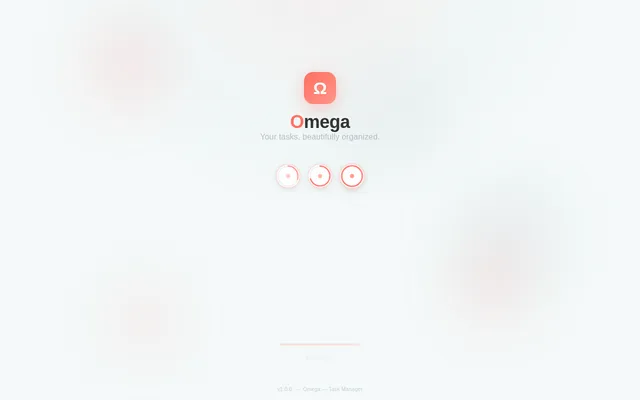
As a user I want to see an animated splash screen on app launch so that the app feels polished and branded while initial resources and authentication state are loaded before navigation to Home or Login. Implement based on the existing Splash (v2) JSX design — AnimatedBackground, BrandMark, Tagline, FloatingBubblePreview, LoadingIndicator, and VersionBadge sections are already designed. Entry point of the General User flow.
Build Login Page
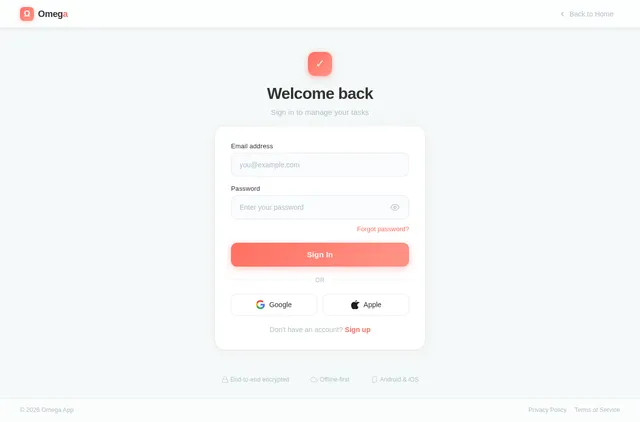
As a user I want to log in with my credentials so that I can securely access my personal tasks, categories, and synced data without exposing them to unauthorized users. Implement based on the existing Login (v2) JSX design. Connects to the existing authentication backend. Navigated to from Splash when user is not authenticated.
Offline Storage Sync Logic
As a user I want my tasks to remain fully functional without an internet connection so that I can create, edit, and delete tasks offline with changes automatically queued and merged into the cloud database once connectivity is restored. Implements SQLite-first strategy with conflict resolution.
Build Home Page
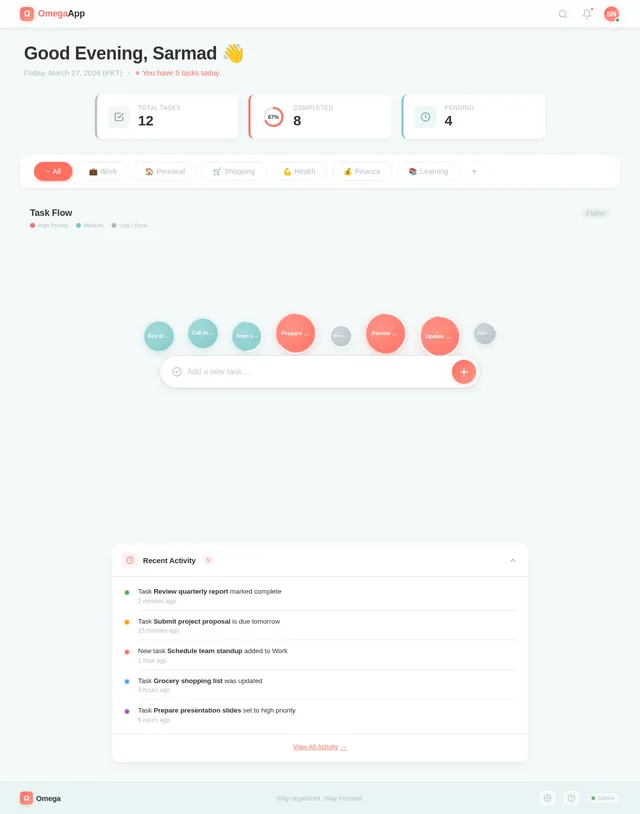
As a user I want to view and create tasks on the home screen so that I can interact with my task bubbles, drag to reorder, track progress visually, and experience the time-of-day gradient background. Implement based on the existing Home (v2) JSX design — TopBar, WelcomeBanner, ProgressSummary, CategoryBar, TaskBubbleCanvas, QuickAddBar, RecentActivity, and Footer sections are already designed. Navigated to from Splash (authenticated) or after Login.
Build Dashboard Page
As an admin I want to view an overview of all users and monitor task activity so that I can track system usage and manage the platform from a centralized admin dashboard. Implement based on the existing Dashboard (v2) JSX design — TopBar, Sidebar, WelcomeBanner, StatsOverview, TaskBubbleCanvas, TaskListPanel, CategoryOrganizer, ProgressSummary, QuickAddBar, and Footer sections are already designed. Navigated to after Login (admin role). Links to User Management and Sync Settings.
Build Task Form Page
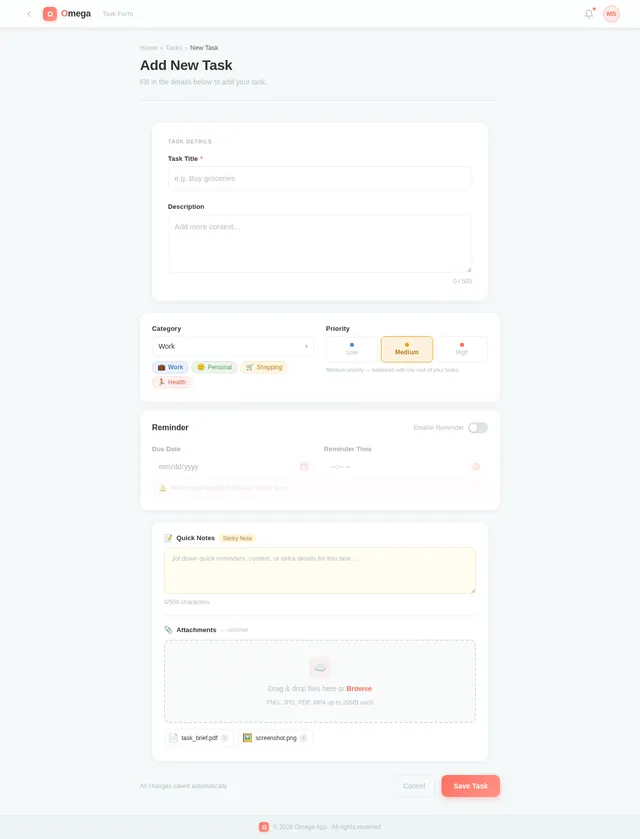
As a user I want to fill in task details including title, category, priority, optional reminder, and due date so that I can create or edit a task with all required attributes before saving. Implement based on the existing Task Form (v2) JSX design — TopBar, FormHeader, CoreDetailsForm, CategoryPriorityRow, ReminderDateTimeRow, AttachmentsNotes, FormActions, and Footer sections are already designed. Navigated to from Home (Create Task) and Task Detail (Edit Task).
Build Task Detail Page
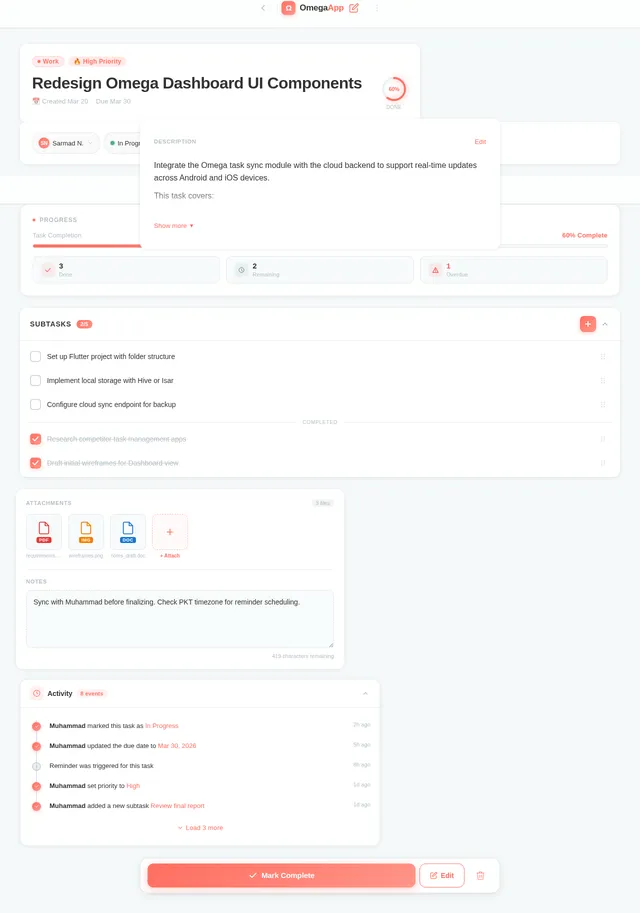
As a user I want to view full task details and access edit or delete actions so that I can manage individual tasks, mark them complete, and navigate to the Task Form for edits or confirm deletion. Implement based on the existing Task Detail (v2) JSX design. Navigated to from Home (Browse Tasks). Links back to Task Form (edit) and Home (delete/back).
Build Categories Page
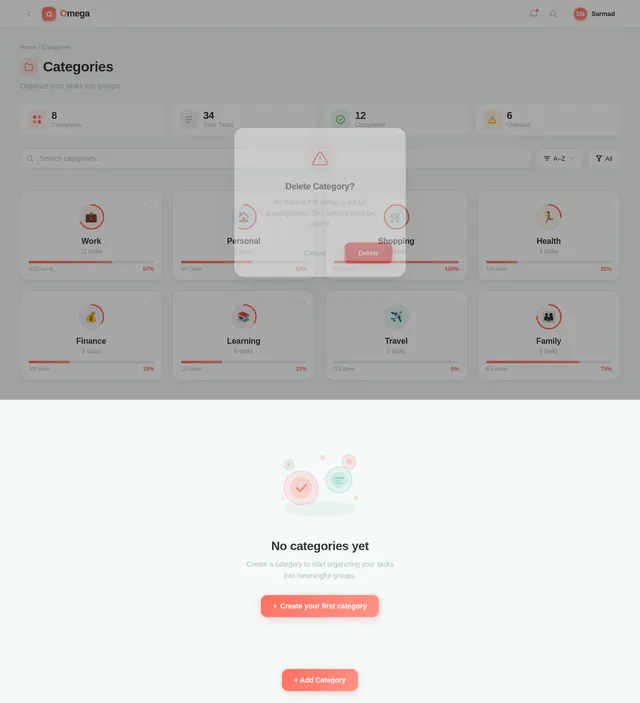
As a user I want to organize my tasks into categories so that I can browse, create, rename, and assign categories to keep my task list structured and easy to navigate. Implement based on the existing Categories (v2) JSX design — TopBar, PageHeader, CategoryStatsBar, SearchFilterBar, CategoryGrid, EmptyState, AddEditCategoryModal, DeleteConfirmationModal, and FAB sections are already designed. Navigated to from Home (Browse Tasks).
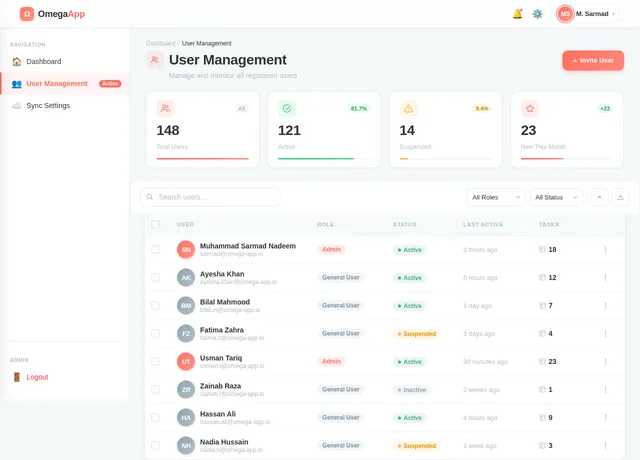
Build User Management Page
As an admin I want to view and edit user accounts so that I can manage registered users, update their information, and control access within the platform. Implement based on the existing User Management (v2) JSX design. Navigated to from Dashboard. Depends on User Management Backend API.
Build Sync Settings Page
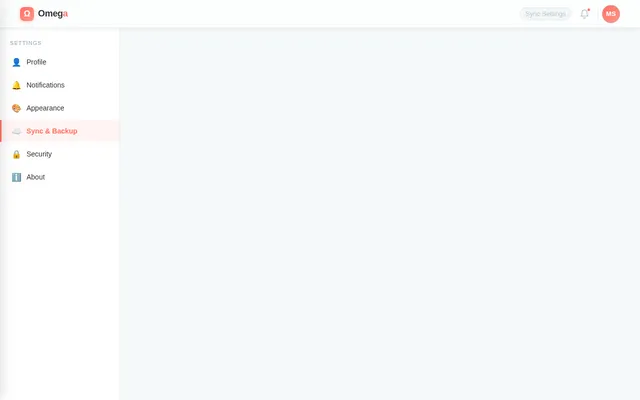
As an admin I want to configure cloud sync options and manage backups so that I can control how user data is replicated to MySQL cloud storage and ensure data integrity across devices. Implement based on the existing Sync Settings (v2) JSX design. Navigated to from Dashboard. Depends on Cloud Sync Backend API.
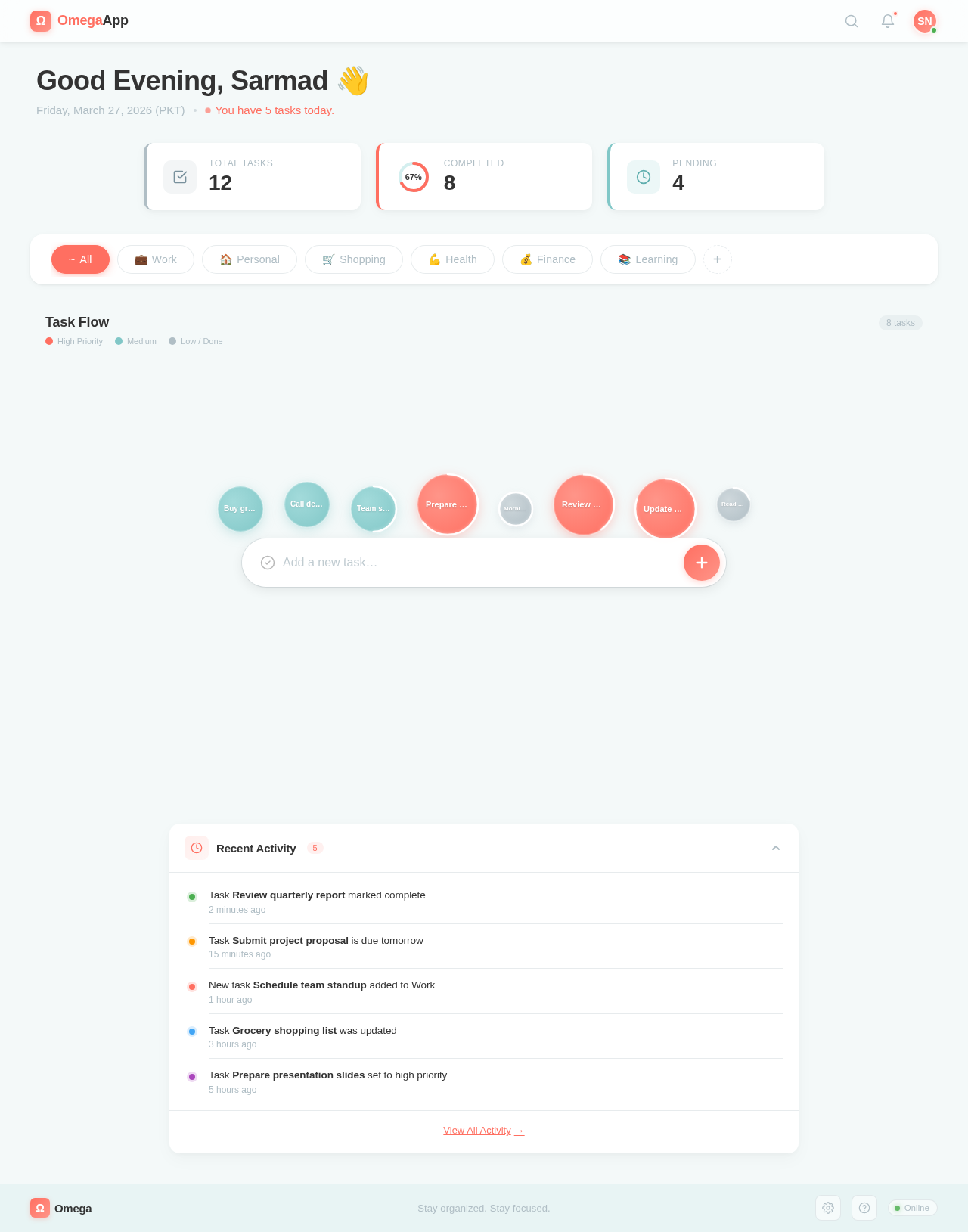
Good Afternoon, Sarmad 👋
Saturday, July 11, 2026 (PKT)
You have 5 tasks today.
No comments yet. Be the first!